[No Power / Failed Power Adapter]
The router or networking device shows no power LEDs after being connected. GigaFast documentation identifies either the external power adapter or the hardware itself as the likely failure.

Acme Revival is an independent repair network that operates separately from the manufacturers whose devices we service. Our independence enables a repair model that exists beyond manufacturer-controlled strategies, while preserving the ability to work with manufacturers where appropriate.
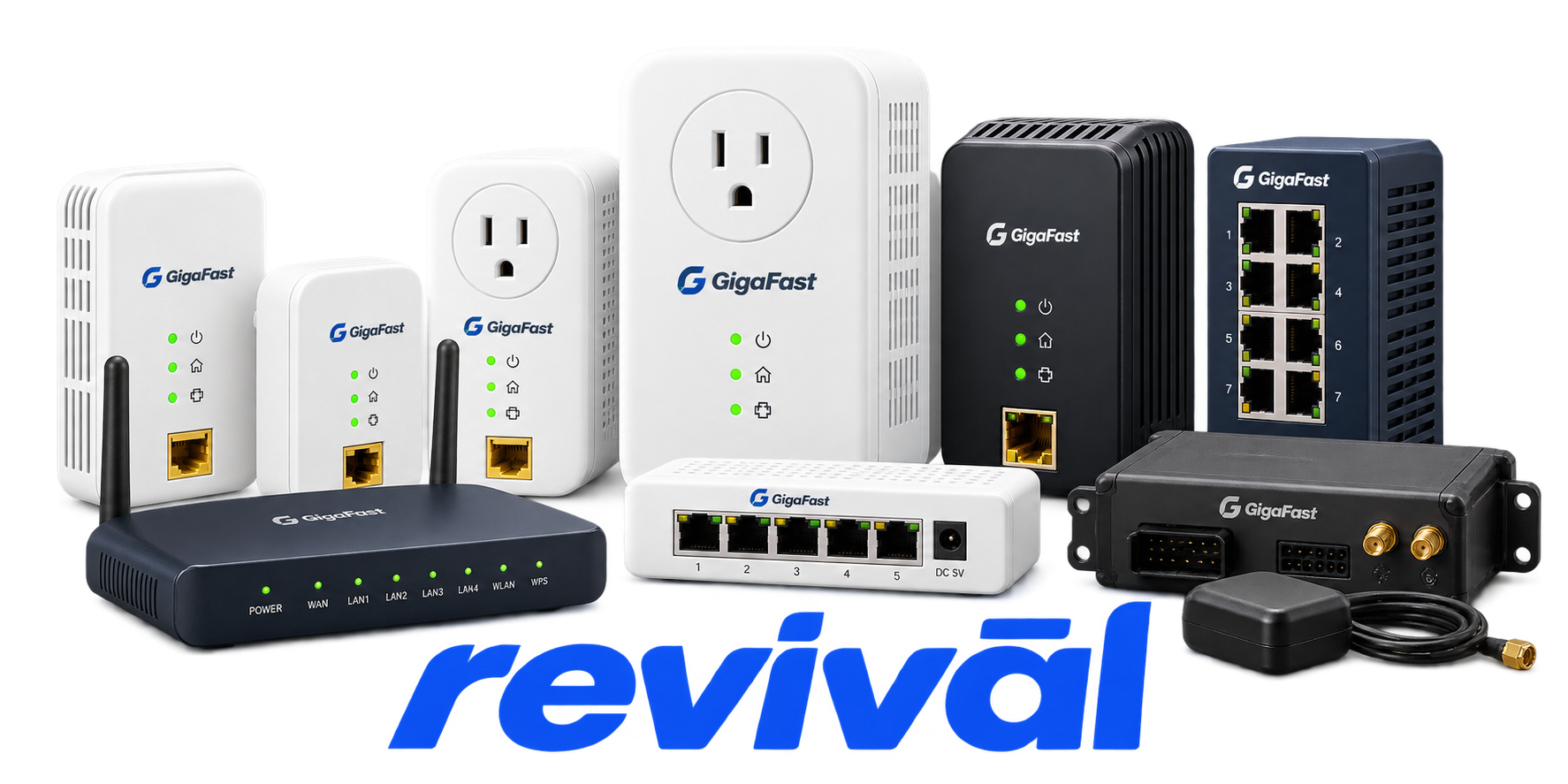
GigaFast Ethernet is a Taiwan-based OEM/ODM electronics engineering and manufacturing company specializing historically in networking and powerline communication (PLC) equipment. It designs and manufactures products such as Ethernet/powerline bridges, HomePlug and HD-PLC networking devices, industrial Ethernet/PLC solutions, network switches, and customized communications hardware. More recently, its engineering and manufacturing capabilities have expanded into industrial and automotive electronics, including vehicle telematics, IoT hardware, and wireless-charging solutions. GigaFast provides mechanical, PCB-layout, and electrical engineering along with procurement, testing, prototyping and production services. The company says global telecom providers account for roughly 90% of its business, with Taiwan used for prototypes and smaller production runs and Jiangxi, China used for mass production.
The router or networking device shows no power LEDs after being connected. GigaFast documentation identifies either the external power adapter or the hardware itself as the likely failure.
The router or switch periodically loses network connectivity and requires a power cycle to recover. This behavior has been reported on EE400-R routers and EZ800-S switches, in some cases progressing from occasional outages to complete failure.
An Ethernet port fails to establish a link, leaving its link LED off despite a connected device. Possible causes include a failed port or interface, although cables and the attached network adapter must first be excluded.
The switch establishes a connection but drops a substantial portion of network traffic. Reports involving the EE500-S describe repeated ping timeouts even though local connections through the switch remain operational.
A 10/100 switch may negotiate an unexpectedly low speed, fail at 100 Mbps, or exhibit unstable communication because of duplex or compatibility problems. EZ500-S, EZ800-S, and EE500-S documentation/reports contain examples of speed and duplex-related connectivity issues.
The switch can become unstable or stop functioning when cooling of its switching chipset is compromised. One documented EZ800-S failure was traced to its chipset heatsink coming loose, allowing the chip to overheat.
The device powers up and may establish local Ethernet links but connected computers cannot reach the Internet or other expected network destinations. This symptom appears in GigaFast router and HomePlug troubleshooting documentation.
Internet browsing works, but games, hosted services, VPNs, or other applications requiring specific inbound connections fail. EE400-R documentation and user reports describe problems involving application compatibility, VPN ports, and virtual-server/port-forwarding behavior.
HomePlug adapters fail to establish a powerline connection, indicated by an absent powerline/network LED or inability to communicate with other adapters. GigaFast documentation notes outlet conditions, electrical noise, network configuration, and adapter faults as potential causes.
Connect with a technician.

Orders can typically be cancelled 24 hours prior to shipping
Get a real-time offer. Enter the make and model to begin.
Acme offers several ways to pay your service or repair balance.
Securely powered by 
This service is provided by Community Federal Savings Bank (“CFSB”), member FDIC, for which GoCardless Ltd acts as a third-party servicer.
Payable to ACME REVIVAL INC, write GigaFast in memo line, and mail your check to: 191 University Blvd. Suite 340, Denver, CO 80206. Payment are collected every weekday excluding federal holidays.


