
Framework

Repair, Service, and Parts

Framework repair, service, and parts

Acme Revival is an independent repair network that operates separately from the manufacturers whose devices we service. Our independence enables a repair model that exists beyond manufacturer-controlled strategies, while preserving the ability to work with manufacturers where appropriate.

Pingzhen District, Taoyuan City, Taiwan
Manuf. Location
≈ US $33M
Annual Revenue (est)
Personal Computing
End Use Segment

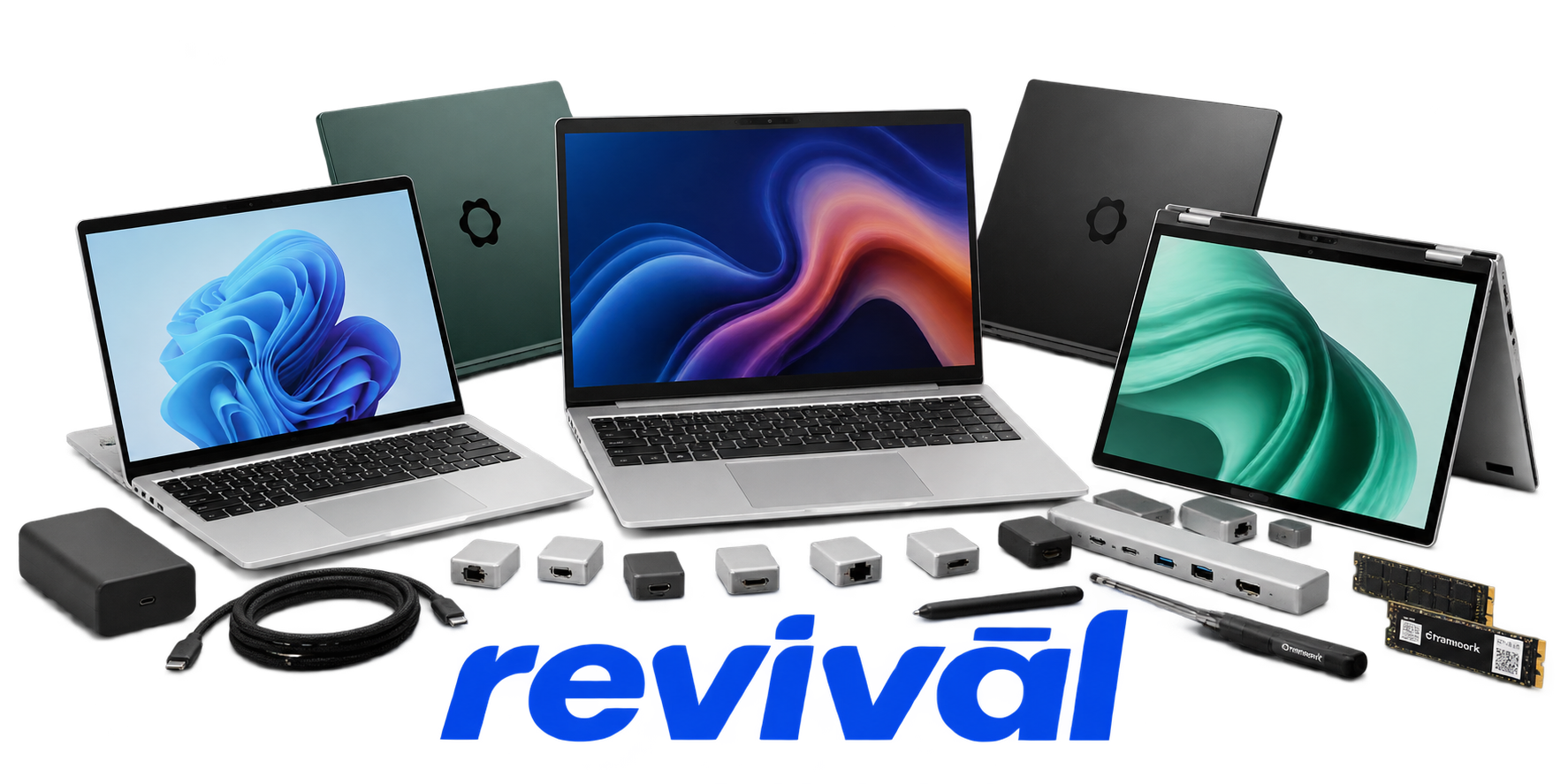
Framework Computer Inc. is a consumer-computing manufacturer focused on repairable, modular, and upgradeable computers. It is best known for the Framework Laptop family, particularly the Framework Laptop 13 and Laptop 16, which are designed so owners can replace or upgrade major components such as mainboards, memory, storage, displays, batteries, keyboards, ports, and—in supported models—graphics modules. The company has since expanded into the Framework Laptop 12 convertible and Framework Desktop. Its distinguishing approach is long product life, user-serviceability, replaceable modules, published repair guidance, and reuse of components across generations rather than treating the computer as a sealed disposable product. Framework says most of its manufacturing occurs in Taiwan; its laptops, mainboards, Framework Desktop, and some modules are manufactured there, while certain peripheral modules are produced in other Asian countries. Framework

2 Most Seen Failures:

USB-C / Expansion Port Failure

Framework Laptop 13 and 16 systems are repeatedly reported with individual USB-C or expansion-bay ports losing charging, data, or DisplayPort functionality. Failures can affect one port or orientation while other ports continue working, sometimes requiring mainboard replacement.


Mainboard No-Power / No-Boot Failure

Mainboards can develop a condition where the laptop will not power on, POST, or produce video despite charge indicators or keyboard lighting. Reported cases include completely dead boards, intermittent booting, and boards requiring replacement after troubleshooting.

Loose or Failing Display Hinges

Framework Laptop 13 hinges, especially earlier generations, commonly become weak, loose, or unable to hold the display angle. Some replacement hinges have also been reported to loosen again after extended use.

Display Black Screen / Panel Failure

Framework laptops are reported with black screens, intermittent video, developing lines, flickering, or complete internal-panel failure while the rest of the computer remains operational. Causes include failed panels, display connections, and occasionally mainboard-side display circuitry.

Keyboard / Touchpad / Input Cover Failure

Individual keyboard keys, the touchpad, fingerprint reader, or multiple input devices can stop responding intermittently or permanently. Input-cover cables, touchpad modules, keyboard assemblies, and fingerprint/power-button hardware are recurring replacement items.

RTC Battery / Power-On Failure

Early 11th Gen Intel Framework Laptop 13 mainboards are particularly associated with RTC coin-cell degradation or discharge that prevents normal power-on after the laptop sits unplugged. Affected machines may only start after AC power is connected or after the RTC battery is recharged or replaced.

Battery Capacity Degradation / Charging Failure

Owners report batteries that lose substantial usable capacity, stop charging reliably, or discharge unexpectedly despite being connected to power. Charging faults can overlap with USB-C power-delivery, embedded-controller, or mainboard problems.

Cooling Fan Grinding / Fan Failure

Framework Laptop cooling fans are reported to develop grinding, rattling, scraping, or abnormal noise as the fan assembly wears or contacts surrounding components. Severe cases require replacement of the fan or heatsink/fan assembly to restore reliable cooling.

Chassis / Top-Cover Structural Damage

The relatively thin aluminum chassis and display cover can develop bending, cracks, broken screw mounts, or excessive flex around hinges, keyboard mounting points, and expansion-card openings. Structural wear can contribute to display wobble, hinge problems, and poor input-cover fit.

1 Acme Revival offers repair, service, and part rebuild opportunities for most Framework devices.

Connect with a technician.

  1. 1 Repairs are performed on a best-effort basis. Acme Revival utilizes a network of sophisticated technicians and engineers with diverse service offerings; despite this, factors that influence the repair outcome may ultimately prove unsuccessful. Acme Revival makes no claim that it can, guarantee a repair before your device is sent in for diagnostic evaluation; even then, repair and diagnostic work are not mutually exclusive. Despite well-intentioned quoting, repairs may still prove unsuccessful.
  2. 2 Per information known, researched and collected by Acme Revival and its systems at time of page publishing (October 2, 2026).
  3. *Information regarding this manufacturer/brand/organization is estimated with information collected and known to Acme Revival. This information is intended to provide insights into the spotlight entity, however may not be accurate— information is strictly of estimate nature only.
  4. **The model list shown here may not be an all-inclusive list of the EcoFlow product range. Model list has been derived per information known, researched and collected by Acme Revival and its systems for the US market.

