
faytech

Repair, Service, and Parts

faytech repair, service, and parts

Acme Revival is an independent repair network that operates separately from the manufacturers whose devices we service. Our independence enables a repair model that exists beyond manufacturer-controlled strategies, while preserving the ability to work with manufacturers where appropriate.

Shenzhen, Guangdong, China and Suining, Sichuan, China
Manuf. Location
≈ US $19M
Annual Revenue (est)
Industrial Touchscreens
End Use Segment

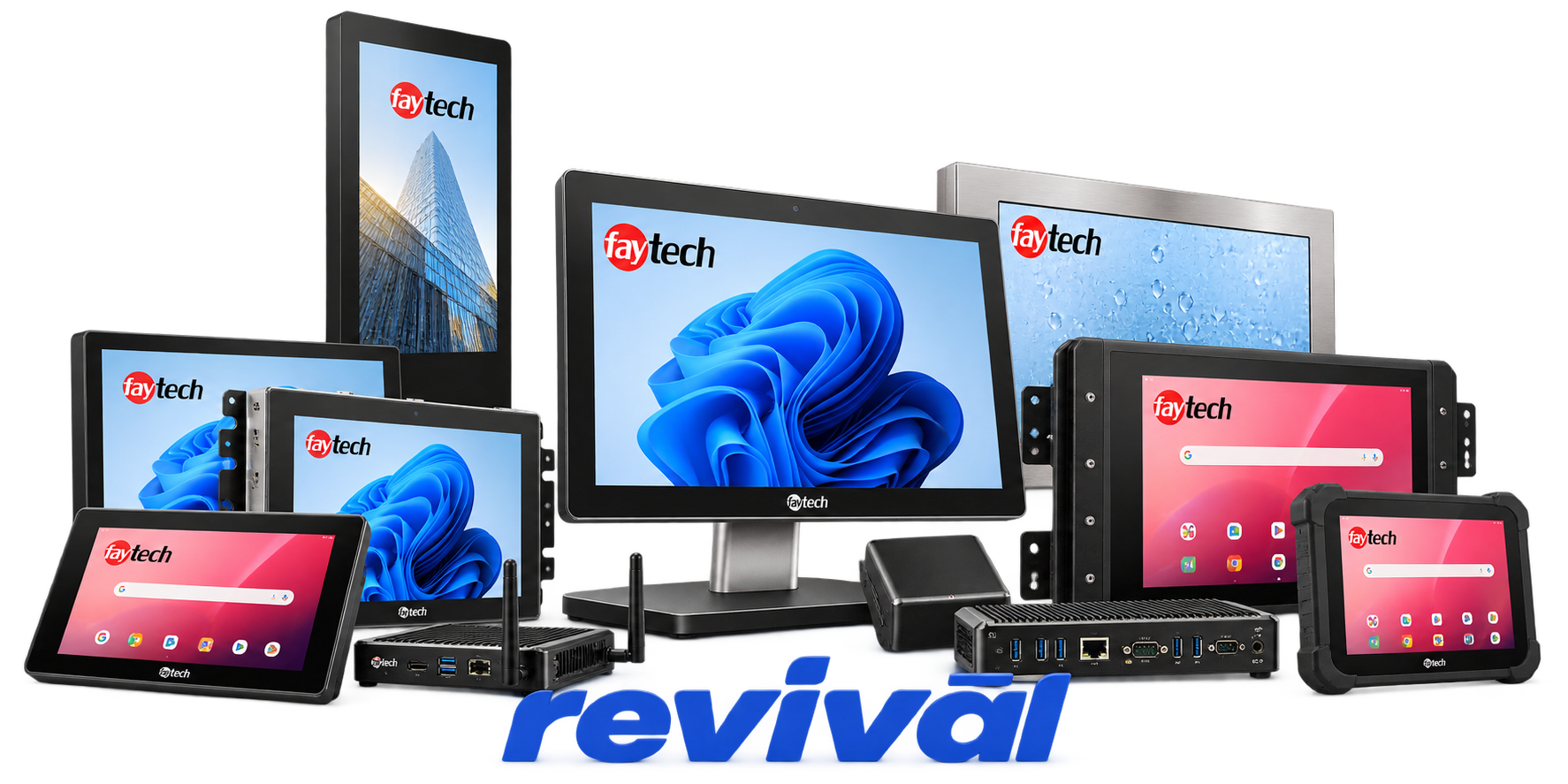
faytech AG is a German developer and manufacturer specializing in industrial touchscreen and interactive-display technology. Its product portfolio centers on capacitive and resistive touch monitors, touch PCs, touchscreen kits, industrial tablets, interactive whiteboards, digital-signage displays, and customized embedded display systems for industrial automation, point-of-sale/service, kiosks, education, transportation, and commercial applications. The company is particularly known for its in-house touchscreen-controller development, optical bonding, ruggedized IP-rated displays, high-brightness screens, custom cover glass and coatings, and highly configurable OEM/ODM touchscreen solutions. faytech became part of Pyramid AG in 2022; following the 2025–2026 restructuring, faytech AG is now more heavily focused on its European business and selected international key accounts.

2 Most Seen Failures:

Touchscreen Unresponsive or Intermittent

Touch input may stop responding completely or work only intermittently due to touchscreen controller faults, USB interface problems, damaged touch-sensor connections, or degraded touch hardware. Driver and cable checks are typically the first diagnostic steps before isolating the touch controller or panel.


Touchscreen Calibration Drift / Incorrect Touch Position

Touches may register offset from the intended location, become inaccurate near screen edges, or progressively lose alignment. Persistent errors after recalibration can indicate touch-panel deterioration, loose internal connections, physical damage, or interference affecting the touch sensor.

No Power / Dead Display

The monitor or touch PC may show no status LED, no image, and no response to the power button. Common hardware causes include failed external power supplies, damaged DC input circuitry, internal power-conversion faults, incorrect voltage, or polarity-related damage.

Display Flickering or Random Shutdown

The LCD may flicker, fluctuate in brightness, momentarily lose its image, or repeatedly power off. Insufficient or unstable power, deteriorating power circuitry, loose signal connections, thermal effects, and backlight-driver faults are common causes.

Backlight Dimming or Uneven Illumination

Displays may become noticeably darker, develop uneven brightness, or show localized dim areas after extended operation. Aging LED backlights, failing LED driver circuitry, thermal stress, or degradation within the LCD panel assembly are typical causes.

Black Screen / No Video Output

The unit may power on normally while the LCD remains black or fails to display the incoming video signal. Beyond source and resolution configuration issues, failures can involve the display controller, video-input circuitry, cable connectors, LCD interface electronics, or the panel itself.

Lines, Artifacts, or Distorted Image

Horizontal or vertical lines, unstable images, visual noise, color distortion, or other artifacts can develop on the screen. Likely hardware causes include failing LCD panels, damaged display interconnects, signal-processing circuitry faults, unstable power rails, or electrical interference.

Dead or Stuck Pixels / Panel Defects

Individual pixels may remain permanently dark, bright, or fixed at one color, while larger panel defects can produce spots or nonuniform areas. These symptoms generally indicate physical LCD pixel or panel-level failure and normally require panel replacement rather than adjustment.

Touchscreen Ghost Touches / Erratic Input

The touchscreen may generate unintended presses, unstable cursor movement, missed multi-touch gestures, or repeated false inputs. Contamination and electromagnetic interference can produce similar symptoms, but persistent faults can originate from a degrading capacitive sensor, touch-controller electronics, grounding issues, or damaged panel connections.

1 Acme Revival offers repair, service, and part rebuild opportunities for most faytech devices.

Connect with a technician.

  1. 1 Repairs are performed on a best-effort basis. Acme Revival utilizes a network of sophisticated technicians and engineers with diverse service offerings; despite this, factors that influence the repair outcome may ultimately prove unsuccessful. Acme Revival makes no claim that it can, guarantee a repair before your device is sent in for diagnostic evaluation; even then, repair and diagnostic work are not mutually exclusive. Despite well-intentioned quoting, repairs may still prove unsuccessful.
  2. 2 Per information known, researched and collected by Acme Revival and its systems at time of page publishing (October 2, 2026).
  3. *Information regarding this manufacturer/brand/organization is estimated with information collected and known to Acme Revival. This information is intended to provide insights into the spotlight entity, however may not be accurate— information is strictly of estimate nature only.
  4. **The model list shown here may not be an all-inclusive list of the EcoFlow product range. Model list has been derived per information known, researched and collected by Acme Revival and its systems for the US market.

