
EZ Dupe

Repair, Service, and Parts

EZ Dupe repair, service, and parts

Acme Revival is an independent repair network that operates separately from the manufacturers whose devices we service. Our independence enables a repair model that exists beyond manufacturer-controlled strategies, while preserving the ability to work with manufacturers where appropriate.

Tainan City, Taiwan
Manuf. Location
≈ US $38M
Annual Revenue (est)
Data Duplication
End Use Segment

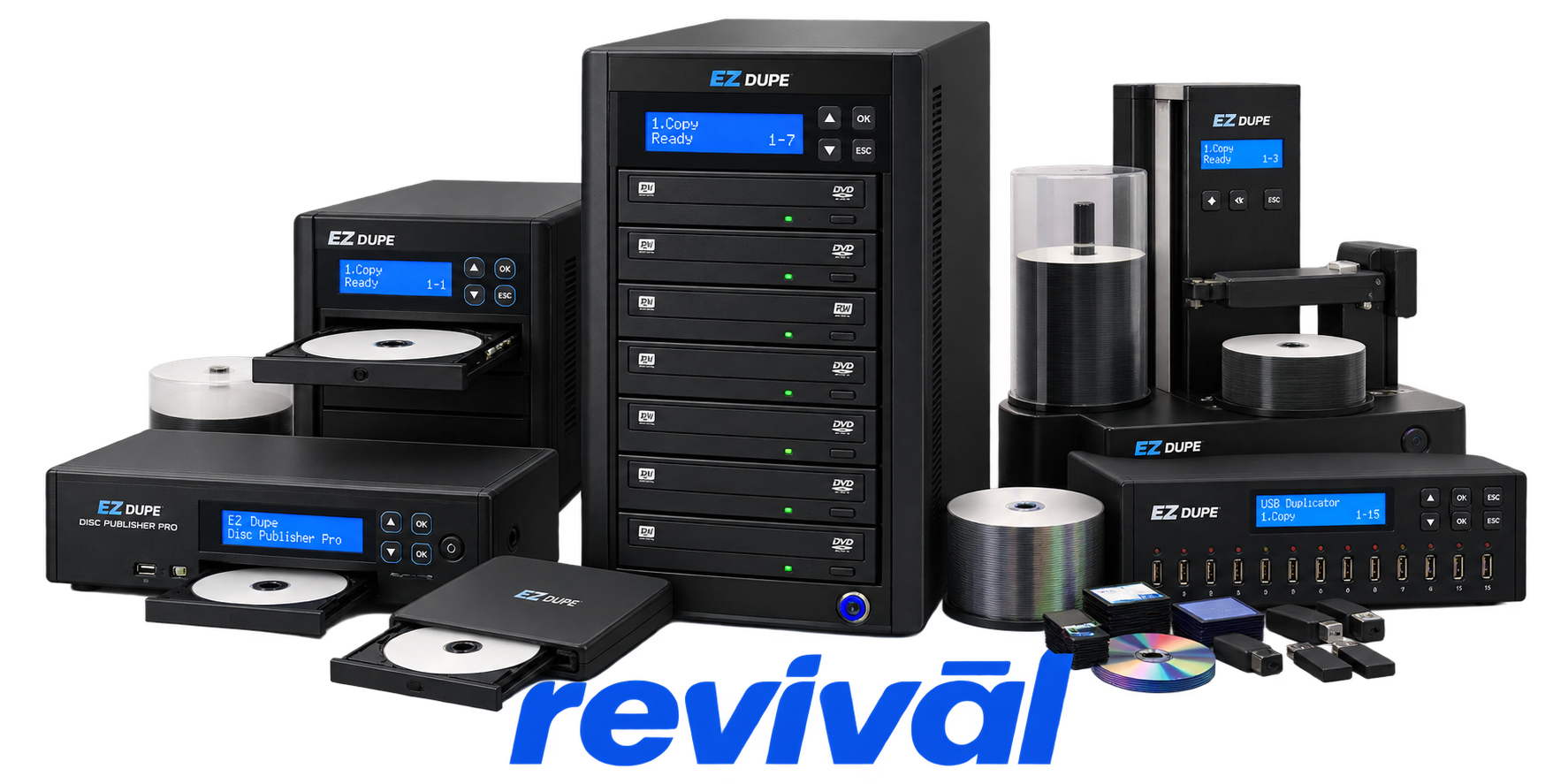
EZ Dupe is a Taiwanese/U.S.-market data-duplication equipment manufacturer specializing in standalone systems for copying, erasing, testing, and managing digital storage media. Founded in California in 1995, the company later established its Taiwanese R&D and manufacturing operation in Tainan. Its hardware portfolio includes HDD/SSD duplicators, NVMe duplicators, USB flash-drive duplicators, SD/microSD duplicators, CF/CFast duplicators, CD/DVD/Blu-ray duplicators, multimedia backup systems, and industrial duplication controllers. EZ Dupe serves applications ranging from IT departments and media production to electronics manufacturing, government, education, forensic/data-management environments, and high-volume storage-device production. The company is particularly known for standalone multi-target duplicators capable of simultaneously cloning large quantities of storage devices without requiring a host computer, with professional systems supporting functions such as data erasure, verification, device testing, and asynchronous duplication. EZ Dupe

2 Most Seen Failures:

Worn or Intermittent Media Ports

USB, SATA, SD/CF, or NVMe ports can develop poor electrical contact after repeated insertion cycles, causing devices to be detected intermittently or not at all. EZ Dupe specifically identifies long-term port wear as a cause of recognition problems and high copy-failure rates.


Media Device Not Recognized

The duplicator may fail to detect an HDD, SSD, NVMe drive, USB flash drive, or memory card even though the device works elsewhere. Individual-port failures commonly indicate poor connector contact, while widespread detection problems can involve compatibility, controller, or firmware issues.

High Duplication Failure Rate

Copies may repeatedly fail, produce red error indicators, or fail verification despite otherwise normal operation. Worn media connections and unstable interfaces are documented hardware-related causes, although defective or incompatible source/target media can produce the same symptom.

Optical Writer Drive Failure

DVD, CD, and Blu-ray duplicators can develop writer drives that stop recognizing blank media, fail to burn reliably, or cease responding. A defective optical drive can often be isolated when the same disc works normally in the duplicator's other drives.

Loose Internal Drive/Data Cable

Individual optical drives can disappear from the duplicator because their internal data connection has loosened. EZ Dupe identifies a loose data cable as one of the most common reasons an installed DVD drive is suddenly no longer detected.

No Power or Blank Display

The duplicator may show no display or response when switched on. Troubleshooting centers on the AC connection, power cord, voltage-selection setting, and power delivery, with persistent symptoms pointing toward an internal power-supply or power-path fault.

Copy Process Freezes or Locks Up

The duplicator can become unresponsive partway through a copy operation, requiring the process to be aborted or the machine power-cycled. Faulty source media can cause similar behavior, but persistent lockups across known-good media can indicate duplicator controller or firmware instability.

Front-Panel Button Failure

One or more control buttons may stop registering input even when the duplicator is idle. EZ Dupe's optical-duplicator documentation specifically identifies a faulty button as a possible cause when normal processing activity is ruled out.

Optical Drive Tray / Eject Failure

An optical drive may fail to open, leave its activity LED dark, or trap a disc inside the mechanism. EZ Dupe documents manual tray release procedures for stuck drives, while recurring failure after testing can indicate a defective drive mechanism or its associated connection.

1 Acme Revival offers repair, service, and part rebuild opportunities for most EZ Dupe devices.

Connect with a technician.

  1. 1 Repairs are performed on a best-effort basis. Acme Revival utilizes a network of sophisticated technicians and engineers with diverse service offerings; despite this, factors that influence the repair outcome may ultimately prove unsuccessful. Acme Revival makes no claim that it can, guarantee a repair before your device is sent in for diagnostic evaluation; even then, repair and diagnostic work are not mutually exclusive. Despite well-intentioned quoting, repairs may still prove unsuccessful.
  2. 2 Per information known, researched and collected by Acme Revival and its systems at time of page publishing (September 29, 2026).
  3. *Information regarding this manufacturer/brand/organization is estimated with information collected and known to Acme Revival. This information is intended to provide insights into the spotlight entity, however may not be accurate— information is strictly of estimate nature only.
  4. **The model list shown here may not be an all-inclusive list of the EcoFlow product range. Model list has been derived per information known, researched and collected by Acme Revival and its systems for the US market.

