Unintended Double-Clicking
A single physical click registers as two clicks, most often affecting the primary/top button. Evoluent specifically documents unintended double-click activation as a troubleshooting issue.

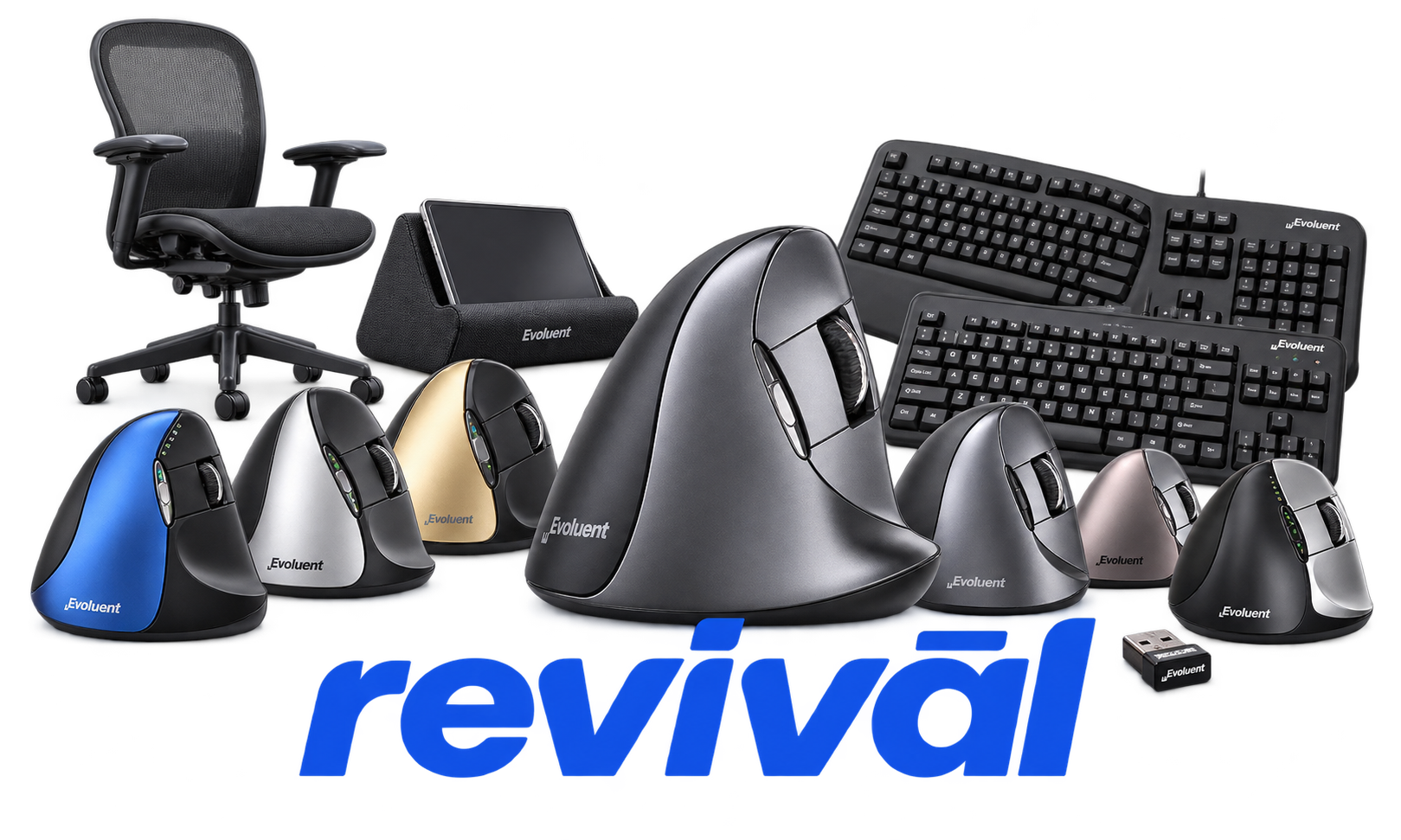
Acme Revival is an independent repair network that operates separately from the manufacturers whose devices we service. Our independence enables a repair model that exists beyond manufacturer-controlled strategies, while preserving the ability to work with manufacturers where appropriate.
Evoluent is a U.S. designer and marketer of ergonomic computer input devices, best known for creating the VerticalMouse, an ergonomic mouse that positions the hand in a more upright, neutral posture to reduce forearm twisting and improve comfort. Founder Jack Lo developed an early vertical-mouse prototype in the 1990s and brought the first production VerticalMouse to market in 2002 using an Asian contract manufacturer. Evoluent The company primarily produces wired, wireless, and Bluetooth vertical mice in different hand sizes and configurations, along with ergonomic keyboards and related computer-input accessories. Its core specialization is workplace ergonomics rather than broad consumer electronics, and the company markets the VerticalMouse particularly around wrist/forearm comfort and workplace wellness.
A single physical click registers as two clicks, most often affecting the primary/top button. Evoluent specifically documents unintended double-click activation as a troubleshooting issue.
The left/top click button becomes intermittent or stops responding entirely while other buttons may continue working. Multiple user and repair reports describe this failure, including repeated failures across separate Evoluent units.
The scroll wheel may stop scrolling correctly, fail to register middle-click/pan functions, or intermittently scroll in the wrong direction. Reports describe unstable scrolling that can cause pages to jump unexpectedly.
Pointer movement becomes jumpy, sluggish, excessively sensitive, imprecise, or intermittently unresponsive. Evoluent documents these symptoms across its troubleshooting guidance and recommends checking the tracking surface, settings, sensor, and connection.
Wireless models may stop communicating with their USB receiver, intermittently lose pointer response, or require receiver re-pairing. Signal interference, receiver pairing loss, and receiver-related connection problems are specifically covered by Evoluent's troubleshooting procedures.
Bluetooth VerticalMouse models may fail to connect reliably or repeatedly disconnect and reconnect. Connectivity can also become sluggish when the computer's Bluetooth/Wi-Fi antenna configuration provides inadequate reception.
Wireless models may exhibit rapid battery depletion, low-battery warnings, intermittent operation, or eventually stop functioning. Evoluent documents low-voltage behavior, while user reports include unusually rapid battery consumption preceding complete failure.
Wired models can develop an intermittent electrical connection in the USB cable, particularly near the point where the cable enters the mouse. Movement or bending of the damaged cable may cause the mouse to disconnect or stop working temporarily.
Extra buttons may stop performing their assigned functions, revert to defaults, or become effectively unusable when Mouse Manager fails or becomes incompatible. Evoluent documents conflicts with other mouse software and Windows updates, as well as model and operating-system compatibility limitations.
Connect with a technician.

Orders can typically be cancelled 24 hours prior to shipping
Get a real-time offer. Enter the make and model to begin.
Acme offers several ways to pay your service or repair balance.
Securely powered by 
This service is provided by Community Federal Savings Bank (“CFSB”), member FDIC, for which GoCardless Ltd acts as a third-party servicer.
Payable to ACME REVIVAL INC, write Evoluent in memo line, and mail your check to: 191 University Blvd. Suite 340, Denver, CO 80206. Payment are collected every weekday excluding federal holidays.


