
Epiphan

Repair, Service, and Parts

Epiphan repair, service, and parts

Acme Revival is an independent repair network that operates separately from the manufacturers whose devices we service. Our independence enables a repair model that exists beyond manufacturer-controlled strategies, while preserving the ability to work with manufacturers where appropriate.

Taiwan
Manuf. Location
≈ US $15M
Annual Revenue (est)
Professional AV
End Use Segment

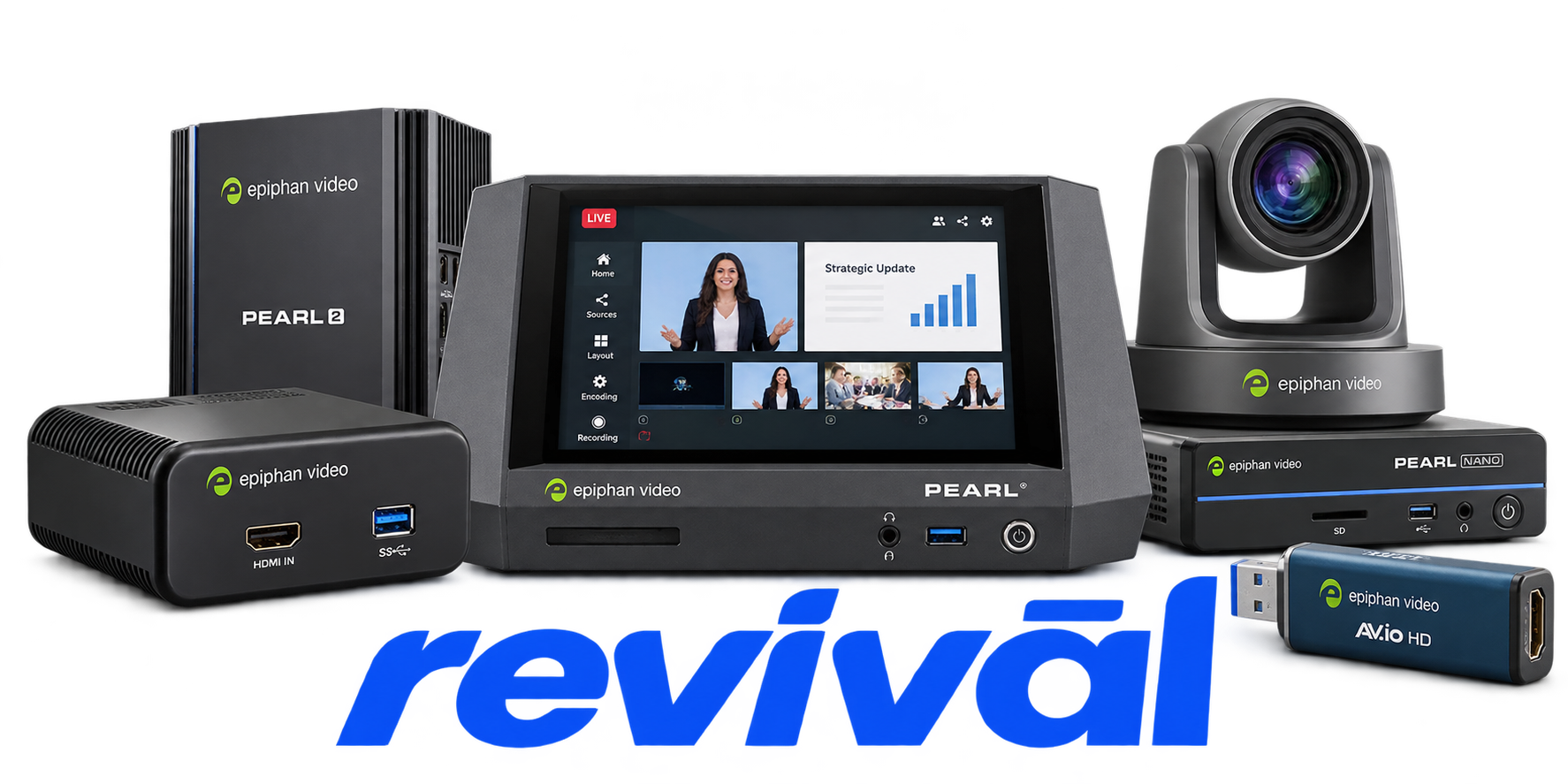
Epiphan Systems Inc., operating as Epiphan Video, is a privately held professional audiovisual technology manufacturer specializing in hardware and cloud solutions for capturing, encoding, recording, producing, and streaming high-resolution video. Its product portfolio includes the Pearl family of all-in-one video production, recording, and streaming appliances; AV.io and other USB video capture devices/frame grabbers; and associated cloud management services. Its equipment is used in live event production, lecture capture and education, corporate video, training, healthcare, worship, manufacturing, security, and other professional AV applications. Epiphan is particularly known for its Pearl video recording and streaming systems and plug-and-play video capture hardware, with integrations into platforms and control systems such as Panopto, Kaltura, Q-SYS, Crestron, and Extron.

2 Most Seen Failures:

Video Input / No-Signal Failure

Epiphan hardware may fail to detect or capture an attached HDMI, SDI, DVI, or VGA source, resulting in a blank image or "No signal detected" condition. Causes commonly include signal-format incompatibility, cabling/source issues, HDCP-protected HDMI, or input-detection problems.


USB Detection / Enumeration Failure

AV.io and DVI2USB capture devices may not be recognized by the host computer or may disappear after reconnects, sleep, boot, or firmware operations. Compatibility problems with particular USB host controllers, USB 2.0/3.0 connections, cables, and host operating systems are repeatedly documented.

Audio Loss / Audio Corruption

Captured audio may be completely absent or exhibit popping, clicking, distortion, or other artifacts. Epiphan documents these problems across Pearl and AV.io hardware, with causes including sample-rate settings, USB-controller or chipset compatibility, capture applications, and operating-system behavior.

Dropped Frames / Reduced Frame Rate

Capture or streaming hardware may deliver a lower frame rate than configured or intermittently drop frames. High system load, insufficient USB bandwidth, high encoding workloads, network limitations, particular USB controllers, and some input frame rates can trigger the problem.

Stream Interruption / Video Breakup

Pearl-family streams may stop, intermittently break up, or exhibit dropped video during transmission. Packet loss, insufficient network bandwidth, network configuration, excessive bitrate, and incompatible downstream equipment are documented contributors.

Recording / Storage Failure

Pearl-family systems may refuse to start a recording or encounter recording-related problems when storage capacity or storage availability is insufficient. File-format and media-player compatibility can also make otherwise completed recordings appear unusable or fail to play correctly.

Firmware Update Failure

Firmware upgrades can fail on Pearl and AV.io hardware, and an interrupted AV.io update can leave the capture device undetected until firmware recovery is performed. USB-controller incompatibilities, virtual machines, interruption during flashing, and other host conditions are documented causes.

Boot / Startup Failure

Some Epiphan hardware may fail to boot or start correctly after power-on. Pearl documentation identifies connected USB storage and, on some models, attached HDMI-output equipment as possible startup conflicts, while AV.io documentation identifies certain USB cable/host combinations that can prevent normal booting.

Resolution / Image Corruption Failure

Epiphan capture hardware can incorrectly detect input resolution or produce black, distorted, artifacted, frozen, or otherwise corrupted video. Documented triggers include application incompatibilities, USB host controllers, particular signal formats/frame rates, scaling configurations, and operating-system-specific issues.

1 Acme Revival offers repair, service, and part rebuild opportunities for most Epiphan devices.

Connect with a technician.

  1. 1 Repairs are performed on a best-effort basis. Acme Revival utilizes a network of sophisticated technicians and engineers with diverse service offerings; despite this, factors that influence the repair outcome may ultimately prove unsuccessful. Acme Revival makes no claim that it can, guarantee a repair before your device is sent in for diagnostic evaluation; even then, repair and diagnostic work are not mutually exclusive. Despite well-intentioned quoting, repairs may still prove unsuccessful.
  2. 2 Per information known, researched and collected by Acme Revival and its systems at time of page publishing (September 28, 2026).
  3. *Information regarding this manufacturer/brand/organization is estimated with information collected and known to Acme Revival. This information is intended to provide insights into the spotlight entity, however may not be accurate— information is strictly of estimate nature only.
  4. **The model list shown here may not be an all-inclusive list of the EcoFlow product range. Model list has been derived per information known, researched and collected by Acme Revival and its systems for the US market.

