
Elo

Repair, Service, and Parts

Elo repair, service, and parts

Acme Revival is an independent repair network that operates separately from the manufacturers whose devices we service. Our independence enables a repair model that exists beyond manufacturer-controlled strategies, while preserving the ability to work with manufacturers where appropriate.

Suzhou, Jiangsu, China
Manuf. Location
≈ US $400M
Annual Revenue (est)
Commercial touchscreens
End Use Segment

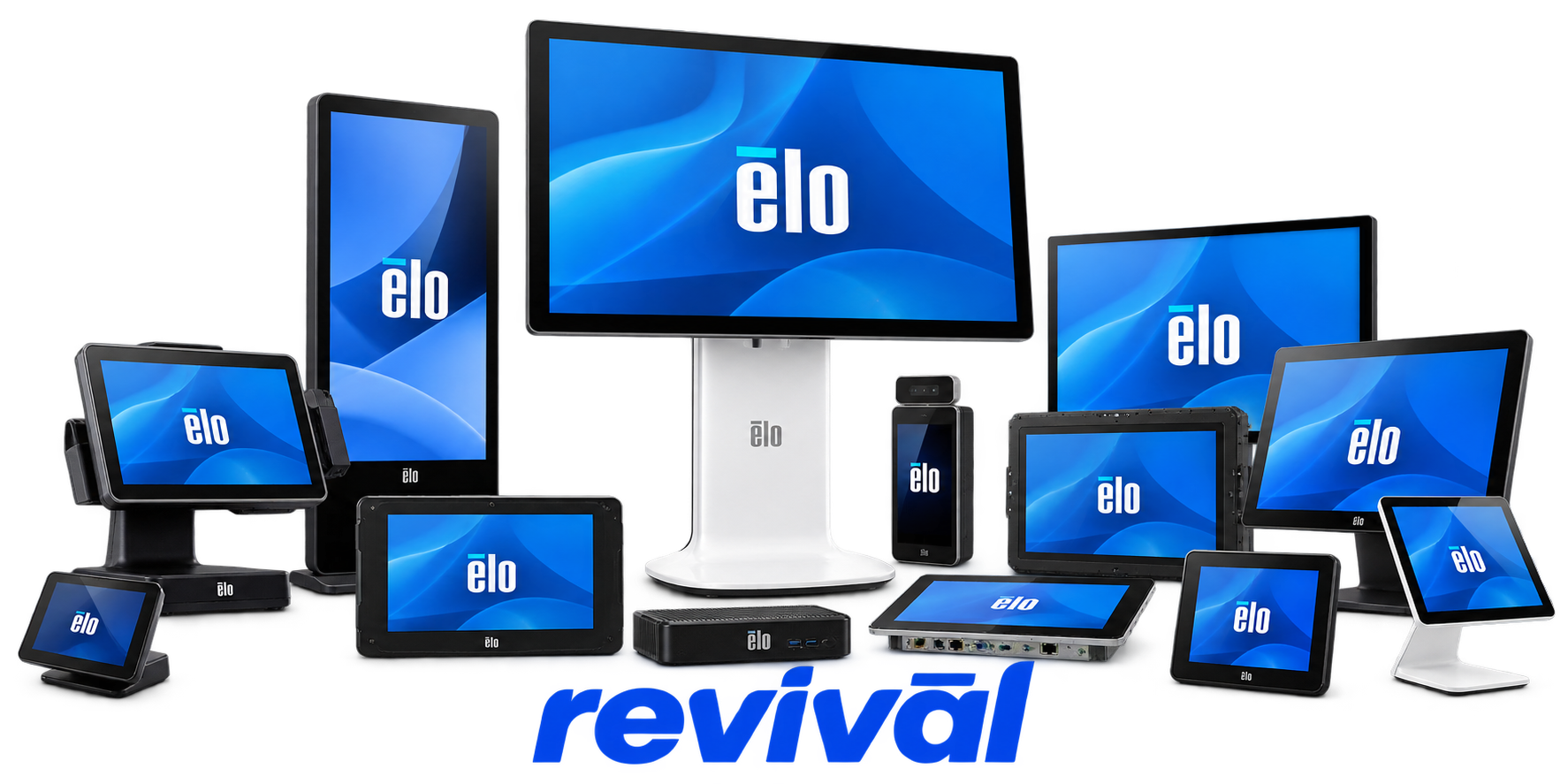
Elo Touch Solutions is a touchscreen and interactive-computing OEM specializing in commercial-grade touch displays, touchscreen computers, point-of-sale terminals, self-service and kiosk systems, interactive digital signage, mobile computers, medical-grade displays, open-frame monitors, and embedded touchscreen components. Its technology portfolio includes projected-capacitive, resistive, surface-acoustic-wave and other touch technologies, with significant in-house engineering of touchscreens, controllers, firmware and software. Elo products are widely deployed in retail, restaurants and QSRs, self-service kiosks, healthcare, gaming, industrial automation and other customer-facing commercial environments. The company is particularly known for durable touchscreen hardware, long commercial product lifecycles and its vertically integrated Suzhou touchscreen manufacturing operation. Elo became part of Zebra Technologies following completion of Zebra's acquisition on September 30, 2025.

2 Most Seen Failures:

No Touch Response

Touchscreen input stops working entirely even though the LCD may continue displaying normally. Common hardware causes include a failed touch controller, damaged USB/touch interface, internal cabling faults, or deterioration of the touchscreen sensor.


Dead Touch Zones

Sections, bands, edges, or individual areas of the touchscreen stop registering input while the remainder continues working. Sensor-layer damage, controller faults, damaged connections, or pressure/contamination around the screen perimeter are common causes.

Ghost / Phantom Touches

The touchscreen generates false presses, random cursor movement, or repeated inputs without being touched. Electrical interference, grounding problems, touchscreen-controller instability, sensor contamination, or failing touch electronics can produce this behavior.

No Power / Intermittent Power

The monitor or Elo all-in-one will not start, shuts off unexpectedly, or only powers up intermittently. Failed AC/DC adapters, damaged DC input connectors, power-board faults, internal power circuitry, or defective power buttons are typical hardware causes.

Blank Screen / Backlight Failure

The unit powers on and may show a normal status LED, but the LCD remains black or extremely dim. Failed LED backlighting, backlight-driver circuitry, LCD power circuits, internal display cabling, or the LCD panel itself may be responsible.

No Video / Distorted Display

The touchscreen monitor powers up but produces no picture, corrupted graphics, abnormal colors, lines, flickering, or an unstable image. Typical hardware faults include the LCD panel, display controller board, video-input circuitry, internal ribbon cables, or deteriorating display electronics.

USB / Touch Communication Failure

The display works but the host computer intermittently or permanently stops detecting the touchscreen or attached Elo peripherals. Failed USB ports, damaged internal USB connections, touch-controller electronics, connector wear, or cable-interface circuitry are common failure points.

Boot / Storage Failure

Elo I-Series and other touchscreen computers may fail to boot, display a “No Bootable Device” condition, freeze during startup, or repeatedly restart. Failed or degraded SSD/eMMC storage and associated motherboard or storage-interface circuitry are common hardware causes.

Touch Glass / Sensor Damage

Cracks, impact damage, delamination, edge damage, or deterioration of the touch sensor can cause inaccurate input, missing touch areas, or complete touch failure. The LCD can remain fully functional while the separate touchscreen assembly has failed.

1 Acme Revival offers repair, service, and part rebuild opportunities for most Elo devices.

Connect with a technician.

  1. 1 Repairs are performed on a best-effort basis. Acme Revival utilizes a network of sophisticated technicians and engineers with diverse service offerings; despite this, factors that influence the repair outcome may ultimately prove unsuccessful. Acme Revival makes no claim that it can, guarantee a repair before your device is sent in for diagnostic evaluation; even then, repair and diagnostic work are not mutually exclusive. Despite well-intentioned quoting, repairs may still prove unsuccessful.
  2. 2 Per information known, researched and collected by Acme Revival and its systems at time of page publishing (September 29, 2026).
  3. *Information regarding this manufacturer/brand/organization is estimated with information collected and known to Acme Revival. This information is intended to provide insights into the spotlight entity, however may not be accurate— information is strictly of estimate nature only.
  4. **The model list shown here may not be an all-inclusive list of the EcoFlow product range. Model list has been derived per information known, researched and collected by Acme Revival and its systems for the US market.

