
Ekahau

Repair, Service, and Parts

Ekahau repair, service, and parts

Acme Revival is an independent repair network that operates separately from the manufacturers whose devices we service. Our independence enables a repair model that exists beyond manufacturer-controlled strategies, while preserving the ability to work with manufacturers where appropriate.

Helsinki, Finland
Manuf. Location
≈ US $40M
Annual Revenue (est)
Wi-Fi Network Testing
End Use Segment

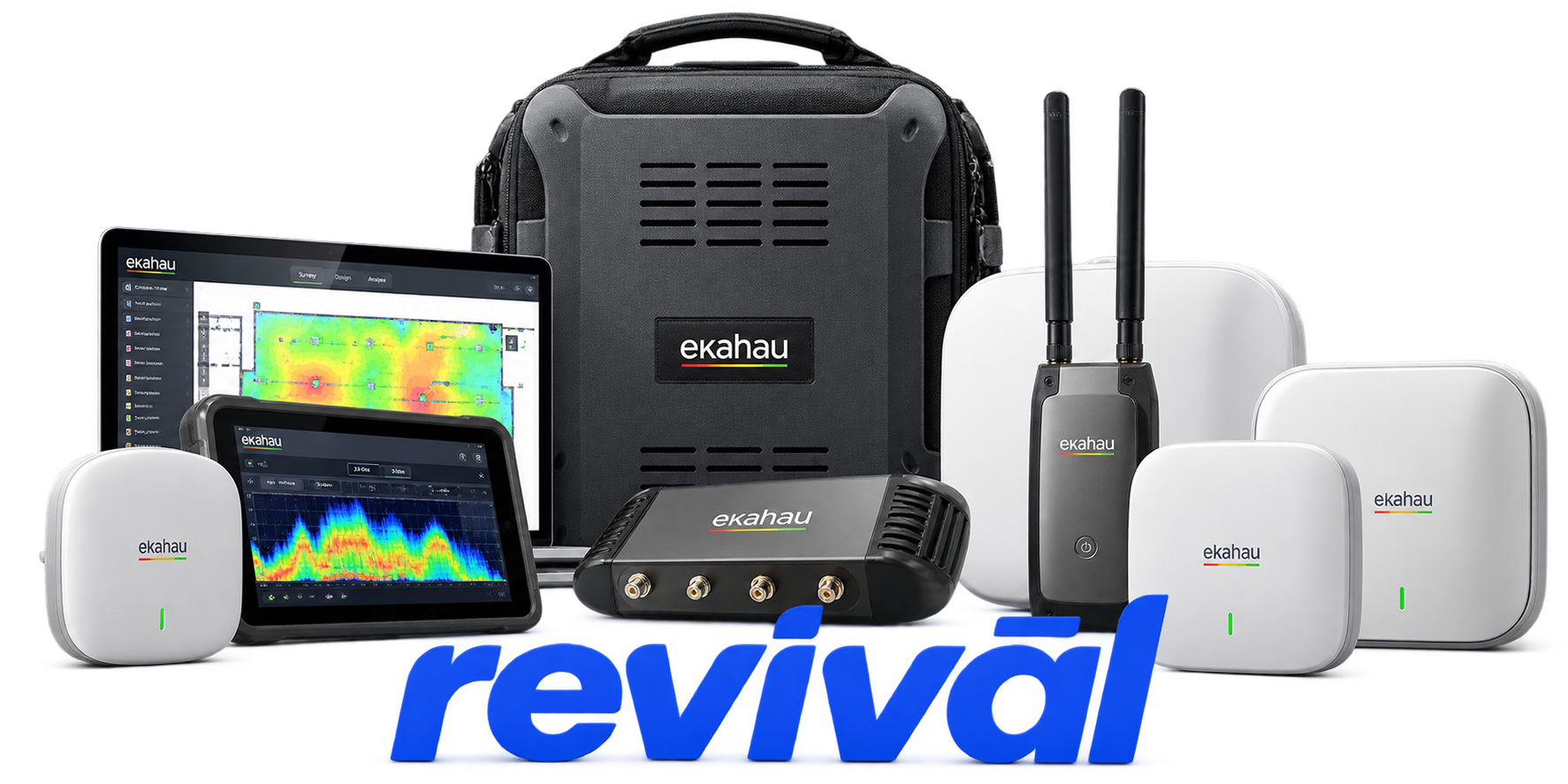
Ekahau is a Finnish-origin wireless networking technology OEM specializing in professional Wi-Fi design, site surveying, measurement, validation, optimization, and troubleshooting. Its best-known hardware is the Ekahau Sidekick/Sidekick 2, a purpose-built portable RF measurement platform incorporating multiple Wi-Fi radios, antennas, and a high-speed spectrum analyzer; the Sidekick 2 measures 2.4, 5, and 6 GHz networks. YouTube The hardware operates as part of a larger software ecosystem that includes Ekahau AI Pro, Survey, Analyzer, Cloud, Optimizer and related tools, allowing wireless engineers to predict access-point placement, perform physical site surveys, generate coverage heatmaps, detect RF interference, validate deployments and troubleshoot enterprise WLANs. Ahos Group Ekahau is particularly well known among enterprise network engineers, wireless consultants and system integrators for its professional Wi-Fi site-survey platform and standardized RF measurement hardware. Its roots and hardware engineering remain strongly associated with Finland, although its commercial operations are international.

2 Most Seen Failures:

Battery Failure / Will Not Hold Charge

Sidekick and Sidekick 2 units may develop batteries that charge poorly, discharge unusually quickly, or no longer retain enough energy to boot the device. Affected units may operate only while connected to external power or shut down immediately when unplugged.


USB-C Connection Failure

The Sidekick 2 may power up normally but fail to establish a data connection with a laptop, iPad, or smartphone. Symptoms include a persistent blue status indicator, intermittent detection, or the device appearing at the operating-system level while remaining unavailable to Ekahau software.

Boot Failure / Startup Loop

Units may begin the normal multicolor startup sequence but never complete initialization, eventually shutting down or restarting. In severe cases, reset and factory-firmware recovery procedures do not restore normal operation.

Charging Failure

Sidekick hardware may refuse to charge or indicate limited or erroneous charging despite being connected to a suitable power source. Charging problems can involve the USB-C power path, cable or power-supply connection, battery condition, or thermal protection.

Unexpected Shutdown / Overheating

Sidekick devices can become sufficiently hot during operation to trigger automatic thermal shutdown. Restricted airflow, elevated ambient temperature, or sustained operation can shorten runtime and cause the unit to unexpectedly power off.

Intermittent USB Disconnects

A Sidekick may repeatedly disconnect and reconnect during surveys or spectrum analysis even though the physical USB connection appears intact. Cable sensitivity, connector problems, power instability, and software/firmware interactions can produce similar symptoms.

Firmware Corruption / Failed Firmware Startup

A failed or corrupted firmware update can leave a Sidekick unable to start normally or communicate with Ekahau applications. The hardware includes a factory-firmware recovery mode specifically intended for situations where newer firmware prevents normal startup.

Power-On Failure

Some units stop responding to the power button even after charging, or briefly illuminate the status indicator before immediately shutting down. Battery failure, excessive temperature, charging-system problems, or an internal hardware fault can produce this behavior.

USB-C Port / Cable Sensitivity

Sidekick hardware can be unusually sensitive to USB-C cable condition and connection quality, producing failures despite the cable appearing physically functional. Users commonly report restoring communication by changing cables, while persistent cases can indicate degradation or failure of the device-side USB interface.

1 Acme Revival offers repair, service, and part rebuild opportunities for most Ekahau devices.

Connect with a technician.

  1. 1 Repairs are performed on a best-effort basis. Acme Revival utilizes a network of sophisticated technicians and engineers with diverse service offerings; despite this, factors that influence the repair outcome may ultimately prove unsuccessful. Acme Revival makes no claim that it can, guarantee a repair before your device is sent in for diagnostic evaluation; even then, repair and diagnostic work are not mutually exclusive. Despite well-intentioned quoting, repairs may still prove unsuccessful.
  2. 2 Per information known, researched and collected by Acme Revival and its systems at time of page publishing (September 28, 2026).
  3. *Information regarding this manufacturer/brand/organization is estimated with information collected and known to Acme Revival. This information is intended to provide insights into the spotlight entity, however may not be accurate— information is strictly of estimate nature only.
  4. **The model list shown here may not be an all-inclusive list of the EcoFlow product range. Model list has been derived per information known, researched and collected by Acme Revival and its systems for the US market.

