
EIZO

Repair, Service, and Parts

EIZO repair, service, and parts

Acme Revival is an independent repair network that operates separately from the manufacturers whose devices we service. Our independence enables a repair model that exists beyond manufacturer-controlled strategies, while preserving the ability to work with manufacturers where appropriate.

Hakusan, Ishikawa Prefecture, Japan
Manuf. Location
≈ US $540M
Annual Revenue (est)
Professional Displays
End Use Segment

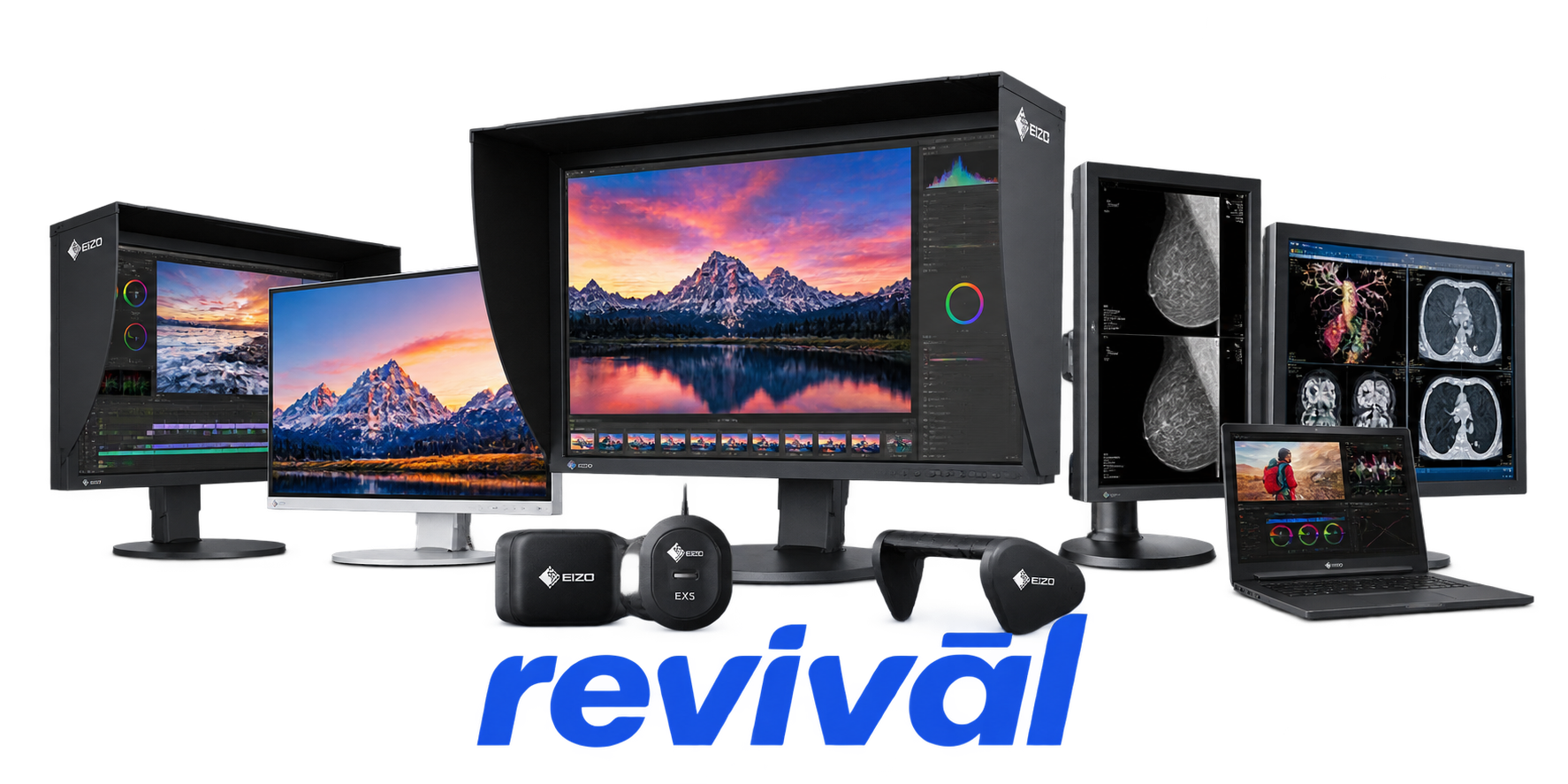
EIZO Corporation is a Japanese visual-technology OEM specializing in premium and mission-critical monitors, displays, and imaging systems. Founded in 1968, the company develops and manufactures products ranging from FlexScan business monitors and ColorEdge professional color-management displays to RadiForce medical diagnostic monitors, DuraVision industrial/security displays, CuratOR operating-room systems, and specialized air-traffic-control and maritime visualization equipment. Unlike many display brands that outsource most production, EIZO maintains extensive in-house R&D, PCB manufacturing, final assembly, calibration, testing, and quality control, with the majority of its monitors manufactured in Japan. It is particularly known for exceptionally high display consistency and reliability, precise color reproduction, medical imaging displays, long product lifecycles, and highly specialized monitors for environments where image accuracy or system reliability is critical.

2 Most Seen Failures:

Backlight Failure / Dim or Flickering Display

LED backlight degradation can cause the screen to become unusually dim, intermittently flicker, or lose illumination entirely while the LCD continues producing an image. EIZO specifically notes that its LCD backlights have a limited service life and recommends service when darkening or flickering develops.


No Power / Dead Monitor

The monitor fails to power on, shows no power indicator, or intermittently shuts down and cannot restart normally. Hardware causes can include failure of the internal power-supply circuitry, power-conversion components, main board, or associated power connections.

No Picture / No Signal Detection

The monitor powers up but displays no image, remains in standby, or repeatedly reports "No Signal" despite a known-good source. Failures can involve the input/interface circuitry, main board, DisplayPort/HDMI/USB-C signal path, or connector damage.

Vertical or Horizontal Lines

Persistent or intermittent colored, black, or distorted vertical/horizontal lines appear across the LCD. Panel driver, timing-control, ribbon/interconnect, or LCD panel faults can produce this symptom, and EIZO lists unintended thin vertical or horizontal lines among its general troubleshooting issues.

Color Shift / Incorrect Color Reproduction

The display develops abnormal tinting, inaccurate colors, uneven color balance, or substantial color variation across the panel. Aging panel/backlight components or display electronics can cause persistent color errors that remain after settings, profiles, and input sources are ruled out.

Screen Uniformity / Backlight Unevenness

Brightness or color becomes visibly inconsistent across different portions of the screen, including bright spots, dark areas, edge discoloration, or localized color casts. Uniformity is particularly significant on ColorEdge displays because these models are designed and factory-adjusted for tightly controlled luminance and color consistency.

USB-C / USB Hub Failure

USB-C video, integrated USB hub ports, or connected peripherals stop functioning even though the monitor's primary display functions may remain operational. Depending on the model, faults can involve the USB controller, USB-C connector, main board, or associated power-delivery circuitry.

USB-C Power Delivery / Charging Failure

USB-C-equipped FlexScan and ColorEdge monitors may stop supplying the expected power to a connected laptop or exhibit unstable charging behavior. After cable and host compatibility are eliminated, the USB-C power-delivery controller, connector, or internal power circuitry can be responsible.

Image Noise / Corruption / Intermittent Distortion

The screen displays flashing artifacts, garbled pixels, abnormal patterns, transient corruption, or unstable imagery even with a known-good source and cable. Persistent hardware-originated distortion can result from the LCD panel electronics, timing circuitry, main board, or signal-processing components.

1 Acme Revival offers repair, service, and part rebuild opportunities for most EIZO devices.

Connect with a technician.

  1. 1 Repairs are performed on a best-effort basis. Acme Revival utilizes a network of sophisticated technicians and engineers with diverse service offerings; despite this, factors that influence the repair outcome may ultimately prove unsuccessful. Acme Revival makes no claim that it can, guarantee a repair before your device is sent in for diagnostic evaluation; even then, repair and diagnostic work are not mutually exclusive. Despite well-intentioned quoting, repairs may still prove unsuccessful.
  2. 2 Per information known, researched and collected by Acme Revival and its systems at time of page publishing (September 28, 2026).
  3. *Information regarding this manufacturer/brand/organization is estimated with information collected and known to Acme Revival. This information is intended to provide insights into the spotlight entity, however may not be accurate— information is strictly of estimate nature only.
  4. **The model list shown here may not be an all-inclusive list of the EcoFlow product range. Model list has been derived per information known, researched and collected by Acme Revival and its systems for the US market.

