
Dynabook

Repair, Service, and Parts

Dynabook repair, service, and parts

Acme Revival is an independent repair network that operates separately from the manufacturers whose devices we service. Our independence enables a repair model that exists beyond manufacturer-controlled strategies, while preserving the ability to work with manufacturers where appropriate.

Hangzhou, Zhejiang Province, China
Manuf. Location
≈ US $1.78B
Annual Revenue (est)
Mobile Computing
End Use Segment

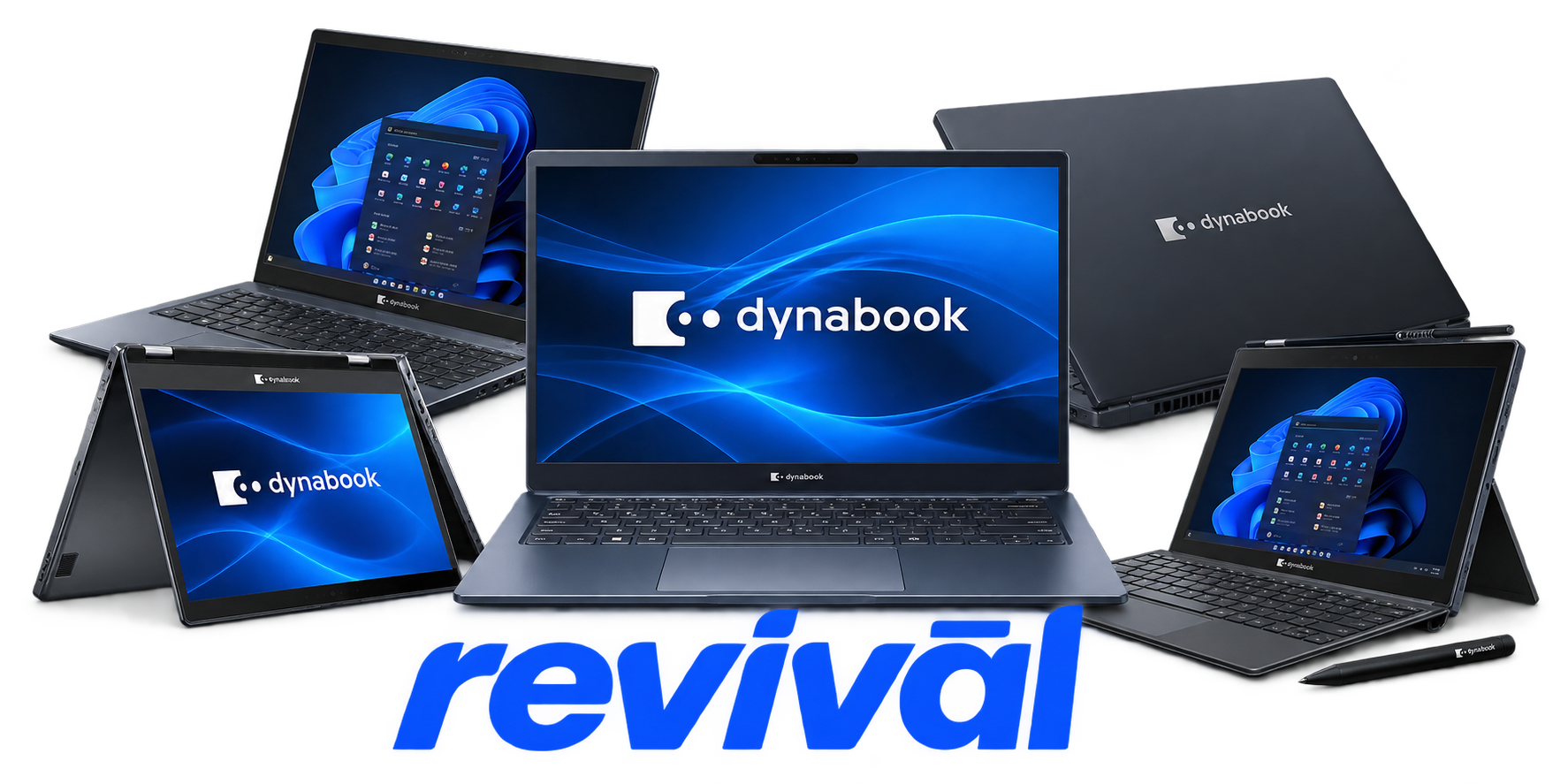
Dynabook Inc. is a Japanese computer OEM specializing primarily in laptop and mobile computing systems, particularly commercial, enterprise, education, and professional PCs. The company is the successor to Toshiba's PC business and carries forward Toshiba's long history in portable computing, including the T1100 laptop introduced in 1985. Its principal product families include Portégé premium ultraportables, Tecra business notebooks, Satellite Pro mainstream commercial laptops, and education-focused systems such as the E11, alongside specialized edge-computing and related enterprise solutions. Dynabook develops, manufactures, sells, supports, and services PCs and system solutions internationally, using both its own Hangzhou manufacturing operation and external ODM production. Sharp acquired 80.1% of Toshiba Client Solutions in 2018, the company adopted the Dynabook Inc. name in 2019, and Sharp acquired the remaining shares in 2020, making Dynabook a wholly owned subsidiary of Sharp Corporation. The brand is particularly known for business-oriented notebooks emphasizing portability, durability, security, reliability, and its decades-long Toshiba laptop engineering heritage. us.dynabook.com

2 Most Seen Failures:

Battery Failure / Rapid Capacity Loss

Internal lithium-ion batteries commonly deteriorate until runtime becomes very short, the laptop shuts off immediately when unplugged, or the battery is no longer detected. Aging cells, deep discharge, and battery-management faults can also leave the battery unable to accept a charge.


Charging Port / DC-In Failure

Dynabook and legacy Toshiba laptops can develop intermittent or completely failed charging due to worn DC jacks, damaged charge boards, or fatigued solder joints. Typical symptoms include charging only when the connector is positioned at an angle, flickering charge indicators, or no AC-power detection.

Hinge Mount / Display Housing Failure

Hinge mounts can crack or pull away from the plastic display housing, particularly on heavily used Satellite-family machines. The lid becomes unusually stiff, the bezel separates near a hinge, and continued use can damage the housing or display cable.

Cooling Fan / Overheating Failure

Dust-obstructed heatsinks, worn fan bearings, failed fans, and degraded thermal interface material can cause excessive temperatures and constant high-speed fan operation. Advanced cases produce thermal throttling, unexpected shutdowns, or failure under sustained CPU load.

LCD / Backlight / Display Cable Failure

Screens may become black, dim, flickering, distorted, or intermittent despite the computer continuing to operate. Common hardware causes include failed LCD panels or backlights and display-cable damage or wear, particularly around the hinge area.

Keyboard Key / Keyboard Assembly Failure

Individual keys or entire keyboard sections can become intermittent, stuck, or completely unresponsive. Wear, contamination or liquid ingress, damaged key mechanisms, and keyboard assembly faults are common physical causes.

No-Power / Motherboard Power Failure

Some systems stop responding to the power button even with a known-good AC adapter and battery. Failed power circuitry, charging circuitry, motherboard components, or power-management faults can produce completely dead systems or flashing power indicators without successful startup.

Storage Drive Failure

Mechanical hard drives in older Dynabook/Toshiba systems commonly develop bad sectors, read errors, severe slowdown, clicking, boot failures, or complete data-access loss as they age. SSD-equipped systems can likewise suffer controller or NAND failure resulting in an undetected drive or sudden inability to boot.

USB / I-O Port Failure

USB and other frequently used external ports can become intermittent or stop recognizing connected hardware altogether. Physical connector wear, damaged solder joints, daughterboard faults, or motherboard-side I/O circuitry can cause one or multiple ports to fail.

1 Acme Revival offers repair, service, and part rebuild opportunities for most Dynabook devices.

Connect with a technician.

  1. 1 Repairs are performed on a best-effort basis. Acme Revival utilizes a network of sophisticated technicians and engineers with diverse service offerings; despite this, factors that influence the repair outcome may ultimately prove unsuccessful. Acme Revival makes no claim that it can, guarantee a repair before your device is sent in for diagnostic evaluation; even then, repair and diagnostic work are not mutually exclusive. Despite well-intentioned quoting, repairs may still prove unsuccessful.
  2. 2 Per information known, researched and collected by Acme Revival and its systems at time of page publishing (September 28, 2026).
  3. *Information regarding this manufacturer/brand/organization is estimated with information collected and known to Acme Revival. This information is intended to provide insights into the spotlight entity, however may not be accurate— information is strictly of estimate nature only.
  4. **The model list shown here may not be an all-inclusive list of the EcoFlow product range. Model list has been derived per information known, researched and collected by Acme Revival and its systems for the US market.

