Paper Feed Jam
Paper becomes wrinkled, misaligned, or trapped in the transport path, causing the printer to stop and report a paper error. Incorrectly loaded or previously printed paper can repeatedly jam the feed mechanism.

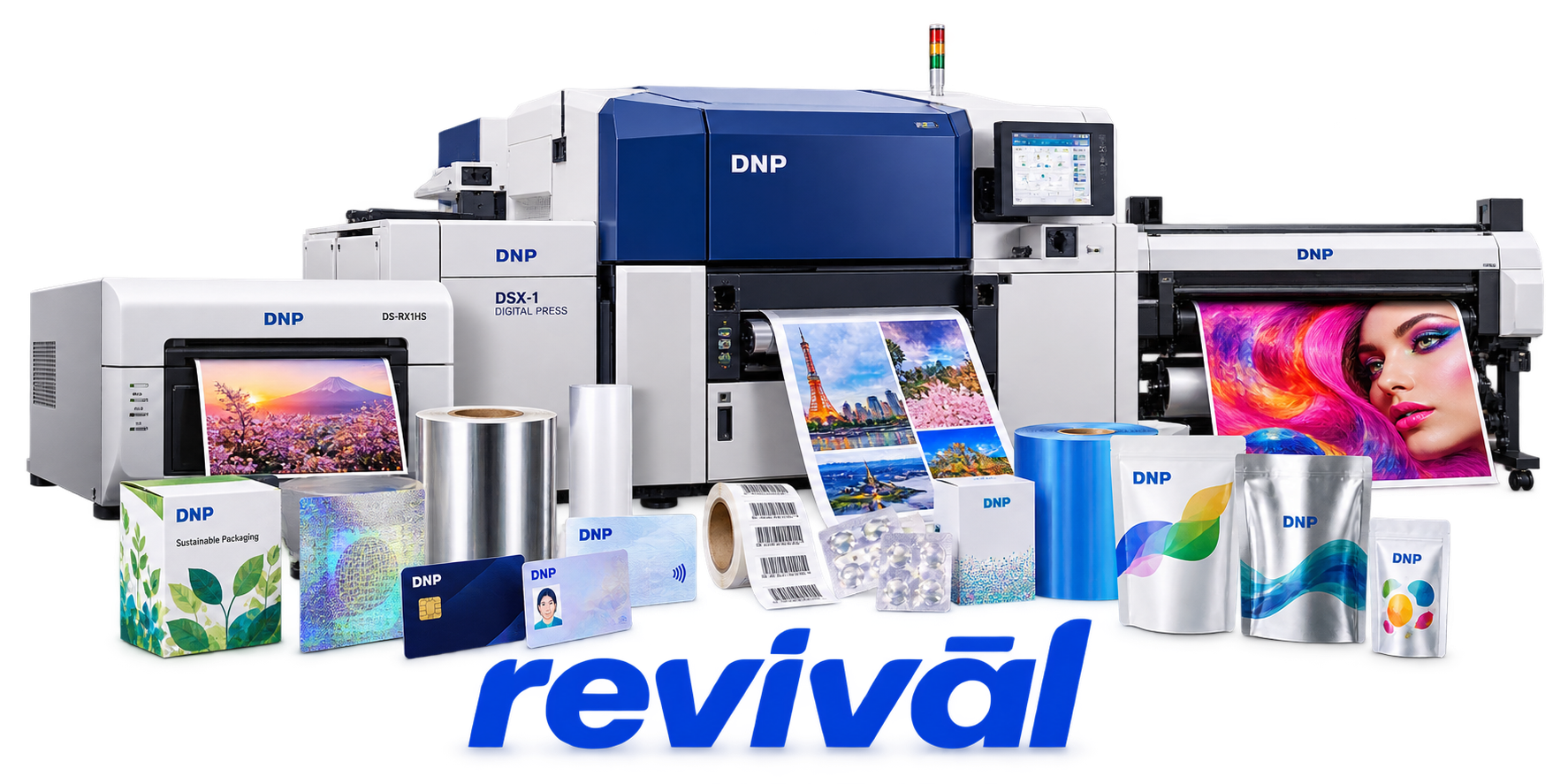
Acme Revival is an independent repair network that operates separately from the manufacturers whose devices we service. Our independence enables a repair model that exists beyond manufacturer-controlled strategies, while preserving the ability to work with manufacturers where appropriate.
Dai Nippon Printing Co., Ltd. (DNP) is a major Japanese technology and manufacturing company founded in 1876 that has expanded far beyond traditional commercial printing. For the hardware/device market, DNP is particularly known for professional dye-sublimation photo printers such as the DS620/DS620A, DS820, DS820DX, RX1HS and QW410, along with the specialized thermal-transfer media used by these machines. DNP Photo Its products are widely deployed in photo studios, retail photo kiosks, event photography, tourist venues and ID-photo operations. DNP 大日本印刷株式会社 Beyond finished printers, DNP is a major materials and electronics manufacturer producing semiconductor photomasks, OLED metal masks, optical/display films, lead frames, camera components, packaging and other precision-engineered materials. DNP 大日本印刷株式会社 DNP's broader operations are divided among Smart Communication, Life & Healthcare, and Electronics, with FY2026 consolidated sales exceeding ¥1.5 trillion.
Paper becomes wrinkled, misaligned, or trapped in the transport path, causing the printer to stop and report a paper error. Incorrectly loaded or previously printed paper can repeatedly jam the feed mechanism.
The dye-sublimation ribbon tears, wrinkles, sticks to the paper, or becomes caught around the transport rollers. The printer typically stops with a ribbon error and requires removal or repair of the damaged ribbon.
Paper scraps or debris obstruct the cutter gear or belt, preventing the blade from completing its travel. The printer may stop with partially cut paper or a solid error indicator and require the cutter mechanism to be cleared.
The thermal printhead reaches its temperature limit during sustained printing and forces the printer into a cooling state. Printing pauses until the head temperature falls sufficiently for automatic recovery.
Contamination or deterioration of the thermal printhead can produce streaks, lines, uneven density, or missing portions of an image. Cleaning the printhead is a standard corrective procedure, while persistent defects can indicate head failure.
Ribbon fragments, dust, adhesive residue, and paper debris accumulate on the platen roller and cause streaking, uneven feeding, or ribbon adhesion. Severe contamination or roller deterioration can contribute to repeated paper and ribbon jams.
The printer may fail to operate when the installed paper and ribbon are incorrectly detected or do not correspond with the configured print size. Affected models report media, paper-setting, or ribbon-setting errors and stop the print job.
The printer can become unavailable or appear offline when its USB connection, driver communication, or printer electronics fail to establish communication with the host computer. Jobs remain unprinted until communication is restored or the printer and computer are restarted.
Internal controller, head-voltage, head-position, fan, RFID/media-detection, temperature, or other electronic faults can place the printer into a system-error state. DNP generally specifies a power cycle first, with persistent system errors requiring service.
Connect with a technician.

Orders can typically be cancelled 24 hours prior to shipping
Get a real-time offer. Enter the make and model to begin.
Acme offers several ways to pay your service or repair balance.
Securely powered by 
This service is provided by Community Federal Savings Bank (“CFSB”), member FDIC, for which GoCardless Ltd acts as a third-party servicer.
Payable to ACME REVIVAL INC, write DNP in memo line, and mail your check to: 191 University Blvd. Suite 340, Denver, CO 80206. Payment are collected every weekday excluding federal holidays.


