[Battery Swelling / Premature Battery Failure]
Lithium-ion batteries can deteriorate, lose capacity, or swell with age, usage, and heat. Swelling can deform the chassis, raise the keyboard or touchpad, and prevent the laptop from closing properly.

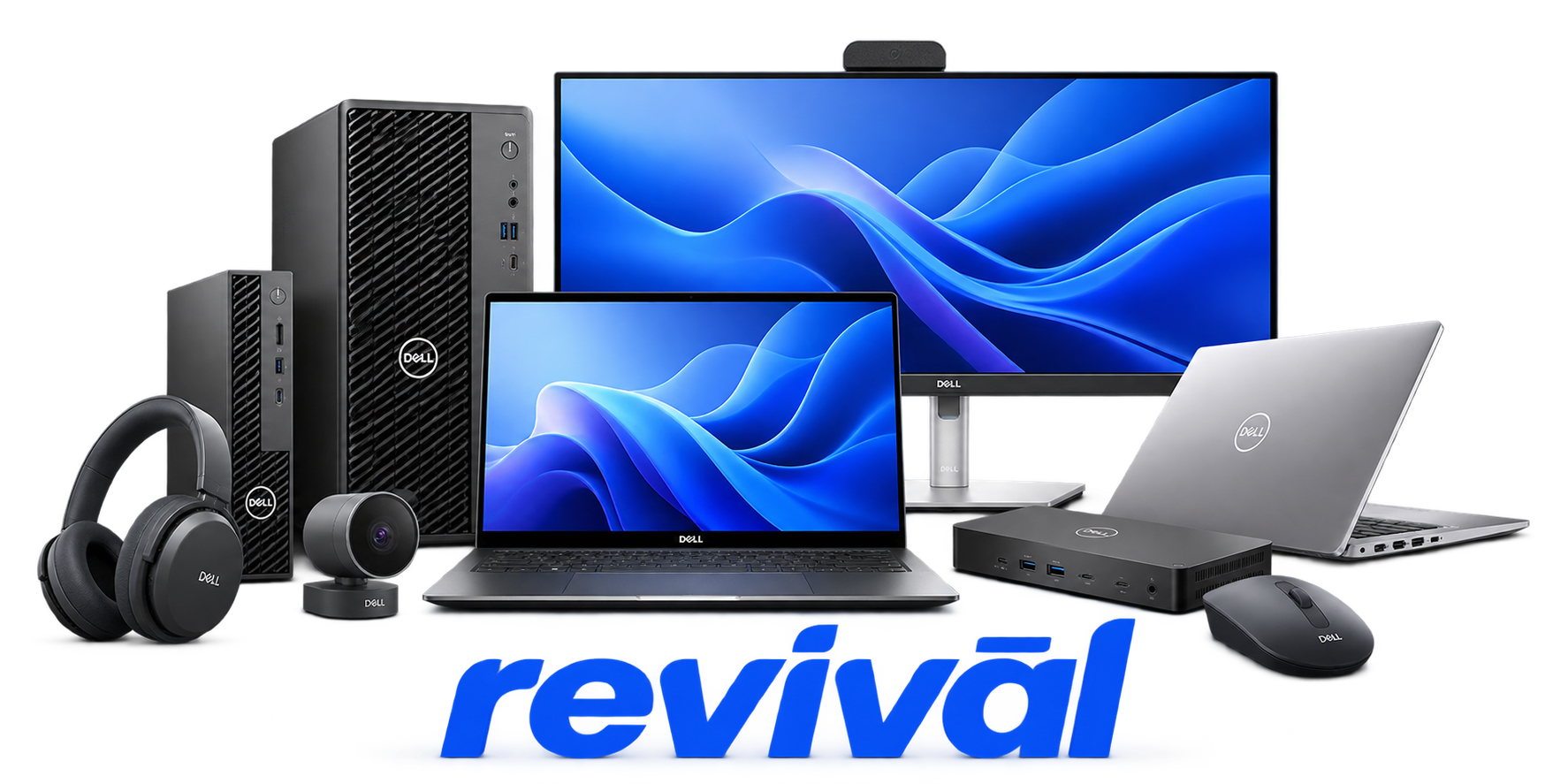
Acme Revival is an independent repair network that operates separately from the manufacturers whose devices we service. Our independence enables a repair model that exists beyond manufacturer-controlled strategies, while preserving the ability to work with manufacturers where appropriate.
Dell Inc., part of Dell Technologies, is a major global technology OEM that designs, develops, assembles, markets, and supports computing and IT infrastructure products. Its portfolio includes desktop and notebook PCs, workstations, monitors and peripherals, servers, storage systems, networking equipment, and related software and services. Dell is particularly known for its Dell PCs and laptops, PowerEdge servers, enterprise storage/infrastructure, and direct-to-customer/build-to-order heritage. Manufacturing involves final assembly, software installation, functional testing, and quality control, with production handled through a combination of Dell facilities and contract manufacturing partners.
Lithium-ion batteries can deteriorate, lose capacity, or swell with age, usage, and heat. Swelling can deform the chassis, raise the keyboard or touchpad, and prevent the laptop from closing properly.
Blocked vents, accumulated dust, degraded cooling components, or failed fans can cause excessive temperatures. Common symptoms include loud or constantly running fans, thermal throttling, unexpected shutdowns, and fan diagnostic errors.
LCD hardware can develop flickering, horizontal or vertical lines, distorted colors, dead pixels, light leakage, or black-screen conditions. Dell's built-in LCD self-test can help distinguish panel hardware faults from GPU, driver, or software problems.
HDDs and SSDs can develop hardware faults or unreadable sectors that cause slow performance, freezes, blue screens, corrupted data, or failure to boot. Typical symptoms include "Hard Drive not Detected," "No Boot Device Found," and read/seek errors.
Failed, poorly seated, or otherwise malfunctioning memory can prevent POST or make the computer unstable. Symptoms include memory diagnostic codes, freezes, slow operation, STOP errors, and complete startup failure.
Failures involving the AC adapter, USB-C power path, charging connector, or associated power circuitry can prevent normal battery charging. Systems may report an unrecognized or insufficient-wattage adapter, slow charging, or no charging.
Dell laptops can experience unresponsive touchpads, intermittent detection, erratic cursor movement, failed clicks, or nonworking gestures. Causes can include touchpad hardware or firmware faults, while a swollen battery can physically distort the touchpad and produce similar symptoms.
Individual keys or the entire keyboard can become intermittent or stop responding. Depending on the model, the fault can originate in the keyboard assembly, its connection, or associated input hardware.
Motherboard, BIOS ROM, chipset, power, or other board-level faults can leave a Dell system powered but unable to complete POST. Diagnostic LED patterns on supported models can identify system-board, memory, processor, video, or BIOS-related failure states.
Connect with a technician.

Orders can typically be cancelled 24 hours prior to shipping
Get a real-time offer. Enter the make and model to begin.
Acme offers several ways to pay your service or repair balance.
Securely powered by 
This service is provided by Community Federal Savings Bank (“CFSB”), member FDIC, for which GoCardless Ltd acts as a third-party servicer.
Payable to ACME REVIVAL INC, write Dell in memo line, and mail your check to: 191 University Blvd. Suite 340, Denver, CO 80206. Payment are collected every weekday excluding federal holidays.


