
Cricut

Repair, Service, and Parts

Cricut repair, service, and parts

Acme Revival is an independent repair network that operates separately from the manufacturers whose devices we service. Our independence enables a repair model that exists beyond manufacturer-controlled strategies, while preserving the ability to work with manufacturers where appropriate.

Senai / Johor Bahru, Johor, Malaysia
Manuf. Location
≈ US $709M
Annual Revenue (est)
Smart cutting machines
End Use Segment

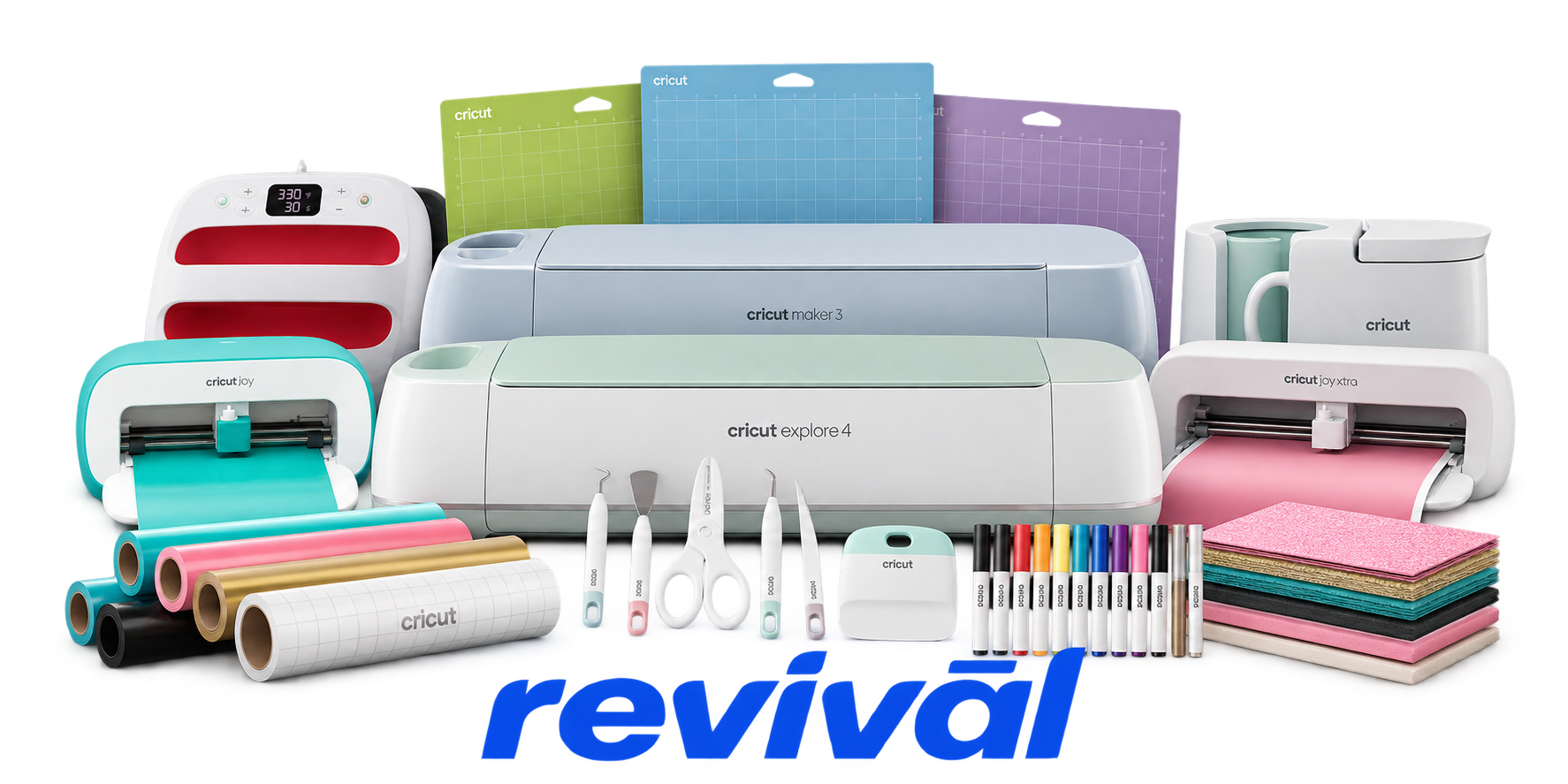
Cricut is a consumer creative-technology manufacturer best known for its electronically controlled cutting machines used for crafts, personalization, apparel decoration, labels, cards, vinyl projects, and other DIY applications. Its major hardware families include Cricut Maker, Explore, Joy, Venture, and related heat-press products, supported by Design Space software and the Cricut Access subscription platform. Cricut designs and develops its hardware and software internally while outsourcing physical manufacturing to contract manufacturers, primarily in Malaysia. Its ecosystem combines connected machines with cutting blades and tools, heat presses, vinyl, iron-on material, paper, accessories, and digital design content, making it one of the most recognizable brands in consumer desktop crafting and personalization equipment.

2 Most Seen Failures:

Power Supply / No-Power Failure

Machine will not power on, shows a solid red light, intermittently loses power, or restarts during operation. Common hardware causes include failing power adapters, damaged power connectors, internal power circuitry faults, or poor power delivery.


Feed Roller Deterioration or Displacement

Rubber feed rollers can soften, crack, deform, or migrate sideways on the roller shaft, especially on older Cricut Maker units. This causes crooked mat feeding, slipping, loss of alignment, and inaccurate cuts.

Material Feed / Roller Drive Failure

The mat or Smart Material fails to load, feeds unevenly, stops moving, or repeatedly cycles through the rollers. Causes can include worn feed components, obstructed roller paths, drive-motor problems, or contaminated material-detection sensors.

Carriage Movement / Drive Jam

The cutting carriage may stop mid-project, move erratically, fail to travel across the rail, or trigger flashing error lights. Debris, mechanical binding, motor or belt problems, and gear obstructions can prevent normal carriage or roller-drive movement.

Print Then Cut Sensor Failure

The optical sensor fails to detect registration marks or the sensor light does not illuminate during scanning. A defective or contaminated sensor can cause repeated scan failures, incorrect cut positioning, or complete inability to perform Print Then Cut jobs.

Cutting Misalignment / Calibration Drift

Cuts become progressively offset from the intended path even when the material is correctly positioned. Feed roller wear, sensor calibration problems, mechanical play, or carriage positioning errors can produce persistent alignment inaccuracies.

Bluetooth / USB Communication Failure

The Cricut intermittently disconnects, disappears from Design Space, fails to pair, or loses communication during a job. While some cases are software-related, failed Bluetooth hardware, USB ports, internal communication circuitry, or unstable electrical connections can produce the same symptoms.

Tool Detection / Clamp Sensor Failure

Maker-series machines can fail to recognize an installed blade, scoring wheel, or other adaptive tool and remain stuck while detecting the tool. Faulty carriage sensors, electrical connections, or tool-detection circuitry may trigger flashing error indicators and prevent cutting.

Material Sensor / Continuous Roller Cycling

Roller bars continue spinning because the machine incorrectly believes it is still detecting or measuring material. Dust, scraps, adhesive contamination, or failure of the front/rear material sensors can cause continuous feeding, repeated measuring, or an inability to begin a cut.

1 Acme Revival offers repair, service, and part rebuild opportunities for most Cricut devices.

Connect with a technician.

  1. 1 Repairs are performed on a best-effort basis. Acme Revival utilizes a network of sophisticated technicians and engineers with diverse service offerings; despite this, factors that influence the repair outcome may ultimately prove unsuccessful. Acme Revival makes no claim that it can, guarantee a repair before your device is sent in for diagnostic evaluation; even then, repair and diagnostic work are not mutually exclusive. Despite well-intentioned quoting, repairs may still prove unsuccessful.
  2. 2 Per information known, researched and collected by Acme Revival and its systems at time of page publishing (September 25, 2026).
  3. *Information regarding this manufacturer/brand/organization is estimated with information collected and known to Acme Revival. This information is intended to provide insights into the spotlight entity, however may not be accurate— information is strictly of estimate nature only.
  4. **The model list shown here may not be an all-inclusive list of the EcoFlow product range. Model list has been derived per information known, researched and collected by Acme Revival and its systems for the US market.

