
Corsair

Repair, Service, and Parts

Corsair repair, service, and parts

Acme Revival is an independent repair network that operates separately from the manufacturers whose devices we service. Our independence enables a repair model that exists beyond manufacturer-controlled strategies, while preserving the ability to work with manufacturers where appropriate.

Taoyuan City, Taiwan
Manuf. Location
≈ US $1.47B
Annual Revenue (est)
PC Gaming Hardware
End Use Segment

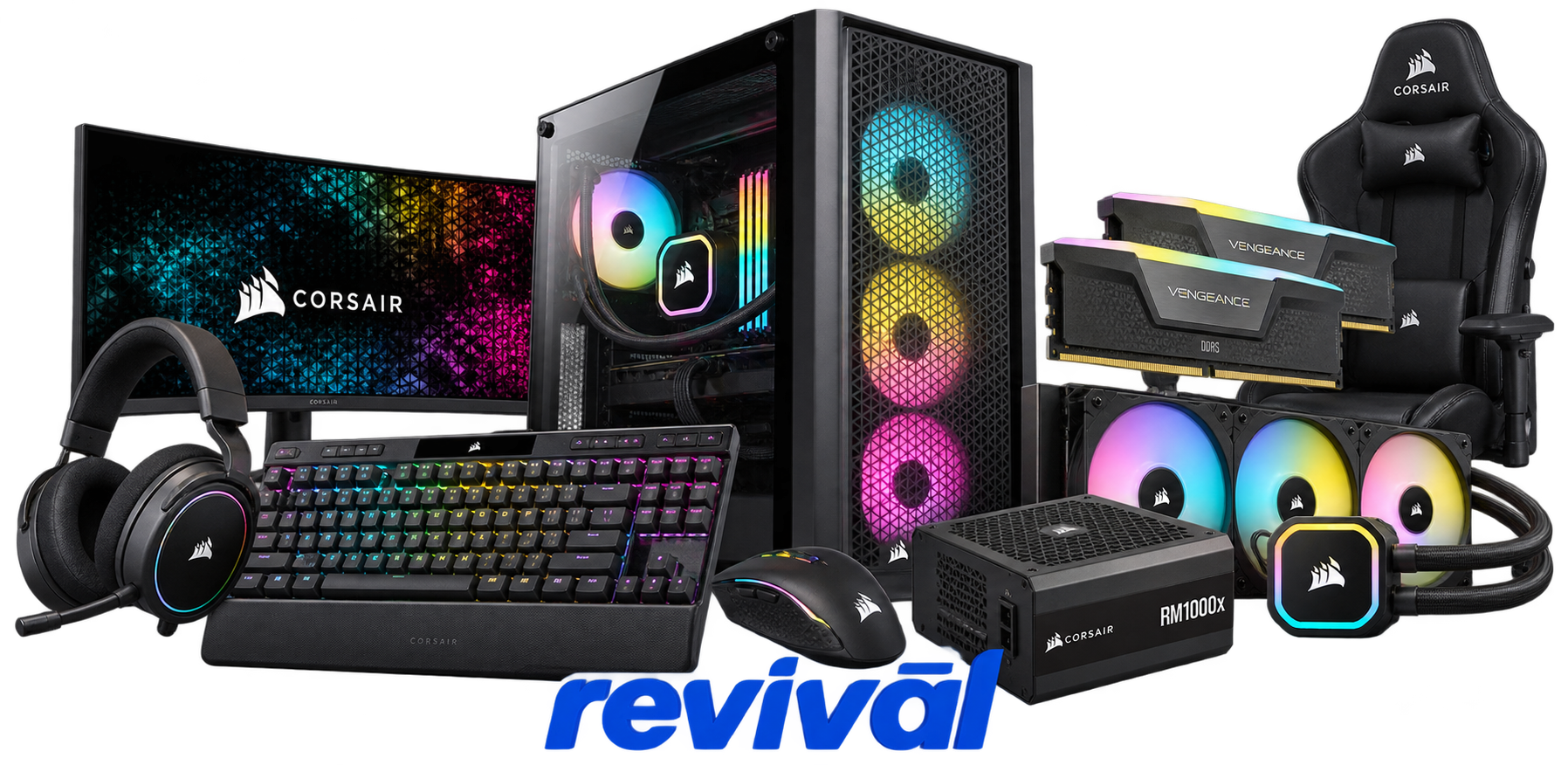
Corsair Gaming, Inc. is a major global designer and supplier of high-performance computer gaming, enthusiast-PC, streaming, and content-creation hardware. Its portfolio includes DRAM memory, power supplies, PC cases, liquid and air cooling systems, gaming keyboards and mice, headsets, controllers, capture and streaming equipment, microphones, cameras, Stream Deck products, sim-racing equipment, gaming furniture, and prebuilt/custom gaming PCs. Corsair operates through its Gaming Components and Systems and Gamer and Creator Peripherals businesses and has built a particularly strong reputation among PC enthusiasts for performance memory, power supplies, cooling products, cases, and gaming peripherals. Corsair performs some assembly and manufacturing internally—notably at its Taoyuan, Taiwan facility—while a substantial portion of its hardware is manufactured by third-party factories throughout Asia.

2 Most Seen Failures:

Mouse Switch Double-Click / Click-Hold Failure

Corsair gaming mice, particularly M65-family and other heavily used models, commonly develop worn or inconsistent primary switches that double-click, fail to register, or release while the button is still physically held.


Mouse Scroll Wheel / Encoder Failure

Corsair mice can develop erratic scroll encoders that skip steps, scroll in the opposite direction, or intermittently stop registering movement. Dark Core, Ironclaw, M65 and similar gaming mice are frequently associated with scroll-wheel complaints.

Keyboard Key Chatter / Double Typing

Mechanical Corsair keyboards can develop key chatter where a single keypress produces two or more characters, along with intermittent or completely unresponsive keys. Corsair specifically identifies double typing and unresponsive inputs among keyboard problems addressed through troubleshooting or reset procedures.

RGB LED Failure / Incorrect Colors

Corsair RGB fans, memory, keyboards and other illuminated hardware can develop individual LEDs that become stuck, dim, dead, flicker, or display the wrong color. On sequentially connected RGB fans, a single defective fan or LED path can also disrupt lighting behavior farther along the chain.

AIO Pump Failure / Loss of Coolant Circulation

Hydro-series and other Corsair liquid coolers can experience pump failure or loss of pump detection, resulting in zero or abnormal RPM readings, rapidly increasing CPU temperatures and fans running at maximum speed. Pump electronics, internal mechanical wear, power delivery and controller faults are typical areas requiring diagnosis.

Cooling Fan Bearing / Motor Failure

Corsair case and radiator fans can develop clicking, grinding, rattling or excessive vibration as bearings or motor assemblies deteriorate. More advanced failures can produce unstable RPM, difficulty starting, or a fan that stops rotating entirely.

Wireless Headset Battery / Charging Failure

Corsair wireless headsets can develop degraded battery capacity, repeated low-battery warnings, charging problems or an inability to retain a useful charge. Battery deterioration can eventually make the headset usable for only short periods or require continuous wired power.

USB / Wireless Device Connection Failure

Corsair keyboards, mice and headsets can intermittently disconnect, fail to enumerate over USB, lose their wireless receiver connection, or stop being detected altogether. The fault can originate in the USB interface, cable or connector, wireless electronics, firmware, or device-side controller.

RGB / Fan Controller and Hub Failure

Lighting Node, Commander and iCUE LINK-type controllers can develop failed ports, intermittent device detection, loss of fan or lighting control, or complete controller failure. A controller or communication-path fault may cause several otherwise functional fans, pumps or RGB devices to appear simultaneously defective.

1 Acme Revival offers repair, service, and part rebuild opportunities for most Corsair devices.

Connect with a technician.

  1. 1 Repairs are performed on a best-effort basis. Acme Revival utilizes a network of sophisticated technicians and engineers with diverse service offerings; despite this, factors that influence the repair outcome may ultimately prove unsuccessful. Acme Revival makes no claim that it can, guarantee a repair before your device is sent in for diagnostic evaluation; even then, repair and diagnostic work are not mutually exclusive. Despite well-intentioned quoting, repairs may still prove unsuccessful.
  2. 2 Per information known, researched and collected by Acme Revival and its systems at time of page publishing (September 24, 2026).
  3. *Information regarding this manufacturer/brand/organization is estimated with information collected and known to Acme Revival. This information is intended to provide insights into the spotlight entity, however may not be accurate— information is strictly of estimate nature only.
  4. **The model list shown here may not be an all-inclusive list of the EcoFlow product range. Model list has been derived per information known, researched and collected by Acme Revival and its systems for the US market.

