Power / No Power
The OneScreen fails to turn on or show its normal front-panel power indication. Troubleshooting includes checking the AC connection, master power switch, attached peripherals, and performing a power reset.

Acme Revival is an independent repair network that operates separately from the manufacturers whose devices we service. Our independence enables a repair model that exists beyond manufacturer-controlled strategies, while preserving the ability to work with manufacturers where appropriate.
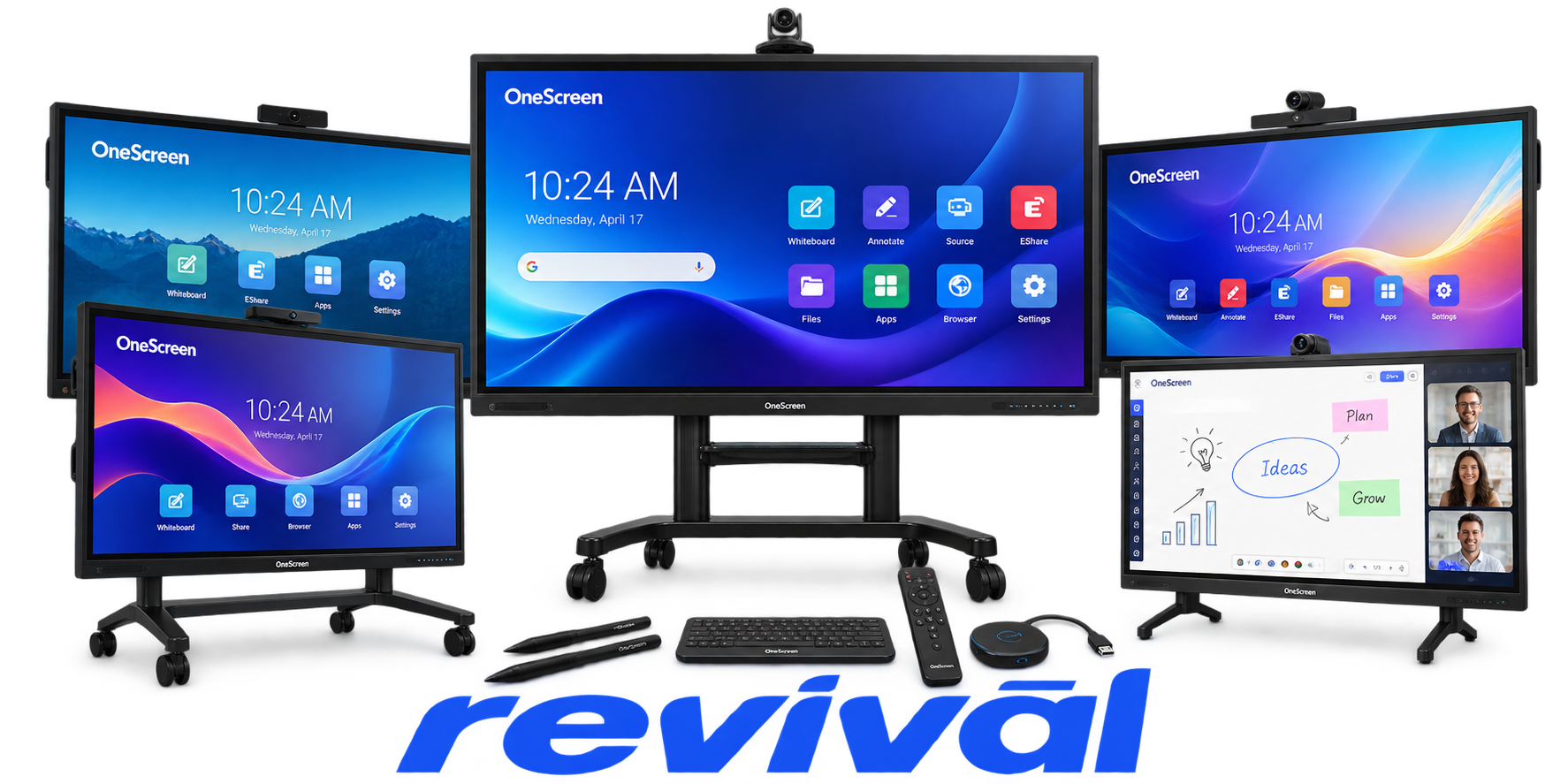
Clary Icon is a U.S.-based collaboration-technology OEM operating primarily under the OneScreen brand. The company develops and markets interactive flat-panel/touch displays and integrated collaboration systems combining digital whiteboarding, video/web conferencing, computing, audio/video, and presentation functionality. Its broader offering has included video walls, digital kiosks, conferencing software, PTZ cameras, computers and related collaboration equipment. Clary Icon is particularly known for its OneScreen interactive displays and all-in-one collaboration platforms, aimed at classrooms, distance learning, meeting rooms and enterprise collaboration. Federal records classify NZS/Clary Icon as a manufacturer of goods and identify its capabilities in video conferencing, interactive whiteboarding and distance learning.
The OneScreen fails to turn on or show its normal front-panel power indication. Troubleshooting includes checking the AC connection, master power switch, attached peripherals, and performing a power reset.
Touch input stops functioning or is not recognized by the system. Clary Icon specifically documents touch failures on H4 models as well as touch problems when using Windows or externally connected PCs.
Touch input registers at a different location from where the user presses the screen. The issue presents as a display/touch alignment or calibration problem when operating the OneScreen PC.
The supplied keyboard becomes unresponsive or loses its connection to the OneScreen. Documented checks include batteries, the USB receiver/dongle, the selected PC or Android USB connection, and wireless pairing.
The display shows the external computer's image, but touch control does not operate correctly. The failure is associated with the USB touch connection or the computer's touch/tablet configuration.
The integrated OPS computer fails to boot, operate normally, or communicate correctly with the display. OneScreen hardware families support integrated OPS PCs, making the OPS module a distinct hardware subsystem and failure point.
The panel powers on but does not display the expected image from the selected computer or external source. The fault can involve the input connection, source selection, cable path, or display-side electronics.
USB-connected peripherals are not detected or stop operating through the expected OneScreen interface. Incorrect USB routing, disconnected receivers, ports, or attached hardware can prevent accessories from communicating with the PC or Android subsystem.
The Logitech Group conferencing hardware connected to the OneScreen does not function as expected. Clary Icon maintains a dedicated OneScreen Logitech Group troubleshooting category for this failure mode.
Connect with a technician.

Orders can typically be cancelled 24 hours prior to shipping
Get a real-time offer. Enter the make and model to begin.
Acme offers several ways to pay your service or repair balance.
Securely powered by 
This service is provided by Community Federal Savings Bank (“CFSB”), member FDIC, for which GoCardless Ltd acts as a third-party servicer.
Payable to ACME REVIVAL INC, write Clary Icon in memo line, and mail your check to: 191 University Blvd. Suite 340, Denver, CO 80206. Payment are collected every weekday excluding federal holidays.


