Power-On Failure
The mobile computer fails to power on when the power key is pressed. Typical causes include a depleted or defective battery, poor battery contact, or an improperly installed battery pack.

Acme Revival is an independent repair network that operates separately from the manufacturers whose devices we service. Our independence enables a repair model that exists beyond manufacturer-controlled strategies, while preserving the ability to work with manufacturers where appropriate.
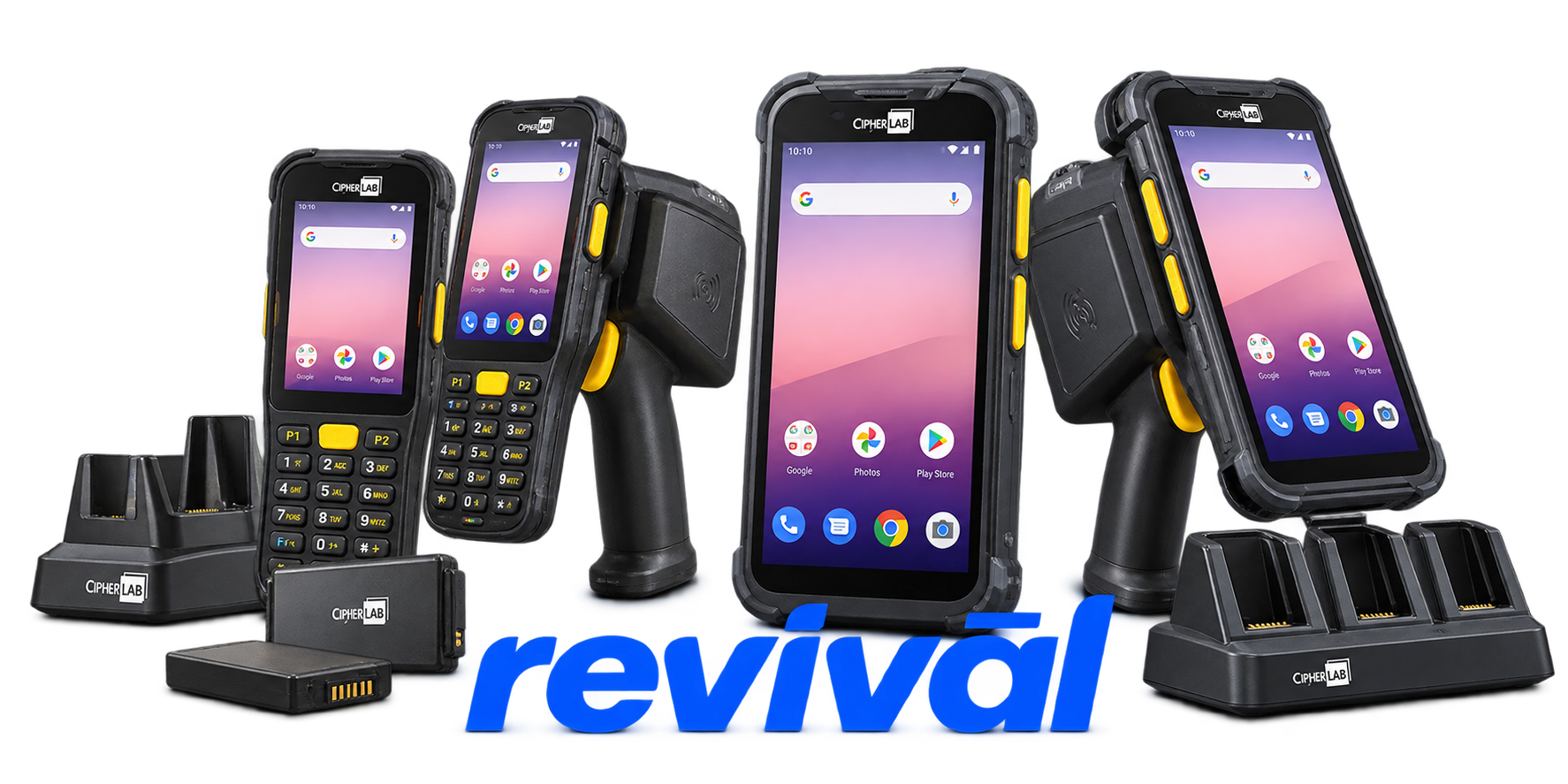
CipherLab Co., Ltd. is a Taiwan-based manufacturer specializing in automatic identification and data capture (AIDC) technology. Founded in 1988, the company designs and manufactures rugged mobile computers, handheld and wearable barcode scanners, RFID readers, data terminals, and associated device-management/data-capture software. Its equipment is primarily used by frontline workers for barcode/RFID data collection, inventory control, asset tracking, order picking and other operational workflows. Major markets include warehousing, transportation and logistics, retail, manufacturing and healthcare. CipherLab is particularly known for rugged enterprise mobile computers and barcode-scanning hardware and sells its products internationally, with more than 90% of products exported according to its current company brochure.
The mobile computer fails to power on when the power key is pressed. Typical causes include a depleted or defective battery, poor battery contact, or an improperly installed battery pack.
The battery fails to charge or reports a charging error. Common causes include dirty battery contacts, poor cradle/charger connections, incorrect charging current, or a defective battery or charger.
The scan engine fails to activate or read barcodes. Low battery power, reader hardware faults, dirty scan windows, or poor battery contact can prevent normal scanning.
The scanner activates but cannot successfully decode a barcode. This can result from damaged barcodes, unsupported or disabled symbologies, a dirty scan window, or scanning outside the reader's effective range.
One or more hardware keys fail to register correctly or the keypad becomes unresponsive. CipherLab troubleshooting procedures recommend keyboard diagnostics and battery/device resets when this occurs.
The LCD fails to display correctly, becomes blank, or otherwise appears nonfunctional. Device diagnostics and battery reseating are commonly prescribed to distinguish temporary system faults from display hardware problems.
Status or notification LEDs stop illuminating or responding normally. CipherLab recommends running LCD/LED diagnostics and resetting the device by reseating its battery when the fault persists.
The device produces no expected audible feedback from its speaker or buzzer. Built-in speaker or buzzer tests are used to identify the fault, followed by a battery reload/reset if necessary.
The mobile computer fails to transmit or receive data through its communication interface or cradle. Loose cables, poor physical connections, communication-port problems, or mismatched host communication settings are typical causes.
Connect with a technician.

Orders can typically be cancelled 24 hours prior to shipping
Get a real-time offer. Enter the make and model to begin.
Acme offers several ways to pay your service or repair balance.
Securely powered by 
This service is provided by Community Federal Savings Bank (“CFSB”), member FDIC, for which GoCardless Ltd acts as a third-party servicer.
Payable to ACME REVIVAL INC, write CipherLab in memo line, and mail your check to: 191 University Blvd. Suite 340, Denver, CO 80206. Payment are collected every weekday excluding federal holidays.


