No Video / Black Screen
The unit powers on, but an HDMI or SDI input/output produces no picture. Common causes include signal-format incompatibility, incorrect input selection, cable/connector problems, or failure to establish a valid video link.

Acme Revival is an independent repair network that operates separately from the manufacturers whose devices we service. Our independence enables a repair model that exists beyond manufacturer-controlled strategies, while preserving the ability to work with manufacturers where appropriate.
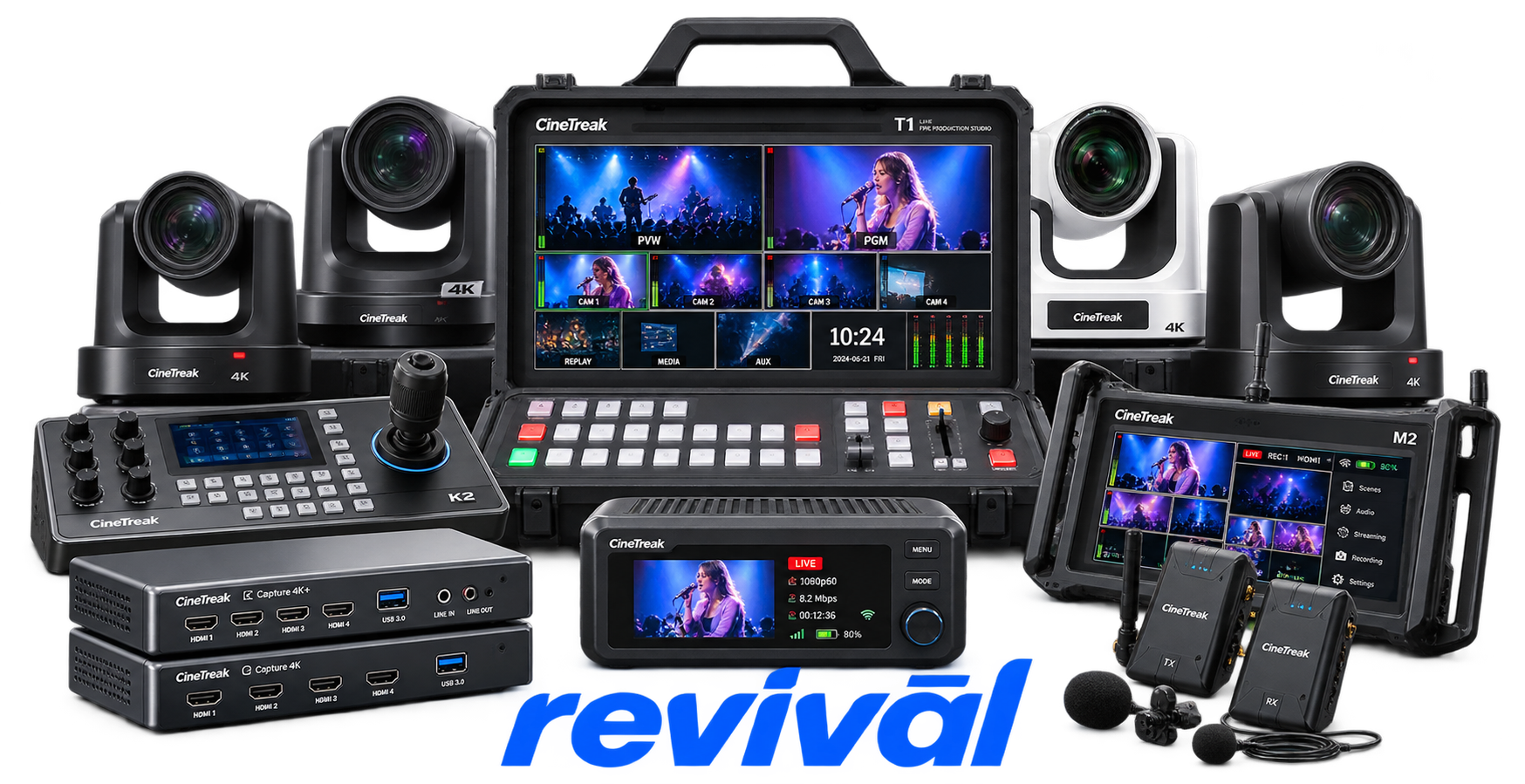
CineTreak is a Shenzhen-based professional video-equipment OEM/brand focused primarily on live streaming, broadcast and multi-camera video production. Its core products are HDMI/SDI video switchers and live-production mixers, supplemented by PTZ cameras, video capture devices, converters, monitors and related production hardware. Its switchers combine functions such as multi-camera switching, RTMP streaming, recording/playback, PTZ camera control, chroma/luma keying and IP/NDI connectivity into relatively compact all-in-one systems. The company is particularly known for affordable, compact all-in-one production switchers aimed at content creators, livestreaming operators, corporate/education users and professional broadcast-production environments. A Japanese distributor describes its range as HD/4K video switchers, PTZ cameras, capture/conversion equipment and products serving livestreaming, broadcast production and videoconferencing applications.
The unit powers on, but an HDMI or SDI input/output produces no picture. Common causes include signal-format incompatibility, incorrect input selection, cable/connector problems, or failure to establish a valid video link.
Video intermittently disappears, flickers, or loses synchronization during operation. Cable quality, connector integrity, unsupported source formats, and signal-handshake problems are common troubleshooting points.
The hardware cannot start or maintain an RTMP/network stream, or the stream repeatedly disconnects. Network connectivity, bandwidth, RTMP credentials, firewall configuration, and streaming settings are typical causes.
The switcher fails to begin recording, stops recording unexpectedly, or cannot save the recording correctly. SD/USB media capacity, formatting, compatibility, or storage-device communication can cause this behavior.
Video is present but the expected embedded or external audio is missing. Incorrect audio-source selection, disabled channels, connection problems, or source-device configuration can produce the failure.
Connected PTZ cameras do not respond to joystick or software commands from the CineTreak hardware. Incorrect IP addresses, network configuration, camera addressing, cabling, or incompatible VISCA/control settings are common causes.
A computer does not recognize the CineTreak device correctly as a USB video source, or the video feed is unstable. USB cable quality, port compatibility, bandwidth limitations, or host-side configuration can interrupt the connection.
An SD card, USB drive, or other supported storage medium is not recognized or cannot be used reliably for recording or playback. Unsupported formatting, insufficient capacity, incompatible media, or connection problems can cause the failure.
The hardware fails to start normally, becomes unstable, or shuts down unexpectedly. Incorrect power supplies, inadequate ventilation, excessive operating temperature, or power-connection problems can cause unstable operation or hardware damage.
Connect with a technician.

Orders can typically be cancelled 24 hours prior to shipping
Get a real-time offer. Enter the make and model to begin.
Acme offers several ways to pay your service or repair balance.
Securely powered by 
This service is provided by Community Federal Savings Bank (“CFSB”), member FDIC, for which GoCardless Ltd acts as a third-party servicer.
Payable to ACME REVIVAL INC, write CineTreak in memo line, and mail your check to: 191 University Blvd. Suite 340, Denver, CO 80206. Payment are collected every weekday excluding federal holidays.


