Wi-Fi Network Not Appearing
The CamRanger's wireless network may fail to appear or take an unusually long time to become visible. This can result from initialization delays, wireless interference, or a Wi-Fi adapter that needs to be restarted.

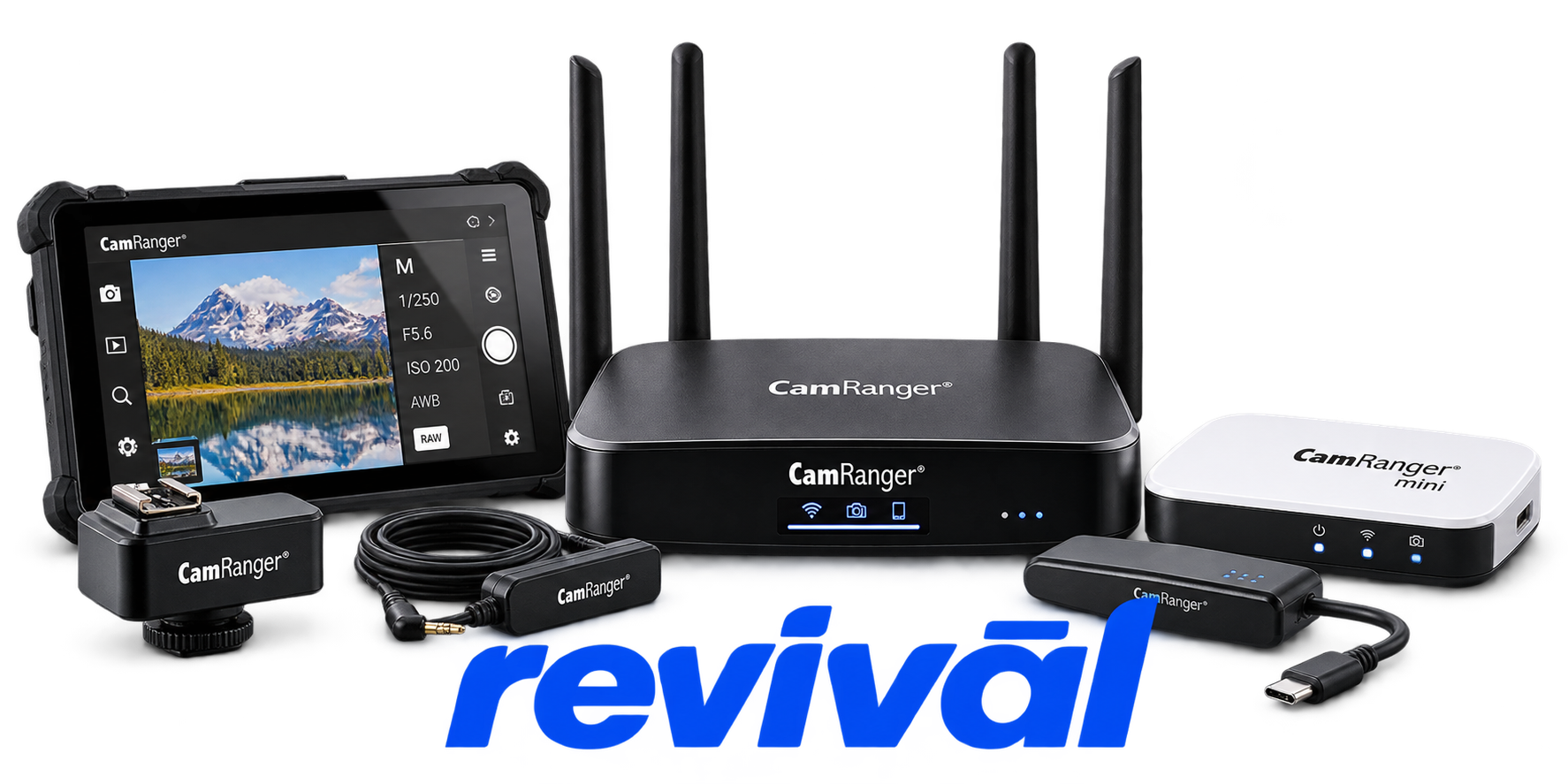
Acme Revival is an independent repair network that operates separately from the manufacturers whose devices we service. Our independence enables a repair model that exists beyond manufacturer-controlled strategies, while preserving the ability to work with manufacturers where appropriate.
CamRanger LLC is a U.S. photography-technology OEM specializing in wireless camera-control and tethering hardware and software. Its flagship CamRanger devices connect compatible Canon, Fujifilm, Nikon, and Sony cameras to smartphones, tablets, Macs, and Windows computers, enabling photographers to remotely control camera settings, focus and shooting, view live images, transfer photos, and perform functions such as focus stacking, HDR bracketing, interval shooting, and image review. The company also produces related camera-control accessories and develops its camera-control software in-house in the United States. Founded from the owners' engineering and mobile-development experience, CamRanger is particularly associated with professional wireless tethering and remote-camera workflows for commercial, studio, wildlife, and other photography applications.
The CamRanger's wireless network may fail to appear or take an unusually long time to become visible. This can result from initialization delays, wireless interference, or a Wi-Fi adapter that needs to be restarted.
Phones, tablets, and computers may fail to join the CamRanger's Wi-Fi network or repeatedly time out during connection. Incorrect passwords, environmental interference, VPNs, and device network settings are common causes.
The wireless connection may repeatedly disconnect, exhibit reduced range, or operate significantly slower than expected. Physical obstructions and interference from surrounding wireless networks can substantially degrade CamRanger performance.
The CamRanger may establish its Wi-Fi connection successfully but fail to recognize the attached camera. Common causes include a faulty or incorrect USB cable, a power-only cable, camera configuration problems, or a damaged camera USB port.
A CamRanger with a very low battery may refuse to establish a connection with the camera or controlling device. A critically low camera battery can produce similar connection failures.
Battery runtime can become substantially shorter when an attached camera draws power through the CamRanger's USB connection. This is particularly documented with some Fujifilm configurations, where USB power settings can reduce CamRanger 2 operating time considerably.
A phone or tablet may show that it is connected to the CamRanger Wi-Fi while the CamRanger application itself remains disconnected. VPN settings, iOS local-network permissions, Android automatic network switching, or use of the wrong CamRanger app can cause this behavior.
Image previews, transfers, and live view may become slow or unresponsive despite an otherwise functioning connection. Distance, wireless interference, high-resolution files, memory-card write speed, and limited RAM on the controlling device can contribute to degraded performance.
A newly released or newly connected camera may not communicate correctly with CamRanger hardware when the installed firmware or application is outdated. Updating both the CamRanger firmware and application may be required before the camera can be recognized or controlled.
Connect with a technician.

Orders can typically be cancelled 24 hours prior to shipping
Get a real-time offer. Enter the make and model to begin.
Acme offers several ways to pay your service or repair balance.
Securely powered by 
This service is provided by Community Federal Savings Bank (“CFSB”), member FDIC, for which GoCardless Ltd acts as a third-party servicer.
Payable to ACME REVIVAL INC, write CamRanger in memo line, and mail your check to: 191 University Blvd. Suite 340, Denver, CO 80206. Payment are collected every weekday excluding federal holidays.


