Bluetooth Connection / Pairing Failure
Keyboard intermittently disconnects, refuses to reconnect, or disappears from the host device's Bluetooth connection. Re-pairing or resetting network/Bluetooth settings may temporarily restore operation.

Acme Revival is an independent repair network that operates separately from the manufacturers whose devices we service. Our independence enables a repair model that exists beyond manufacturer-controlled strategies, while preserving the ability to work with manufacturers where appropriate.
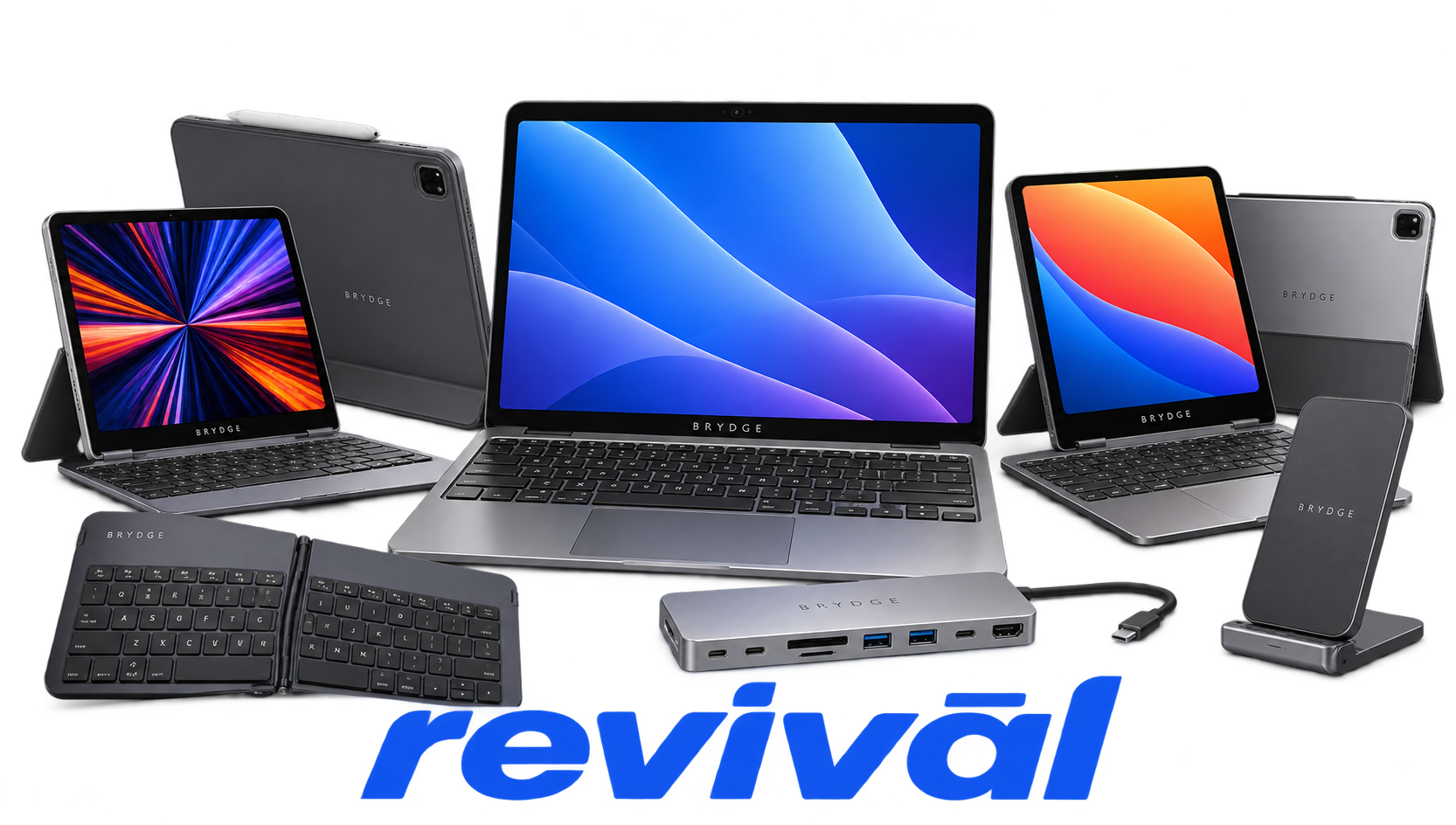
Brydge is a consumer-technology hardware brand founded in 2012, originally gaining attention through a Kickstarter campaign for premium tablet keyboards. The company became particularly well known for its aluminum iPad keyboards, which use laptop-style hinges, backlit keys, trackpads, and designs intended to transform an iPad into a notebook-like workstation. Brydge subsequently expanded into keyboards for Microsoft Surface, wireless desktop keyboards, trackpads, vertical docks, Thunderbolt/USB-C docking products, and other mobile-computing accessories. Its defining products have historically emphasized machined-aluminum construction and close visual integration with Apple and Microsoft hardware. The original business paused operations in 2023 following financial and operational difficulties; after changes in ownership, the Brydge brand is now being relaunched with a renewed focus on premium keyboards and computing accessories.
Keyboard intermittently disconnects, refuses to reconnect, or disappears from the host device's Bluetooth connection. Re-pairing or resetting network/Bluetooth settings may temporarily restore operation.
Integrated trackpad becomes completely unresponsive or intermittently stops tracking and clicking while the keyboard remains functional. Reports span Brydge Pro+, MAX+, and Surface-oriented models, with some cases associated with firmware, low battery, or trackpad hardware faults.
Keyboard fails to accept a charge, remains completely dead, or shows charging indication without powering up. Faults can involve a degraded Li-ion battery, charging circuitry, USB charging connection, or an internally shorted peripheral such as the trackpad.
Battery runtime becomes dramatically shorter than expected, fails to reach a full charge, or rapidly discharges during normal use. Long-term deep discharge and heat exposure can further reduce battery capacity.
One or more keyboard keys stop registering while the remainder of the keyboard continues operating normally. Likely hardware causes include worn key-switch mechanisms, damaged key contacts, contamination, or faults within the keyboard matrix.
Keyboard intermittently fails to register keystrokes despite remaining connected. Connectivity-related missed keystrokes have been documented on multiple generations of Brydge keyboards and can resemble a defective key matrix.
Hinges, rubber hinge inserts, or surrounding plastic components crack, split, loosen, or break after repeated opening and closing. This can compromise device retention and may eventually prevent the keyboard from securely supporting the tablet.
USB-C or Micro-USB charging connection becomes loose, damaged, or unable to maintain reliable electrical contact. The resulting symptom is intermittent charging or a completely non-charging keyboard even when the battery itself remains serviceable.
Internal electronics become unresponsive even though the keyboard may still illuminate or show other signs of power. Some reported units only recover after the battery is completely discharged or electrically reset, suggesting a controller or firmware lockup condition.
Connect with a technician.

Orders can typically be cancelled 24 hours prior to shipping
Get a real-time offer. Enter the make and model to begin.
Acme offers several ways to pay your service or repair balance.
Securely powered by 
This service is provided by Community Federal Savings Bank (“CFSB”), member FDIC, for which GoCardless Ltd acts as a third-party servicer.
Payable to ACME REVIVAL INC, write Brydge in memo line, and mail your check to: 191 University Blvd. Suite 340, Denver, CO 80206. Payment are collected every weekday excluding federal holidays.


