
Brother Industries

Repair, Service, and Parts

Brother Industries repair, service, and parts

Acme Revival is an independent repair network that operates separately from the manufacturers whose devices we service. Our independence enables a repair model that exists beyond manufacturer-controlled strategies, while preserving the ability to work with manufacturers where appropriate.

Tanauan City, Batangas Province, Philippines
Manuf. Location
≈ US $893B
Annual Revenue (est)
Printing & Imaging
End Use Segment

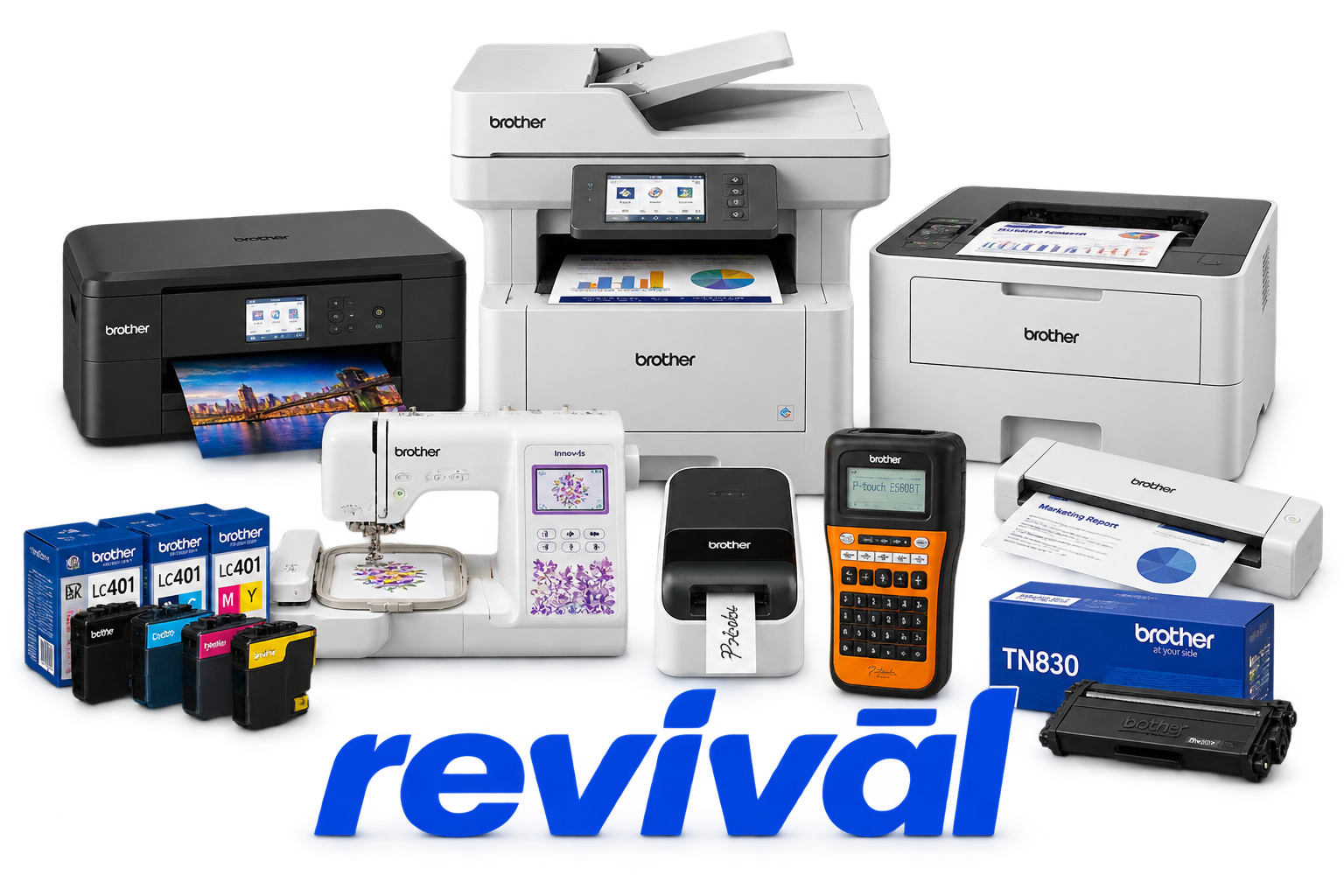
Brother Industries, Ltd. is a Japanese multinational electronics and industrial-equipment manufacturer best known for its printers, multifunction/all-in-one printers, scanners, label printers, and P-touch labeling systems. Printing & Solutions is its largest core business, but Brother has a substantially broader hardware portfolio that includes industrial and home sewing machines, garment printers, coding and marking systems, digital industrial printers, machine tools, cutting machines, gearmotors, reducers, and related equipment. The company operates a global manufacturing network, with particularly significant printer production in the Philippines, Vietnam, and China. Brother has evolved from its origins in sewing-machine manufacturing into a major global printing and imaging manufacturer while retaining significant industrial-machinery businesses.

2 Most Seen Failures:

Paper Feed / Paper Jam Failure

Paper fails to feed, feeds multiple sheets, jams internally, or triggers persistent paper-jam errors even after the obstruction is removed. Common hardware causes include worn pickup/separation rollers, paper scraps in the transport path, damaged paper sensors or actuators, and contaminated feed rollers.


Printhead Clogging / Missing Ink Output

Brother inkjet and InkTank printers may develop missing colors, horizontal gaps, streaking, or completely blank output when printhead nozzles become clogged or ink delivery is interrupted. Persistent cases can involve dried ink inside the printhead, air in the ink system, blocked ink passages, or electrical failure of the printhead.

Ink Absorber / Purge Unit Full

Inkjet models can display "Ink Absorber Full," "InkBox Full," or related errors after the waste-ink absorber reaches its service limit. The absorber collects ink discharged during automatic cleaning and purging cycles, and eventual saturation can prevent further printing until the absorber or flushing assembly is serviced.

Toner Cartridge Detection / Toner Feed Failure

Brother laser printers commonly report Replace Toner, No Toner, Toner Ended, Cartridge Error, or similar conditions when toner cannot be detected or delivered correctly. Problems may originate from depleted toner, cartridge gearing or reset mechanisms, damaged contacts, incorrect cartridge seating, or toner-feed components.

Drum Unit Wear / Drum Error

Laser models frequently develop "Drum!", "Drum End Soon," or "Replace Drum" conditions as the photosensitive drum and associated corona components deteriorate. Drum wear or contamination can also produce repeating marks, vertical lines, faded areas, backgrounding, or other recurring print defects.

Fuser / Heating Assembly Failure

Laser printers can develop poor toner bonding, wrinkled pages, smearing, repeated image defects, or machine/self-diagnostic errors when the fuser assembly deteriorates. Typical faults include worn pressure rollers or sleeves, failed heating elements, thermistor problems, and temperature-control faults.

Scanner / ADF Failure

Brother multifunction units may display "Cannot Scan," "Scan Unable," or Document Jam errors when the scanner or automatic document feeder cannot operate correctly. Frequent hardware causes include dirty or failing scan sensors, worn ADF rollers, damaged document-detection sensors, carriage problems, or scanner-motor/mechanism faults.

Pickup Roller / No Paper Fed Failure

The printer may report "No Paper," "No Paper Fed," or repeatedly attempt to pick up paper despite a loaded tray. Worn or contaminated pickup rollers, separation pads, tray-lift mechanisms, and paper-presence sensors are common mechanical causes.

Purge / Carriage Mechanism Failure

Brother inkjet machines can develop "Unable to Print" or numbered machine errors when the printhead carriage, purge station, wiper mechanism, encoder system, or associated drive components cannot complete their expected movement. Dried ink, foreign material, damaged gears, contaminated encoder strips, or failed motors/sensors can cause the mechanism to stall or lose position.

1 Acme Revival offers repair, service, and part rebuild opportunities for most Brother Industries devices.

Connect with a technician.

  1. 1 Repairs are performed on a best-effort basis. Acme Revival utilizes a network of sophisticated technicians and engineers with diverse service offerings; despite this, factors that influence the repair outcome may ultimately prove unsuccessful. Acme Revival makes no claim that it can, guarantee a repair before your device is sent in for diagnostic evaluation; even then, repair and diagnostic work are not mutually exclusive. Despite well-intentioned quoting, repairs may still prove unsuccessful.
  2. 2 Per information known, researched and collected by Acme Revival and its systems at time of page publishing (September 22, 2026).
  3. *Information regarding this manufacturer/brand/organization is estimated with information collected and known to Acme Revival. This information is intended to provide insights into the spotlight entity, however may not be accurate— information is strictly of estimate nature only.
  4. **The model list shown here may not be an all-inclusive list of the EcoFlow product range. Model list has been derived per information known, researched and collected by Acme Revival and its systems for the US market.

