
BrightSign

Repair, Service, and Parts

BrightSign repair, service, and parts

Acme Revival is an independent repair network that operates separately from the manufacturers whose devices we service. Our independence enables a repair model that exists beyond manufacturer-controlled strategies, while preserving the ability to work with manufacturers where appropriate.

Asia
Manuf. Location
≈ US $75M
Annual Revenue (est)
Digital Signage
End Use Segment

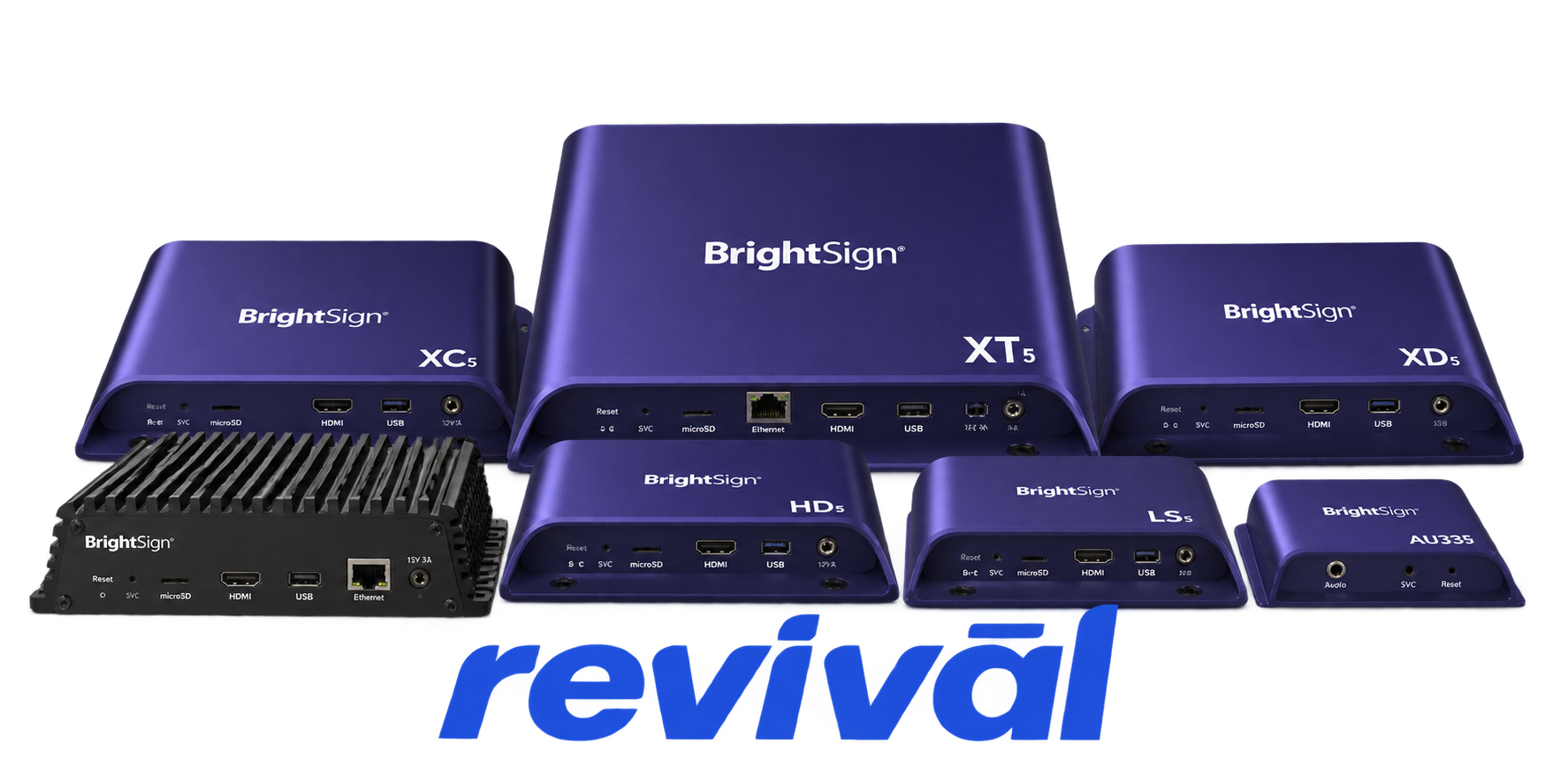
BrightSign LLC is a U.S.-based professional audiovisual technology manufacturer specializing in solid-state digital signage media players and signage-management platforms. Founded in 2009 and headquartered in San Jose, California, BrightSign develops purpose-built hardware such as its LS, HD, XD, XT, XC, and AU series media players, together with BrightSignOS, cloud-based device/content-management products, networking capabilities, and its BrightSign Built-In system-on-chip platform for commercial displays. Its products are primarily deployed in retail signage, corporate communications, hospitality, transportation, education, entertainment, menu boards, kiosks, video walls, and other commercial AV installations. BrightSign is particularly known for compact fanless signage players designed for continuous operation, centralized deployment and management, high reliability, and scalable installations ranging from a single display to large signage networks. The company designs and manages the platform while relying on long-standing Asian contract manufacturers for physical production.

2 Most Seen Failures:

microSD Card / Storage Failure

The player stops booting, intermittently freezes, loses content, or reports storage errors because the microSD card has become corrupted, worn, unreadable, or unreliable. Storage-media problems are among the most frequently encountered BrightSign player faults and can trigger error code 8 or recovery behavior.


No HDMI Video Output

The player powers on but the connected display reports "No Signal," shows a black screen, or never displays the BrightSign startup screen. Failures can involve the HDMI output circuitry, connector, player hardware, or storage/boot problems preventing video initialization.

Ethernet / Network Connectivity Failure

The player goes offline, disappears from remote management, or cannot establish a wired network connection despite otherwise operating normally. Common hardware causes include a damaged RJ45 connector, failed Ethernet interface circuitry, or intermittent physical connections.

Wi-Fi Connectivity Failure

Players equipped with wireless modules may repeatedly lose Wi-Fi, fail to associate with an access point, or stop detecting wireless networks. Faults can originate in the Wi-Fi module, antenna/antenna connection, or associated interface hardware, and BrightSign firmware includes a dedicated Wi-Fi hardware/error indication.

Power / No-Boot Failure

The BrightSign player may show no power, only a power LED, or fail to progress through its normal startup sequence. Typical hardware suspects include the external power adapter, DC input connection, onboard power regulation, PMIC circuitry, or a failed mainboard.

NAND / Internal Flash Memory Failure

The player may become stuck during startup, fail firmware updates, repeatedly enter recovery, or become unable to retain system information because its onboard nonvolatile storage has developed errors. BrightSign specifically identifies registry/NAND faults as a distinct hardware error condition.

Boot / Firmware Storage Corruption

The player repeatedly reboots, hangs during startup, enters recovery mode, or reports that no bootable image can be found. Corruption or failure affecting the boot image, root filesystem, bootloader, or underlying flash storage can prevent the operating system from loading normally.

Thermal / Overheating Failure

Players installed in enclosed signage cabinets or poorly ventilated locations can become unstable, freeze, reboot, or shut down as internal temperatures rise. Dust accumulation, inadequate airflow, and deteriorating thermal interfaces can aggravate heat-related component instability.

microSD Card Reader / Slot Failure

A known-good microSD card may not be detected, may disconnect intermittently, or may produce repeated filesystem/storage errors because the player's card socket or reader circuitry is damaged. Worn contacts, mechanical damage, contamination, or reader-interface failure can mimic an ordinary bad-card problem.

1 Acme Revival offers repair, service, and part rebuild opportunities for most BrightSign devices.

Connect with a technician.

  1. 1 Repairs are performed on a best-effort basis. Acme Revival utilizes a network of sophisticated technicians and engineers with diverse service offerings; despite this, factors that influence the repair outcome may ultimately prove unsuccessful. Acme Revival makes no claim that it can, guarantee a repair before your device is sent in for diagnostic evaluation; even then, repair and diagnostic work are not mutually exclusive. Despite well-intentioned quoting, repairs may still prove unsuccessful.
  2. 2 Per information known, researched and collected by Acme Revival and its systems at time of page publishing (September 22, 2026).
  3. *Information regarding this manufacturer/brand/organization is estimated with information collected and known to Acme Revival. This information is intended to provide insights into the spotlight entity, however may not be accurate— information is strictly of estimate nature only.
  4. **The model list shown here may not be an all-inclusive list of the EcoFlow product range. Model list has been derived per information known, researched and collected by Acme Revival and its systems for the US market.

