
Barco

Repair, Service, and Parts

Barco repair, service, and parts

Acme Revival is an independent repair network that operates separately from the manufacturers whose devices we service. Our independence enables a repair model that exists beyond manufacturer-controlled strategies, while preserving the ability to work with manufacturers where appropriate.

Kortrijk, West Flanders, Belgium, Suzhou, Jiangsu, China, Wuxi, Jiangsu, China, Saronno, Varese, Italy, Noida, Gautam Buddh Nagar, Uttar Pradesh, India
Manuf. Location
≈ US $964M
Annual Revenue (est)
Professional visualization
End Use Segment

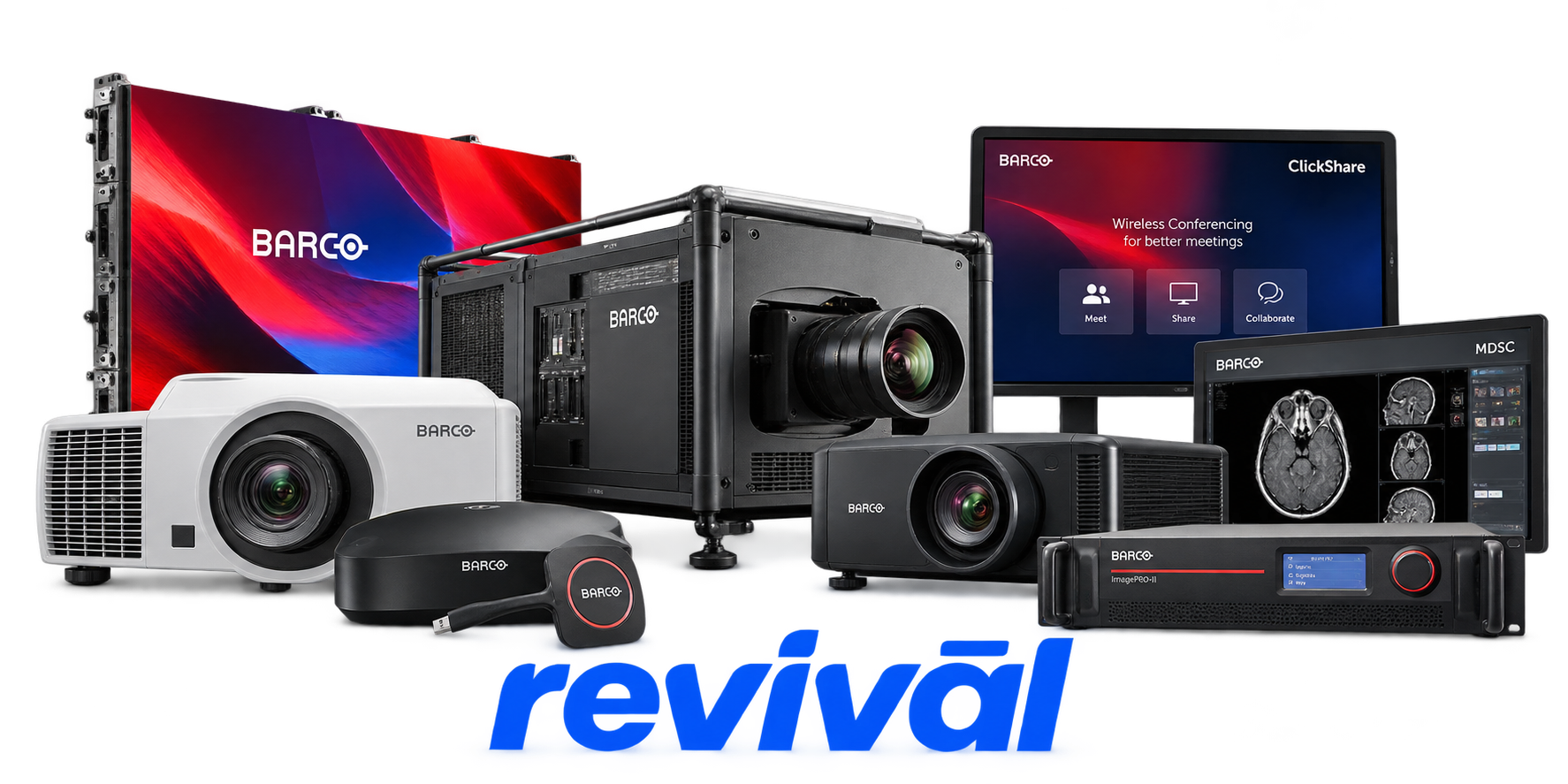
Barco NV is a Belgian professional-visualization technology manufacturer specializing in advanced display, projection, image-processing, video-networking and collaboration systems. Its hardware portfolio includes digital cinema and large-venue laser projectors, simulation projectors, medical diagnostic and surgical displays, LCD/LED video-wall systems, image processors and screen-management systems, control-room visualization equipment, and ClickShare wireless collaboration and meeting-room systems. Barco concentrates on three principal markets: Entertainment, Enterprise and Healthcare, supplying equipment for cinemas, live events, themed entertainment, control rooms, corporate meeting spaces, simulation environments, radiology, surgery and other medical-imaging applications. Barco is particularly known for high-end professional projection and cinema technology; the company states that it introduced the world's first laser cinema projector in 2014 and describes itself as a leader in laser cinema projection.

2 Most Seen Failures:

ClickShare Button / Base Unit Connection Failure

ClickShare Buttons may fail to connect, repeatedly disconnect, or remain stuck flashing while attempting to reach the Base Unit. Common contributors include wireless-interface problems, pairing loss, firmware faults, USB issues, and failures within the Button or Base Unit hardware.


Projector Lamp / Light-Source Failure

Barco lamp-based cinema and professional projectors can develop weak output, intermittent ignition, failure to strike, or complete loss of illumination as lamps and associated ignition components age. Lamp replacement is a routine service operation on legacy DP-series projectors.

DMD / Imaging Chip Pixel Failure

Barco DLP projectors can develop clusters of stuck or dead pixels, lines, bright spots, or permanent image defects when the DMD imaging device is damaged. DMD damage may result from thermal stress, aging, contamination, or direct exposure to external laser energy.

Cooling Fan / Thermal Failure

Cooling-system problems can cause excessive fan noise, overheating, thermal warnings, shutdowns, or failure to operate normally. Dust-restricted airflow, deteriorating fans, blocked ventilation, and high internal temperatures are common service concerns across high-output projectors and displays.

No Video / Black Screen

Barco projectors, ClickShare systems, and professional displays may power on normally while producing no usable image. Faults can involve video-input circuitry, HDMI/DisplayPort connections, firmware, source detection, display electronics, or internal imaging hardware.

Display Pixel / Panel Defects

Barco LCD diagnostic and professional displays can develop dead pixels, permanently bright pixels, defective subpixels, bright spots, or localized panel abnormalities. Depending on severity, these defects may require replacement of the LCD panel or complete display assembly.

Image Flicker / Intermittent Video

Video output may flicker, momentarily disappear, display artifacts, or repeatedly lose synchronization. Common causes include deteriorating HDMI connections, faulty ports, signal-path electronics, incompatible video timing, and internal output-stage problems.

Power Supply / Startup Failure

Barco hardware may fail to power on, repeatedly restart, remain in standby, or fail during its startup sequence because of power-supply or internal electronics problems. Aging capacitors, DC power rails, control boards, and related power-conversion circuitry are typical hardware-level suspects when external power has been eliminated.

Firmware / Boot Failure

ClickShare Base Units, displays, and other digitally controlled Barco products can become stuck during startup, fail firmware updates, become unresponsive, or exhibit abnormal operation following corrupted or incompatible firmware. Recovery may require firmware reinstallation, factory reset, or service when the unit cannot complete the boot or update process.

1 Acme Revival offers repair, service, and part rebuild opportunities for most Barco devices.

Connect with a technician.

  1. 1 Repairs are performed on a best-effort basis. Acme Revival utilizes a network of sophisticated technicians and engineers with diverse service offerings; despite this, factors that influence the repair outcome may ultimately prove unsuccessful. Acme Revival makes no claim that it can, guarantee a repair before your device is sent in for diagnostic evaluation; even then, repair and diagnostic work are not mutually exclusive. Despite well-intentioned quoting, repairs may still prove unsuccessful.
  2. 2 Per information known, researched and collected by Acme Revival and its systems at time of page publishing (September 21, 2026).
  3. *Information regarding this manufacturer/brand/organization is estimated with information collected and known to Acme Revival. This information is intended to provide insights into the spotlight entity, however may not be accurate— information is strictly of estimate nature only.
  4. **The model list shown here may not be an all-inclusive list of the EcoFlow product range. Model list has been derived per information known, researched and collected by Acme Revival and its systems for the US market.

