
AZIO

Repair, Service, and Parts

AZIO repair, service, and parts

Acme Revival is an independent repair network that operates separately from the manufacturers whose devices we service. Our independence enables a repair model that exists beyond manufacturer-controlled strategies, while preserving the ability to work with manufacturers where appropriate.

China
Manuf. Location
≈ US $2M
Annual Revenue (est)
Computer peripherals
End Use Segment

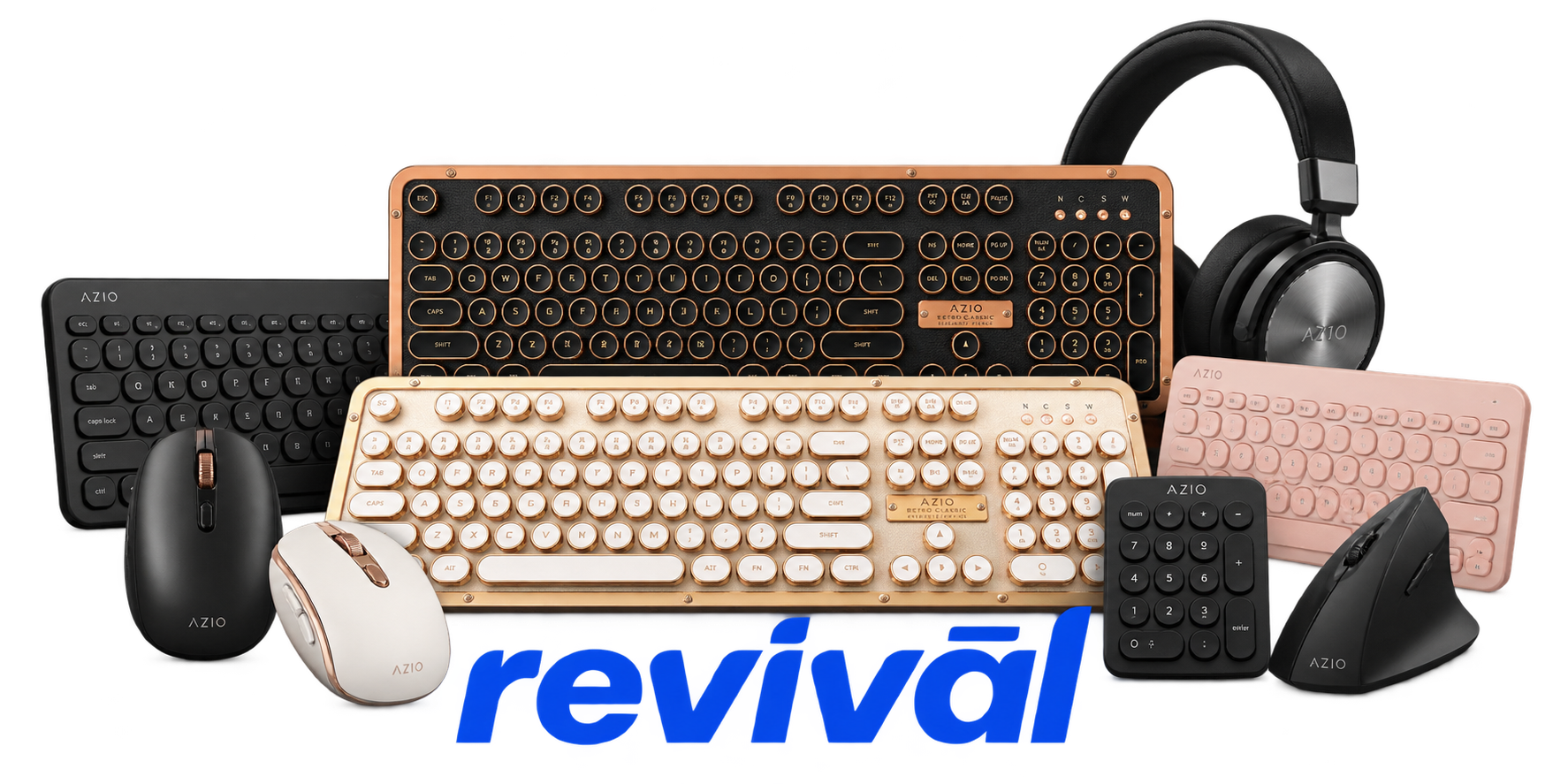
AZIO Corporation is a U.S.-based designer and manufacturer of premium computer and workspace peripherals, founded in Los Angeles in 2005. The company is best known for design-focused keyboards—particularly its distinctive Retro Classic mechanical keyboards—as well as the Cascade, IZO, FOQO, Vision, antimicrobial/waterproof and other keyboard families. Its broader product portfolio includes computer mice, numpads and complementary desktop accessories. AZIO differentiates itself through industrial design, unusual materials and finishes, combining vintage or fashion-oriented styling with modern technologies such as Bluetooth, mechanical switches, hot-swappable switches and backlighting. The company describes its core business as computer and electronic peripherals and sells its products internationally.

2 Most Seen Failures:

Battery Failure / Swelling

Internal lithium-ion batteries can lose capacity, stop accepting a charge, or physically swell after extended use. On some AZIO wireless keyboards, a failed battery can prevent the keyboard from powering up even when connected by USB.


Bluetooth Pairing / Connection Failure

Wireless AZIO keyboards may fail to enter pairing correctly, disappear from the host's Bluetooth scan, or repeatedly disconnect after initially connecting. Problems can involve the keyboard's Bluetooth circuitry, stored pairing state, firmware, host compatibility, or declining battery voltage.

Individual Keys Stop Registering

Individual mechanical keys can become intermittent or completely nonresponsive while the remainder of the keyboard continues working normally. Common hardware causes include a worn mechanical switch, damaged switch solder joints, contamination, or faults in the keyboard matrix.

USB / Wired Mode Not Working

The keyboard may illuminate or appear to receive USB power while producing no keystrokes, or may become completely nonfunctional in wired mode. Likely failure points include the USB-C connector, connector solder joints, power circuitry, controller PCB, cable, or interaction with a failed internal battery.

Intermittent Disconnects

AZIO wireless models can unexpectedly disconnect, stop responding, or require reconnection during normal operation. Battery deterioration, Bluetooth instability, radio interference, host compatibility, or faults in the wireless/control electronics are common areas to investigate.

Charging Failure

Rechargeable AZIO keyboards may stop charging, charge intermittently, or remain at a low battery level despite being connected to USB power. Typical hardware suspects include the USB-C charging connector, damaged solder joints, battery pack, protection circuitry, or charging/power-management components.

Mechanical Switch Chatter / Intermittent Input

A worn or contaminated mechanical switch can generate duplicate characters, missed keystrokes, or input that changes depending on how firmly the key is pressed. Switch contact degradation is generally localized and can often be repaired by replacing the affected switch rather than the complete keyboard.

Backlight / LED Failure

Individual key LEDs or larger sections of the keyboard backlight may become dim, intermittent, or completely dark while keyboard input remains functional. Failed LEDs, cracked solder joints, PCB traces, driver circuitry, or power-distribution faults are typical causes.

Main PCB / Controller Failure

Some AZIO keyboards become completely unresponsive despite known-good cables, charging attempts, pairing resets, and other basic troubleshooting. Failure of the main controller PCB, voltage-regulation circuitry, power switching components, or associated electronics can produce a total no-power or no-input condition.

1 Acme Revival offers repair, service, and part rebuild opportunities for most AZIO devices.

Connect with a technician.

  1. 1 Repairs are performed on a best-effort basis. Acme Revival utilizes a network of sophisticated technicians and engineers with diverse service offerings; despite this, factors that influence the repair outcome may ultimately prove unsuccessful. Acme Revival makes no claim that it can, guarantee a repair before your device is sent in for diagnostic evaluation; even then, repair and diagnostic work are not mutually exclusive. Despite well-intentioned quoting, repairs may still prove unsuccessful.
  2. 2 Per information known, researched and collected by Acme Revival and its systems at time of page publishing (September 18, 2026).
  3. *Information regarding this manufacturer/brand/organization is estimated with information collected and known to Acme Revival. This information is intended to provide insights into the spotlight entity, however may not be accurate— information is strictly of estimate nature only.
  4. **The model list shown here may not be an all-inclusive list of the EcoFlow product range. Model list has been derived per information known, researched and collected by Acme Revival and its systems for the US market.

