
AVerMedia

Repair, Service, and Parts

AVerMedia repair, service, and parts

Acme Revival is an independent repair network that operates separately from the manufacturers whose devices we service. Our independence enables a repair model that exists beyond manufacturer-controlled strategies, while preserving the ability to work with manufacturers where appropriate.

New Taipei City, Taiwan
Manuf. Location
≈ US $107M
Annual Revenue (est)
Video Capture
End Use Segment

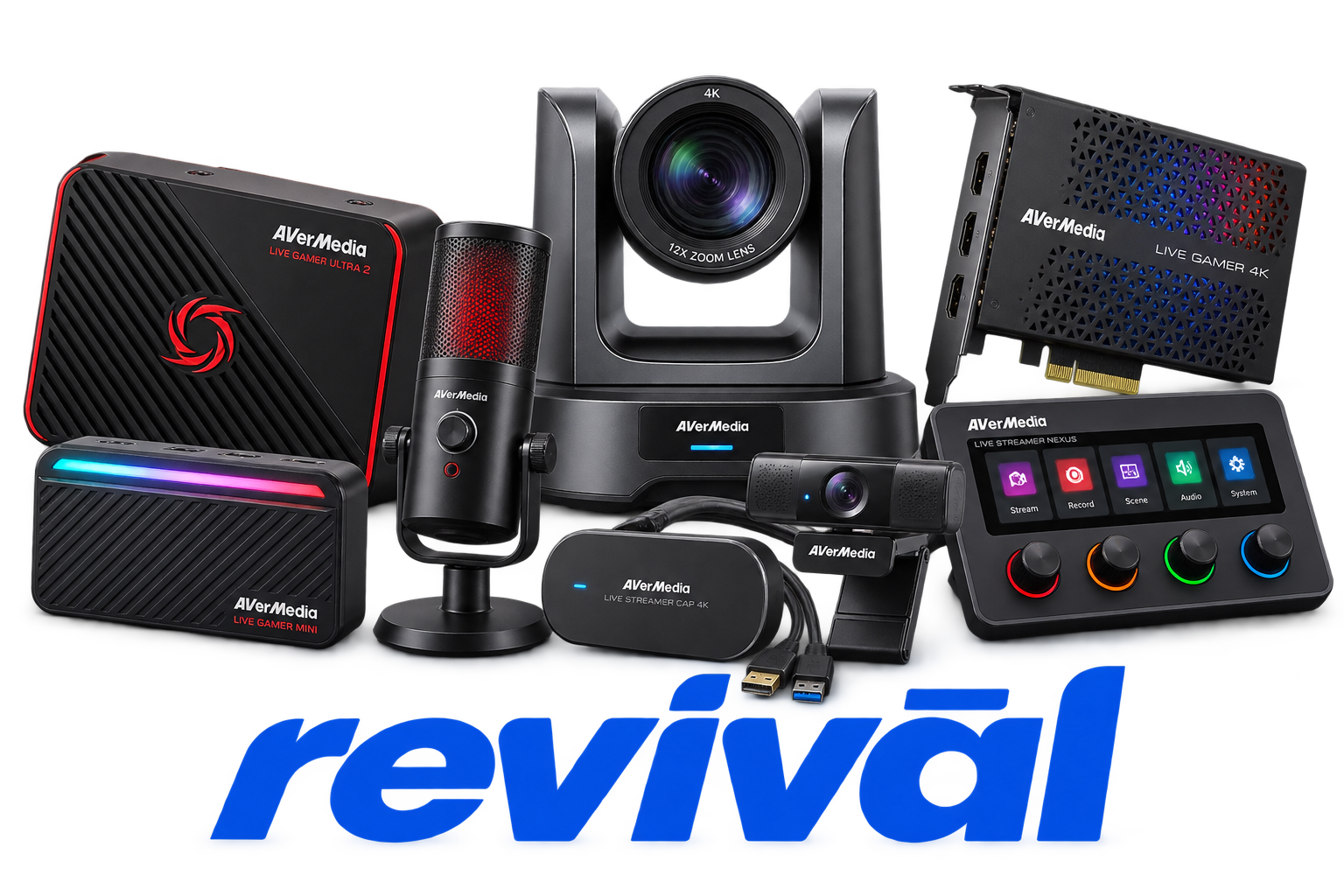
AVerMedia Technologies is a Taiwanese electronics manufacturer specializing in digital video, audio, streaming, and embedded AI hardware. Founded in 1990, the company is particularly known for its Live Gamer capture cards and external capture devices used for game recording, livestreaming, and content creation. Its broader portfolio includes webcams, microphones, speakerphones, video-conferencing equipment, PCIe and USB capture devices, frame grabbers, and professional embedded-computing and AVerAI edge-AI systems built around platforms such as NVIDIA Jetson. AVerMedia’s core technical expertise centers on video/audio capture, image processing, encoding and decoding, streaming, and hardware/software integration, with products sold into consumer content-creation as well as commercial and industrial AI applications.

2 Most Seen Failures:

No HDMI Input / No Signal

Capture devices fail to detect an HDMI source or repeatedly display “No Signal.” Common contributing faults include HDMI input circuitry, damaged connectors, signal-handshake failures, firmware issues, and unsupported resolution or refresh-rate transitions.


USB Device Not Detected

USB-connected capture cards may intermittently disappear from Windows or fail to enumerate entirely. Faults can involve worn USB-C connectors, damaged cables, USB controller compatibility, insufficient bandwidth, or failure of the device’s USB interface circuitry.

Audio Crackling or Distortion

Captured HDMI audio may develop crackling, popping, stuttering, or heavily distorted playback. The issue is frequently associated with firmware or driver problems, USB instability, clock synchronization errors, or faults within the capture card's audio-processing path.

Intermittent Video Freezing

The captured video feed may randomly freeze on a single frame while audio or HDMI passthrough continues operating. Reinitializing the device or capture software may temporarily restore operation, suggesting firmware, interface, processing, or data-transfer instability.

Audio Dropout / No Captured Audio

The capture card may continue producing video while captured audio disappears completely or intermittently drops out. Firmware, driver enumeration, HDMI audio decoding, and USB or PCIe interface problems are common causes.

USB Bandwidth / Connection Instability

AVerMedia USB capture devices may flash warning indicators, drop frames, disconnect, or operate at reduced resolution when sufficient USB bandwidth is unavailable. Connector degradation, incorrect cables, unstable USB controllers, hubs, or interface-board faults can produce similar symptoms.

PCIe Capture Card Not Recognized

Internal Live Gamer cards may fail to appear in Device Manager or intermittently disappear after startup. PCIe slot bandwidth, driver problems, motherboard compatibility, dirty or damaged edge contacts, and faults in the card’s PCIe interface or power circuitry are typical causes.

Resolution or Refresh-Rate Signal Loss

Some capture cards lose synchronization when the video source changes resolution, refresh rate, HDR, or VRR mode. The resulting black screen or permanent “No Signal” condition can stem from HDMI receiver, EDID/handshake, firmware, or signal-processing failures.

Video and Audio Desynchronization

Captured audio can gradually fall behind or move ahead of the video during recording or streaming. USB transfer instability, frame dropping, firmware timing errors, audio clock problems, and overloaded capture-processing hardware are frequent contributors.

1 Acme Revival offers repair, service, and part rebuild opportunities for most AVerMedia devices.

Connect with a technician.

  1. 1 Repairs are performed on a best-effort basis. Acme Revival utilizes a network of sophisticated technicians and engineers with diverse service offerings; despite this, factors that influence the repair outcome may ultimately prove unsuccessful. Acme Revival makes no claim that it can, guarantee a repair before your device is sent in for diagnostic evaluation; even then, repair and diagnostic work are not mutually exclusive. Despite well-intentioned quoting, repairs may still prove unsuccessful.
  2. 2 Per information known, researched and collected by Acme Revival and its systems at time of page publishing (September 18, 2026).
  3. *Information regarding this manufacturer/brand/organization is estimated with information collected and known to Acme Revival. This information is intended to provide insights into the spotlight entity, however may not be accurate— information is strictly of estimate nature only.
  4. **The model list shown here may not be an all-inclusive list of the EcoFlow product range. Model list has been derived per information known, researched and collected by Acme Revival and its systems for the US market.

