
ATEN

Repair, Service, and Parts

ATEN repair, service, and parts

Acme Revival is an independent repair network that operates separately from the manufacturers whose devices we service. Our independence enables a repair model that exists beyond manufacturer-controlled strategies, while preserving the ability to work with manufacturers where appropriate.

New Taipei City, Taiwan
Manuf. Location
≈ US $158M
Annual Revenue (est)
AV/IT Infrastructure
End Use Segment

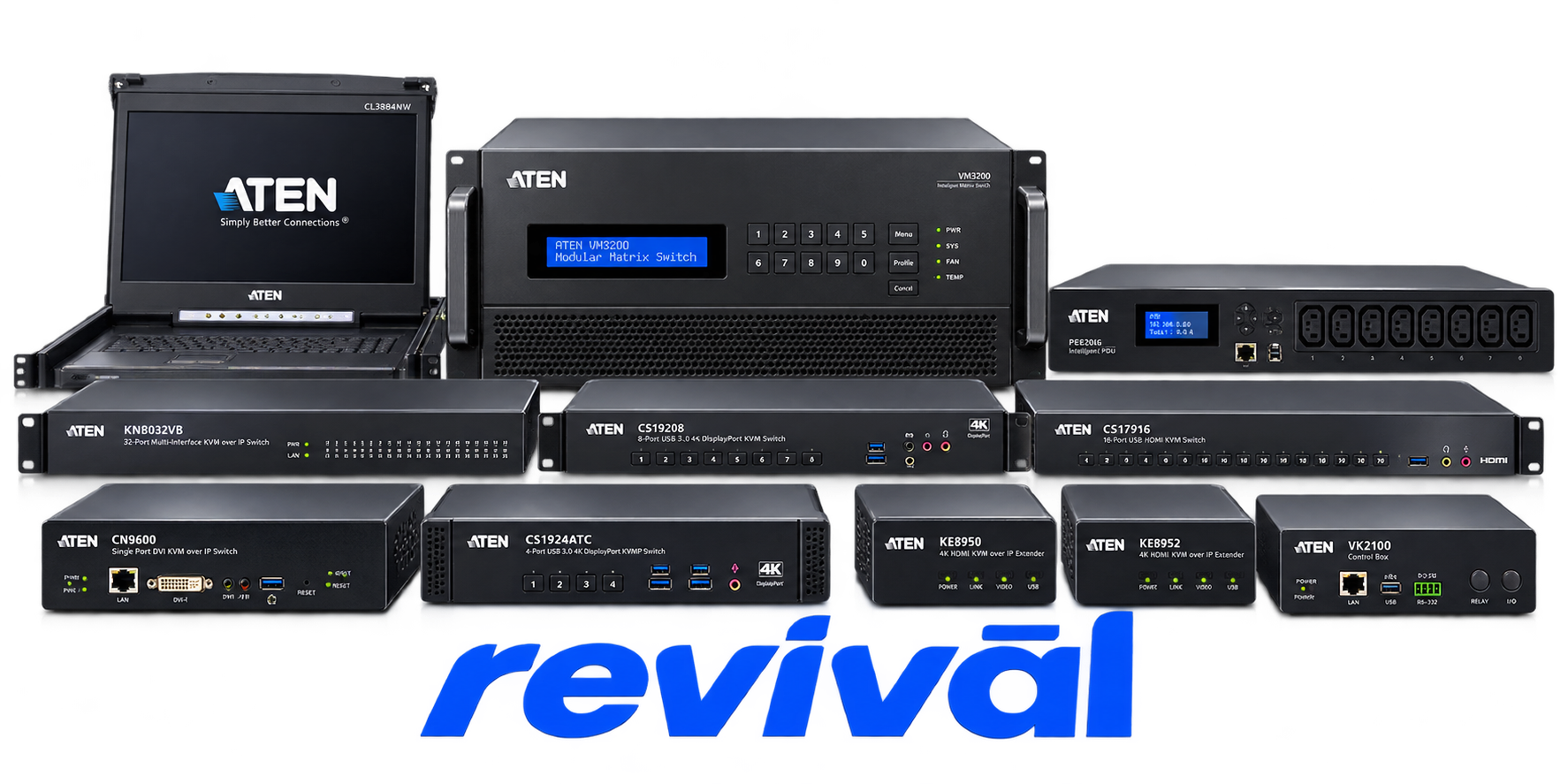
ATEN International is a Taiwan-based electronics manufacturer specializing in AV/IT connectivity, access, control, and infrastructure-management hardware. Founded in 1979, the company is particularly known for its KVM (keyboard-video-mouse) switches and KVM-over-IP solutions, and ATEN identifies itself as a global KVM market leader. Its broader portfolio includes professional AV switches, extenders and matrix systems, USB/peripheral connectivity products, rack equipment, intelligent power distribution units (PDUs), control systems, and remote IT-management solutions. These products are deployed primarily in enterprise IT/data-center environments as well as control rooms, corporate facilities, government, education, healthcare, manufacturing, broadcasting/media, and transportation applications. ATEN maintains manufacturing operations across Taiwan, China, and Thailand, giving it a vertically involved manufacturing footprint rather than operating solely as a design/brand company.

2 Most Seen Failures:

No Video / Black Screen

The connected monitor shows no image after startup or after switching KVM ports. Common causes across ATEN models include display-resolution or EDID incompatibility, unsuitable video cables, monitor detection failures, and host-system compatibility issues.


Keyboard and Mouse Not Responding

Video works, but the keyboard, mouse, or both stop responding through the KVM. Recurring causes include incorrect USB connections, insufficient USB power, emulation incompatibility, unsupported peripherals, and the host failing to detect the HID devices.

Intermittent or Flickering Video

The display repeatedly flickers, blanks, or loses synchronization while connected through the ATEN hardware. ATEN identifies cabling, grounding/electrical interference, resolution compatibility, adapters, and the connected source hardware as potential causes.

USB Peripheral Not Detected

USB storage, peripherals, or other USB devices fail to operate when routed through the KVM or USB switch. ATEN documentation commonly associates this with USB 1.1/2.0 speed mismatches, device compatibility, cable faults, port configuration, or firmware.

Wireless / Gaming Keyboard and Mouse Incompatibility

Wireless receivers and gaming keyboards or mice may be unresponsive even though conventional wired devices work correctly. ATEN identifies keyboard/mouse emulation, receiver port placement, USB speed, power availability, and device-specific compatibility as recurring factors.

Port Switching / Hotkey Failure

The KVM does not switch computers as expected or fails to respond to keyboard hotkey commands. Causes can include altered or disabled hotkey settings, unsupported hotkey functionality on particular models, keyboard compatibility, or a keyboard/USB subsystem that requires resetting.

Firmware Upgrade Failure

The firmware updater fails to detect the KVM, cannot enter upgrade mode, reports an error, or does not complete the update. ATEN documents model-, port-, operating-system-, connection-, and hardware-revision-specific conditions that can prevent successful firmware upgrades.

Cable / Adapter Connection Failure

Video, keyboard, mouse, or USB functionality is lost because a KVM cable, video cable, network cable, converter, or KVM adapter is faulty, incompatible, or connected incorrectly. ATEN troubleshooting repeatedly recommends substituting known-good cables or adapters to isolate this class of failure.

Hardware / Firmware Compatibility Failure

An ATEN device works with some computers, monitors, peripherals, or companion ATEN hardware but fails with particular hardware generations or revisions. Documented examples include older KVM adapters incompatible with newer KVM-over-IP switches, certain server/display combinations, and issues corrected by newer firmware or hardware revisions.

1 Acme Revival offers repair, service, and part rebuild opportunities for most ATEN devices.

Connect with a technician.

  1. 1 Repairs are performed on a best-effort basis. Acme Revival utilizes a network of sophisticated technicians and engineers with diverse service offerings; despite this, factors that influence the repair outcome may ultimately prove unsuccessful. Acme Revival makes no claim that it can, guarantee a repair before your device is sent in for diagnostic evaluation; even then, repair and diagnostic work are not mutually exclusive. Despite well-intentioned quoting, repairs may still prove unsuccessful.
  2. 2 Per information known, researched and collected by Acme Revival and its systems at time of page publishing (September 22, 2026).
  3. *Information regarding this manufacturer/brand/organization is estimated with information collected and known to Acme Revival. This information is intended to provide insights into the spotlight entity, however may not be accurate— information is strictly of estimate nature only.
  4. **The model list shown here may not be an all-inclusive list of the EcoFlow product range. Model list has been derived per information known, researched and collected by Acme Revival and its systems for the US market.

