HDMI No-Signal Failure
Monitor powers on but intermittently or permanently displays “No Signal” despite a known-good camera and cable. Reports include ANDYCINE A6/A6 Pro and C5-family monitors failing to recognize otherwise valid HDMI outputs.

Acme Revival is an independent repair network that operates separately from the manufacturers whose devices we service. Our independence enables a repair model that exists beyond manufacturer-controlled strategies, while preserving the ability to work with manufacturers where appropriate.
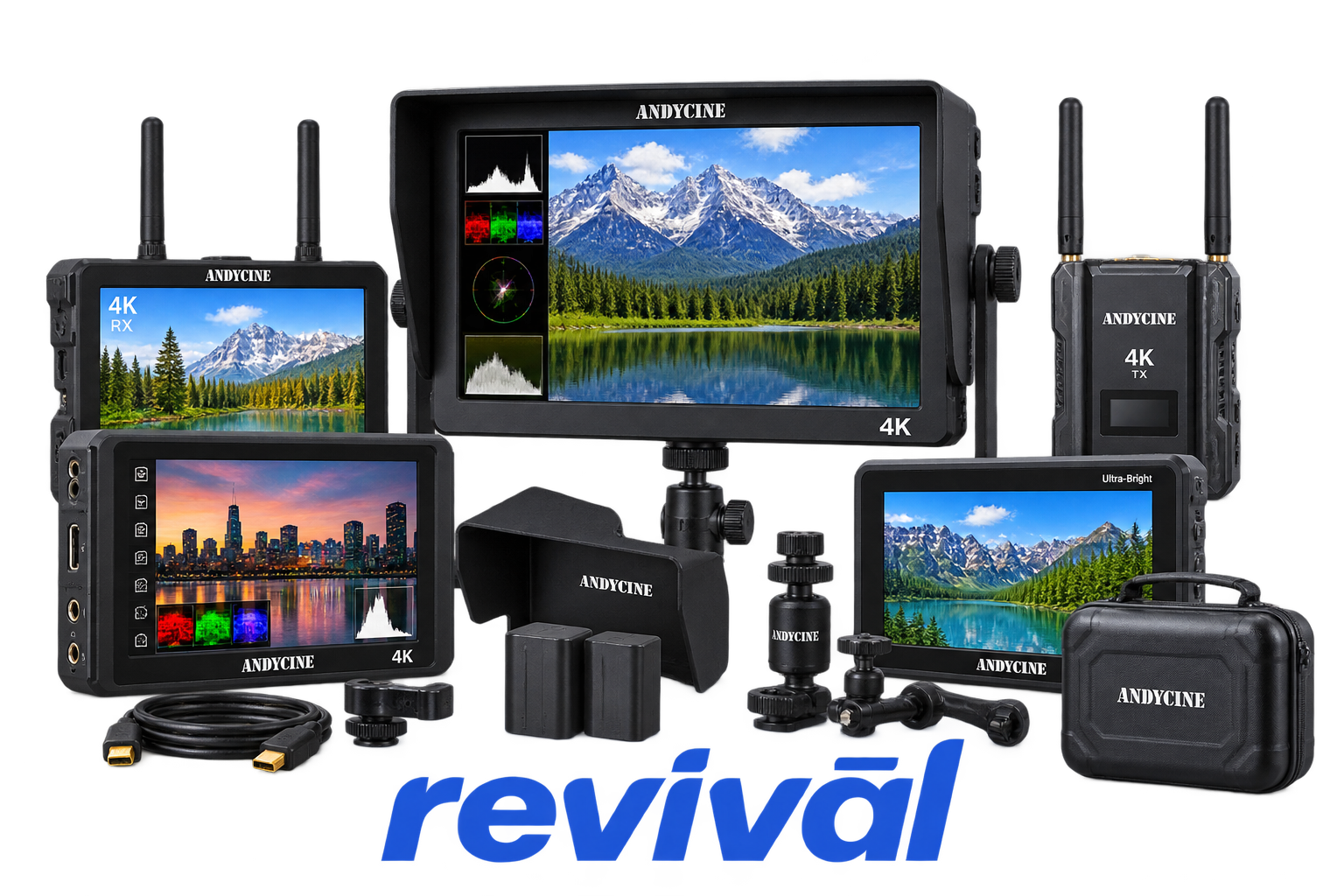
ANDYCINE is a Chinese professional video-equipment brand focused primarily on affordable on-camera and field monitors for filmmakers, videographers, broadcasters, livestreamers, and content creators. Its lineup includes HDMI and SDI camera monitors, high-brightness touchscreen displays, broadcast monitors, recorder monitors, teleprompters, video-capture devices, wireless video equipment, batteries/power products, camera rigs, lighting, microphones, and related production hardware. The company is particularly known for competitively priced field monitors offering professional tools such as waveform monitoring, false color, focus peaking, histograms, 3D LUT support, and high-brightness outdoor displays. ANDYCINE describes video monitors as its main focus, and independent industry coverage places it alongside brands such as Feelworld, Portkeys, Lilliput and SmallHD in the on-camera-monitor market.
Monitor powers on but intermittently or permanently displays “No Signal” despite a known-good camera and cable. Reports include ANDYCINE A6/A6 Pro and C5-family monitors failing to recognize otherwise valid HDMI outputs.
The monitor may reject certain UHD, progressive, playback, or frame-rate combinations even when they are nominally supported. Independent testing of the C5 found UHD and playback handshake failures requiring resolution changes, down-conversion, or reconnecting the HDMI cable.
The LCD image begins flickering, flashing, or becoming unstable after startup or a short period of operation. C7 owner reports specifically describe units becoming unusable after flickering develops.
Touch controls stop responding, register inconsistently, or operate unpredictably. This has been reported on C7 units and is also addressed in troubleshooting documentation for ANDYCINE touchscreen models.
Physical function buttons or menu controls stop registering even though the monitor remains powered. C7 users have reported buttons functioning initially and then becoming completely unresponsive, while T6 troubleshooting documentation lists control lockups requiring a restart.
The operating interface can freeze, leaving menus or monitor functions unresponsive until power is cycled. ANDYCINE troubleshooting guidance for the T6 specifically recommends disconnecting power and restarting when the monitor becomes frozen.
The monitor may fail to start from its NP-F battery, DC input, or USB-C supply even when power is expected to be available. Troubleshooting documentation repeatedly identifies no-power conditions across models and recommends checking battery seating, DC input, USB-C supply, and alternate power sources.
The monitor fails to recognize the SD card or displays a failed import message when loading custom LUT files. A6 Plus, A6 Max, and C5 documentation describes SD-detection/import failures, with card format, LUT format, file size, or firmware behavior commonly involved.
High-brightness models can drain NP-F batteries rapidly, while some monitors also show inaccurate or stuck battery-percentage readings. The C5 has documented high power consumption at full backlight, and A6 Max troubleshooting material describes incorrect battery-level indication.
Connect with a technician.

Orders can typically be cancelled 24 hours prior to shipping
Get a real-time offer. Enter the make and model to begin.
Acme offers several ways to pay your service or repair balance.
Securely powered by 
This service is provided by Community Federal Savings Bank (“CFSB”), member FDIC, for which GoCardless Ltd acts as a third-party servicer.
Payable to ACME REVIVAL INC, write ANDYCINE in memo line, and mail your check to: 191 University Blvd. Suite 340, Denver, CO 80206. Payment are collected every weekday excluding federal holidays.


