No Video Output
The display receives no video signal even though the source or device appears operational. Common causes include loose, damaged, or incorrectly connected HDMI, USB, or HDBaseT cables.

Acme Revival is an independent repair network that operates separately from the manufacturers whose devices we service. Our independence enables a repair model that exists beyond manufacturer-controlled strategies, while preserving the ability to work with manufacturers where appropriate.
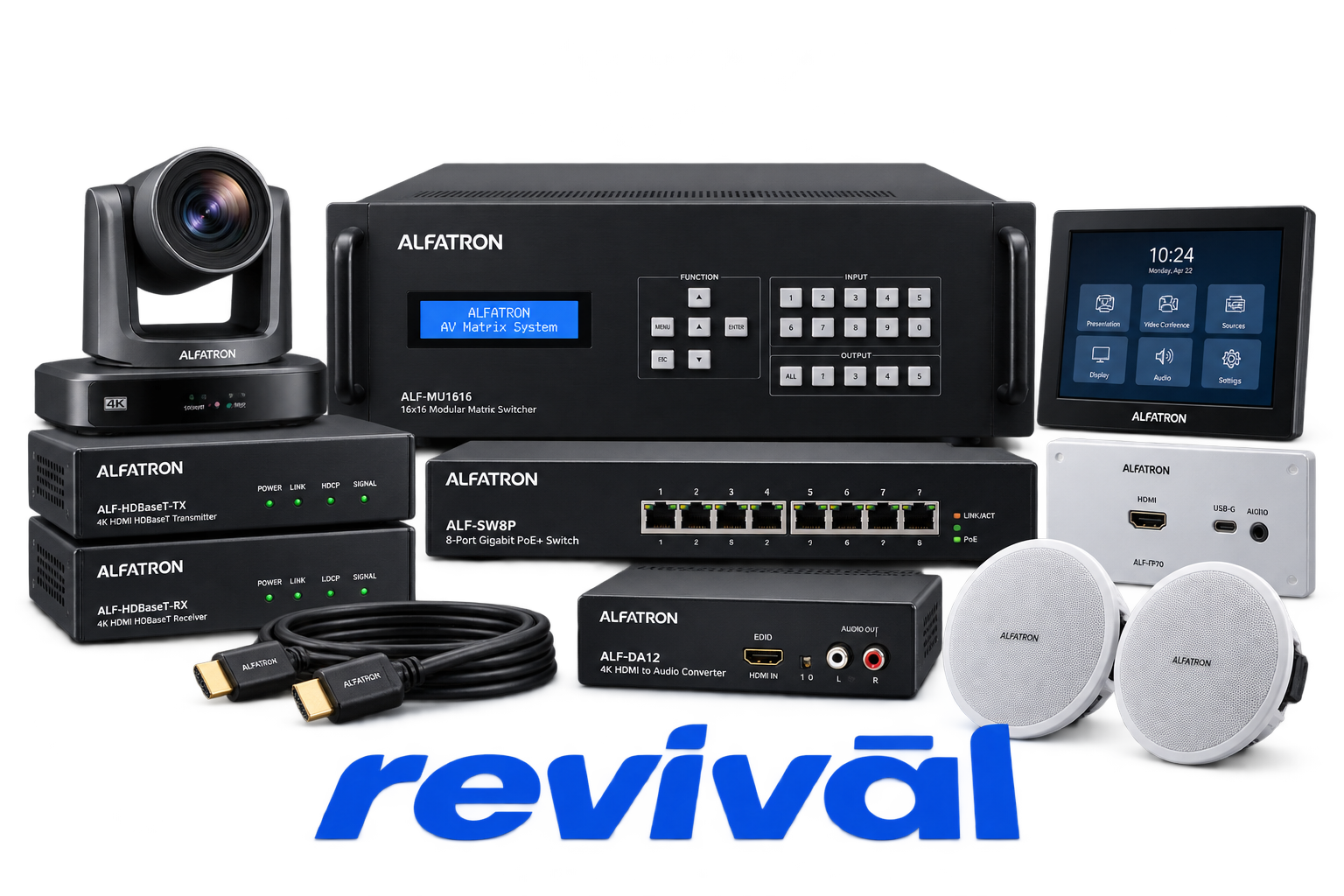
Alfatron Electronics is a global professional audio-visual equipment brand focused on commercial AV, conferencing, collaboration, and signal-distribution applications. Its portfolio includes AV-over-IP encoders/decoders, video switchers and extenders, PTZ and conferencing cameras, DSPs, amplifiers, speakers, wireless conferencing systems, unified-communications products, cables, adapters, and control/signal-management hardware. The company is particularly known for easy-to-deploy professional AV products, extended warranties, and solutions for meeting rooms, education, hospitality, houses of worship, events, and other commercial installations.
The display receives no video signal even though the source or device appears operational. Common causes include loose, damaged, or incorrectly connected HDMI, USB, or HDBaseT cables.
The device fails to display an image after changing to another input source. This is commonly associated with missing input signals, loose connections, HDCP incompatibility, or unsupported display resolutions.
The output displays snow, ghosting, color loss, white noise, splash screens, or other visual artifacts. Poor-quality cables, excessive transmission distance, or incorrect display settings are common causes.
The power indicator remains off or the unit does not respond to controls. Loose power connections, unsuitable adapters, or power-supply problems are frequently identified causes.
The device does not respond to commands from its infrared remote control. Common causes include depleted batteries, incorrect addressing, excessive distance or angle, receiver issues, or a defective remote.
The hardware cannot be controlled through its RS232 interface. Incorrect baud rate or communication parameters, loose control cables, incorrect commands, or a damaged RS232 port can cause the failure.
Front-panel buttons do not respond or cannot be used to select the desired source. The controls may be locked, the device may be in an automatic switching mode, or the hardware itself may have failed.
The display shows a blank screen, incorrect resolution, or otherwise fails to negotiate a usable video format. EDID configuration problems, damaged HDMI connections, or a source resolution unsupported by the display are common causes.
No audio is produced from the device or its connected amplifier/output. Typical causes include loose or failed connections, incorrect input or output selection, muted audio, incompatible HDMI audio formats, or incorrect routing settings.
Connect with a technician.

Orders can typically be cancelled 24 hours prior to shipping
Get a real-time offer. Enter the make and model to begin.
Acme offers several ways to pay your service or repair balance.
Securely powered by 
This service is provided by Community Federal Savings Bank (“CFSB”), member FDIC, for which GoCardless Ltd acts as a third-party servicer.
Payable to ACME REVIVAL INC, write Alfatron in memo line, and mail your check to: 191 University Blvd. Suite 340, Denver, CO 80206. Payment are collected every weekday excluding federal holidays.


