
Akko

Repair, Service, and Parts

Akko repair, service, and parts

Acme Revival is an independent repair network that operates separately from the manufacturers whose devices we service. Our independence enables a repair model that exists beyond manufacturer-controlled strategies, while preserving the ability to work with manufacturers where appropriate.

Dongguan City, China
Manuf. Location
≈ US $42M
Annual Revenue (est)
Computer Peripherals
End Use Segment

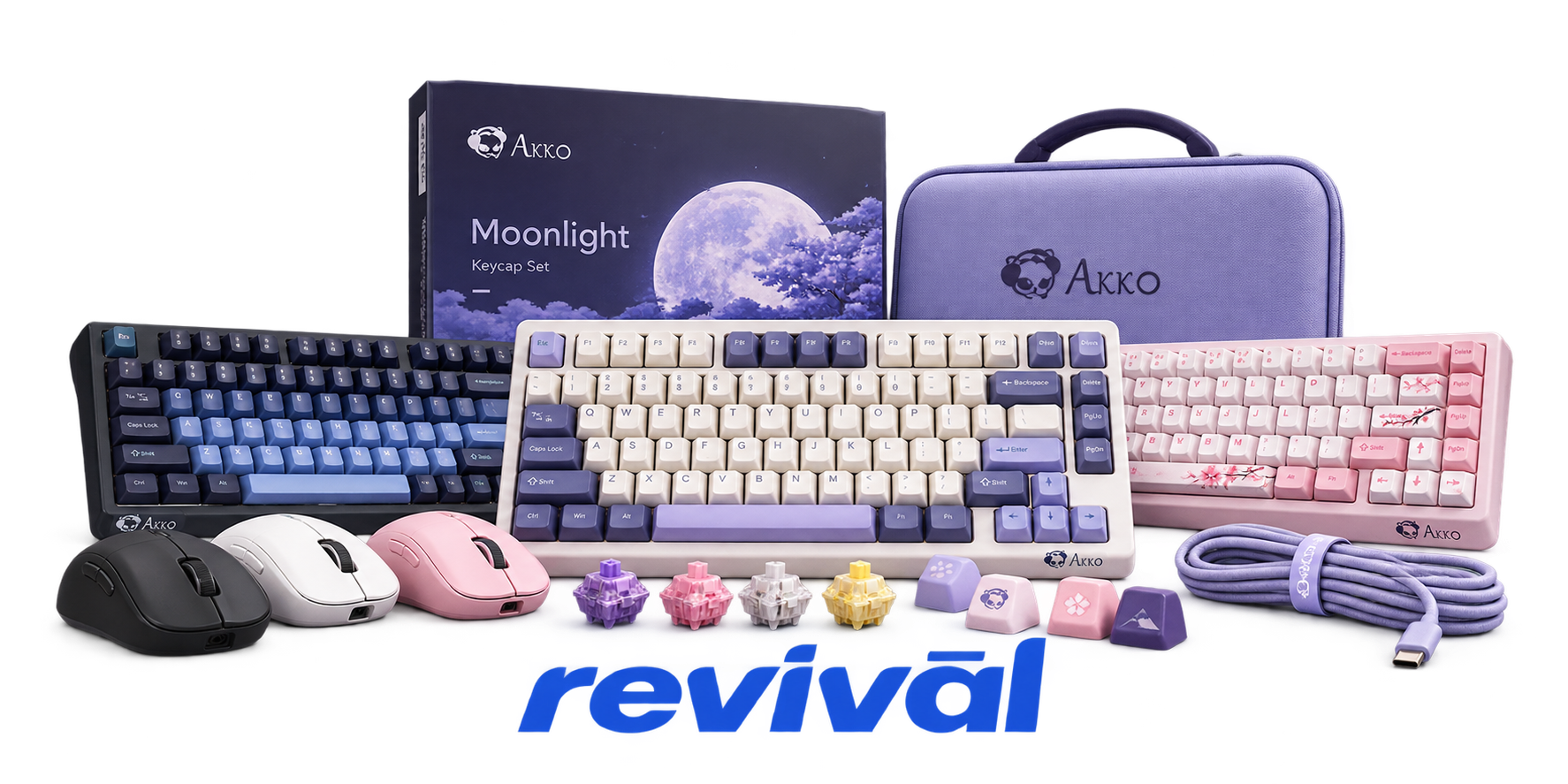
Akko is a Chinese computer-peripheral brand and OEM/ODM manufacturer best known for mechanical keyboards, custom keyboard components, and gaming peripherals. Founded as a brand in 2016 under Yinchen Technology, Akko designs and manufactures prebuilt and customizable mechanical keyboards, magnetic/Hall-effect gaming keyboards, mechanical switches, keycaps, DIY keyboard kits, mice, headsets, and related accessories. Its parent manufacturing operation provides OEM and tailored ODM services in addition to producing the Akko and MonsGeek brands, with capabilities spanning industrial/product design, circuit and PCBA work, assembly, quality control, and mass production. Akko is particularly known for its broad range of keyboard layouts, proprietary/co-developed switches, PBT keycaps, distinctive colorways and licensed pop-culture collaborations, and relatively accessible enthusiast-grade keyboards. The company sells into more than 60 countries and operates an integrated, self-owned manufacturing supply chain in Dongguan.

2 Most Seen Failures:

Key Chatter / Double Inputs

Individual keys register twice or repeatedly from a single press, or alternate between missed and duplicated inputs. The problem is commonly associated with failing switches, switch contacts, or PCB/input-processing issues.


Keys Stop Registering

One or more keys become intermittent or completely unresponsive while the rest of the keyboard continues working. Hot-swap switch failure, socket/contact problems, PCB faults, and—in Hall Effect models—calibration or firmware issues are common causes.

2.4 GHz Wireless Connection Failure

The keyboard fails to connect to its USB receiver, randomly disconnects, or becomes intermittently unresponsive in 2.4 GHz mode. Re-pairing may temporarily restore operation, while persistent cases can involve the receiver, wireless electronics, firmware, interference, or battery/power problems.

Bluetooth Pairing / Connection Failure

Bluetooth fails to pair, repeatedly disconnects, or stops communicating with a previously paired device. Clearing the existing pairing and re-pairing can resolve software-side failures, but some units continue to exhibit unreliable wireless operation.

Battery / Wireless Power Failure

Wireless models develop unusually short runtime, fail to operate unless connected by USB, fail to charge correctly, or experience battery degradation. Battery swelling has also been reported by owners and should be treated as a hardware safety failure rather than continued in-service use.

USB / Wired Connection Failure

The keyboard is not detected over USB, disconnects intermittently, or works only after reconnecting the cable. Causes include defective USB-C connections, internal interface cables, PCB faults, and firmware/USB-device enumeration problems.

Firmware Update / Bricking Failure

A firmware update fails or incompatible firmware is installed, leaving the keyboard partially functional or completely unusable. Some Akko models have multiple hardware/firmware revisions, making incorrect firmware particularly capable of causing detection failures, broken keys, lighting problems, or a bricked keyboard.

Hall Effect Key Calibration / Trigger Failure

Akko magnetic-switch models can develop inconsistent actuation, missed inputs, incorrect trigger points, or keys that stop responding correctly. Sensor calibration, temperature-related magnetic variation, Rapid Trigger settings, and firmware can all contribute to the failure.

RGB / Backlight Failure

Individual LEDs, sections of the keyboard, or particular lighting effects stop illuminating or display incorrect colors. The fault can originate from failed LEDs or PCB hardware as well as firmware, configuration, or lighting-control issues.

1 Acme Revival offers repair, service, and part rebuild opportunities for most Akko devices.

Connect with a technician.

  1. 1 Repairs are performed on a best-effort basis. Acme Revival utilizes a network of sophisticated technicians and engineers with diverse service offerings; despite this, factors that influence the repair outcome may ultimately prove unsuccessful. Acme Revival makes no claim that it can, guarantee a repair before your device is sent in for diagnostic evaluation; even then, repair and diagnostic work are not mutually exclusive. Despite well-intentioned quoting, repairs may still prove unsuccessful.
  2. 2 Per information known, researched and collected by Acme Revival and its systems at time of page publishing (September 14, 2026).
  3. *Information regarding this manufacturer/brand/organization is estimated with information collected and known to Acme Revival. This information is intended to provide insights into the spotlight entity, however may not be accurate— information is strictly of estimate nature only.
  4. **The model list shown here may not be an all-inclusive list of the EcoFlow product range. Model list has been derived per information known, researched and collected by Acme Revival and its systems for the US market.

