No Video Output / No Signal
Camera powers on but produces no usable HDMI, SDI, or other video output. A frequent cause is an output resolution or frame-rate mismatch with the connected monitor, switcher, or capture device.

Acme Revival is an independent repair network that operates separately from the manufacturers whose devices we service. Our independence enables a repair model that exists beyond manufacturer-controlled strategies, while preserving the ability to work with manufacturers where appropriate.
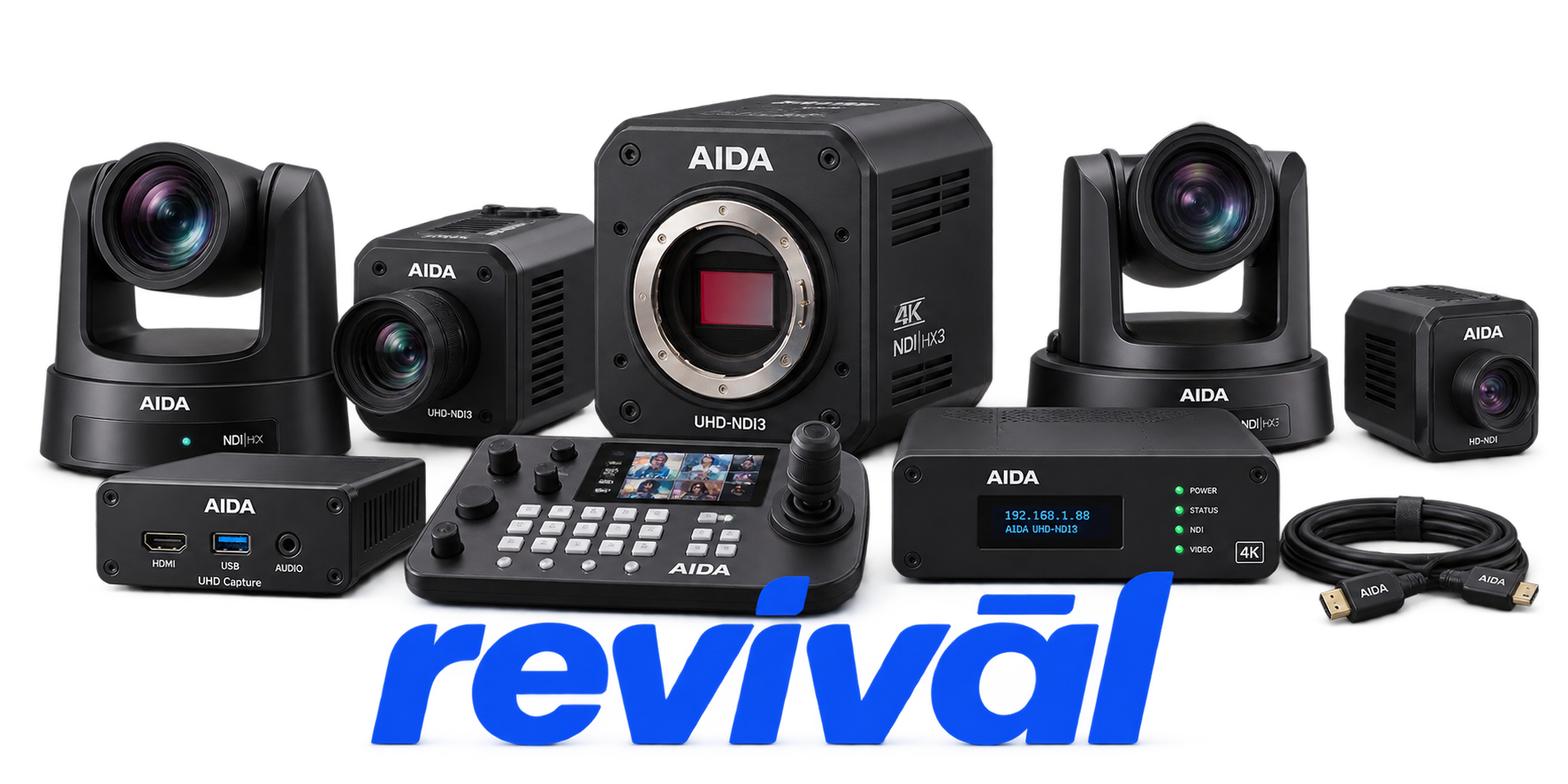
AIDA Imaging is a specialist professional-video OEM founded in 2016 that designs and manufactures compact camera and video-production hardware for broadcast, ProAV, live streaming, sports, worship, studio, and production applications. The company is particularly known for its compact POV cameras, PTZ cameras, NDI/IP cameras, HD and UHD/4K cameras, weather-resistant camera systems, zoom cameras, camera-control equipment, signal generators and related video converters. AIDA emphasizes relatively affordable, integration-friendly products that provide professional SDI, HDMI, IP/NDI and other broadcast connectivity without the pricing of many traditional broadcast-camera systems. Its roots trace back to earlier South Korean security-camera manufacturing, particularly compact SDI camera technology, before the AIDA brand shifted that expertise toward broadcast and professional AV applications.
Camera powers on but produces no usable HDMI, SDI, or other video output. A frequent cause is an output resolution or frame-rate mismatch with the connected monitor, switcher, or capture device.
IP and NDI camera models become unreachable through their web interface or control software. Incorrect subnet configuration, duplicate IP addresses, DHCP issues, or the default 192.168.1.188 address commonly cause connectivity loss.
The camera appears in NDI Studio Monitor or other NDI discovery software but produces a blank or missing video stream. Network addressing conflicts, subnet mismatches, bandwidth limitations, or incorrect NDI configuration are common causes.
Camera or controller fails to start or shows no signs of operation when power is applied. Incorrect, inadequate, or failed 12V/PoE power supplies and power-path faults are primary troubleshooting targets.
Device powers up but remains stuck during initialization or never reaches normal operating mode. Power cycling, firmware recovery, or service may be required when initialization repeatedly fails.
PTZ camera is visible or producing video but pan, tilt, zoom, presets, or other remote-control functions stop responding. Network configuration, VISCA/serial communication, loose connections, or mismatched camera/controller firmware commonly produce this symptom.
Video remains blurry or cannot be brought into proper focus despite otherwise normal camera operation. Incorrect lens focus, a loosened or improperly seated CS-mount lens, and lens/sensor alignment issues are common causes.
Camera develops missing controls, abnormal encoding behavior, white-balance problems, streaming issues, or other functions that do not operate as expected. AIDA publishes recurring firmware revisions specifically addressing bugs and feature behavior, while noting that downgrading may be appropriate if a newer release causes problems.
Camera fails to appear correctly on a computer or loses reliable video operation through a USB/capture workflow. Unsupported direct USB video, capture-device driver problems, operating-system compatibility changes, cable limitations, and USB distance constraints are common causes.
Connect with a technician.

Orders can typically be cancelled 24 hours prior to shipping
Get a real-time offer. Enter the make and model to begin.
Acme offers several ways to pay your service or repair balance.
Securely powered by 
This service is provided by Community Federal Savings Bank (“CFSB”), member FDIC, for which GoCardless Ltd acts as a third-party servicer.
Payable to ACME REVIVAL INC, write AIDA in memo line, and mail your check to: 191 University Blvd. Suite 340, Denver, CO 80206. Payment are collected every weekday excluding federal holidays.


