
Ableton

Repair, Service, and Parts

Ableton repair, service, and parts

Acme Revival is an independent repair network that operates separately from the manufacturers whose devices we service. Our independence enables a repair model that exists beyond manufacturer-controlled strategies, while preserving the ability to work with manufacturers where appropriate.

China
Manuf. Location
≈ US $81M
Annual Revenue (est)
Music Production
End Use Segment

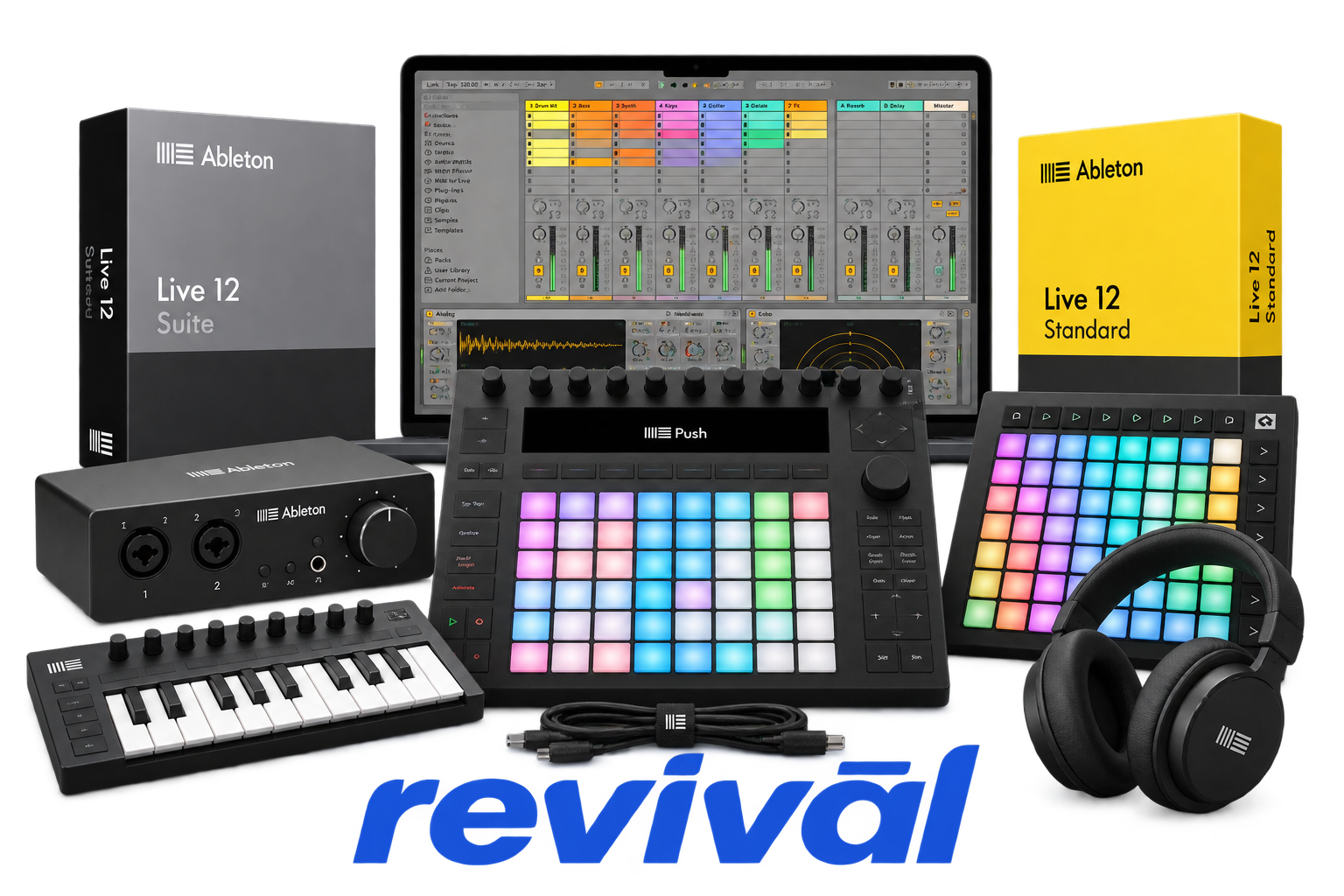
Ableton is a German music-technology manufacturer and software developer best known for Ableton Live, its digital audio workstation for music production and live performance. Its hardware lineup centers on Push, a pad-based production instrument/controller available in standalone and computer-connected configurations, and Move, a compact standalone music-making device. Ableton integrates its hardware closely with Live, along with products and services such as Note, Link, sound Packs, and music-learning platforms, creating an ecosystem aimed at electronic musicians, producers, performers, and composers. The company was founded in Berlin in 1999 and develops its current hardware internally, while production of at least the Push hardware line is based in China.

2 Most Seen Failures:

Display Failure / Blank or Flickering Screen

Push 2 units commonly develop blank, grey, flashing, frozen, or periodically resetting displays while other controls may continue operating. Causes reported include display electronics, internal connections, USB communication, power-management issues, and display-driver problems.


USB Connection / Device Not Recognized

Push and Push 2 frequently exhibit intermittent USB communication, failure to appear in the computer's device list, or remaining stuck on the Push logo. Worn connections, marginal cables, recessed USB connectors, inadequate USB power, or damaged USB-port circuitry can produce these symptoms.

Unresponsive or Inconsistent Pads

Individual pads or groups of pads may require excessive pressure, intermittently miss notes, produce inconsistent velocity/aftertouch, or stop responding entirely. Aging contact surfaces, contamination beneath the pad matrix, physical wear, and internal pad-sensor problems are common hardware-related causes.

Encoder Jitter / Random Parameter Changes

Rotary encoders can become unstable and produce jumping, drifting, or rapidly changing parameter values without corresponding knob movement. Worn encoder components or electrical instability can make precise adjustment difficult, particularly on heavily used Push and Push 2 units.

Touch Strip Malfunction / Ghost Input

The capacitive touch strip can become unresponsive or generate unintended pitch-bend or modulation values without being touched. Failures have been associated with the touch-strip assembly, PCB components, internal connections, and physical stress around the strip electronics.

Buttons Not Responding

Transport, navigation, mode, and other Push buttons can become intermittent or completely nonfunctional while surrounding controls continue working. Contamination, liquid exposure, worn conductive contacts, damaged switch assemblies, or PCB faults are typical causes.

Power-On / Power Supply Failure

Push hardware may fail to power on, restart unexpectedly, operate only from one power source, or behave erratically when USB power is insufficient. Faults can involve the external adapter, power connector, power switch, internal power circuitry, or inadequate USB-port output.

Push 3 Battery / Charging Failure

Push 3 Standalone units can show incorrect or unavailable battery status, fail to charge as expected, discharge while connected to insufficient USB power, or experience shortened runtime. Deep discharge, battery-management calibration issues, degraded battery assemblies, and inadequate USB-C Power Delivery can contribute.

Push 3 Standalone Boot Failure

Push 3 Standalone can become stuck during startup with flashing pads, remain on the boot screen, or repeatedly fail to load its operating system. Failed updates, corrupted system software, internal storage problems, or other standalone-computer faults can require recovery procedures or hardware service.

1 Acme Revival offers repair, service, and part rebuild opportunities for most Ableton devices.

Connect with a technician.

  1. 1 Repairs are performed on a best-effort basis. Acme Revival utilizes a network of sophisticated technicians and engineers with diverse service offerings; despite this, factors that influence the repair outcome may ultimately prove unsuccessful. Acme Revival makes no claim that it can, guarantee a repair before your device is sent in for diagnostic evaluation; even then, repair and diagnostic work are not mutually exclusive. Despite well-intentioned quoting, repairs may still prove unsuccessful.
  2. 2 Per information known, researched and collected by Acme Revival and its systems at time of page publishing (September 14, 2026).
  3. *Information regarding this manufacturer/brand/organization is estimated with information collected and known to Acme Revival. This information is intended to provide insights into the spotlight entity, however may not be accurate— information is strictly of estimate nature only.
  4. **The model list shown here may not be an all-inclusive list of the EcoFlow product range. Model list has been derived per information known, researched and collected by Acme Revival and its systems for the US market.

