
3Dconnexion

Repair, Service, and Parts

3Dconnexion repair, service, and parts

Acme Revival is an independent repair network that operates separately from the manufacturers whose devices we service. Our independence enables a repair model that exists beyond manufacturer-controlled strategies, while preserving the ability to work with manufacturers where appropriate.

Xiamen, Fujian, China
Manuf. Location
≈ US $15M
Annual Revenue (est)
CAD input devices
End Use Segment

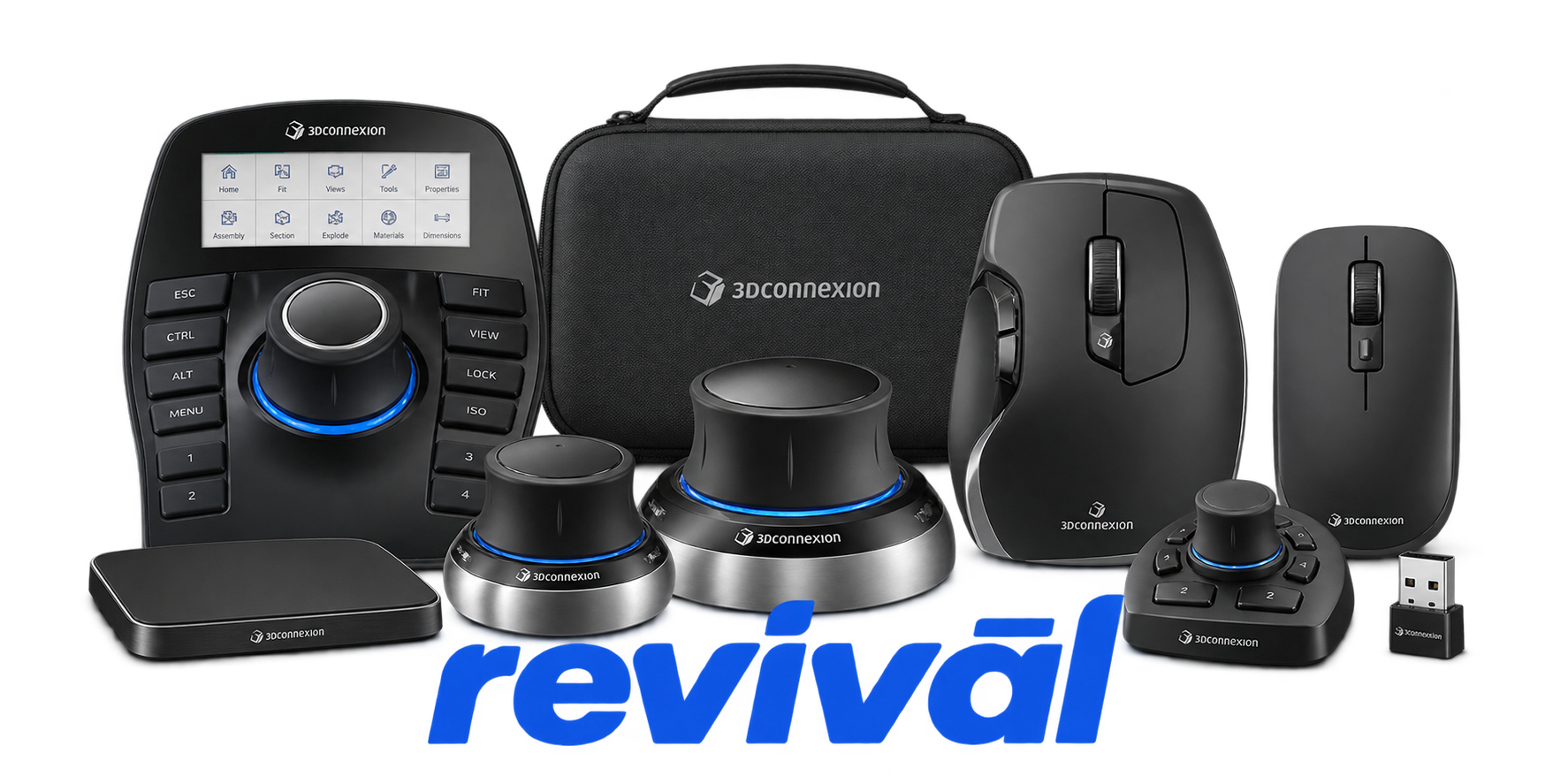
3Dconnexion is a specialized computer-peripheral manufacturer best known for its SpaceMouse line of 3D navigation controllers, designed for engineers, industrial designers, architects, animators, and other professionals working in CAD and 3D applications. Its product portfolio also includes CadMouse precision mice, professional keyboards, numpads, and bundled workstation kits, supported by software that integrates the hardware with major CAD and 3D-design platforms. The company differentiates itself through ergonomic design, high-precision input and its proprietary six-degrees-of-freedom navigation technology, allowing users to simultaneously pan, zoom, and rotate digital models while using a conventional mouse for selection and editing. 3Dconnexion says its products are primarily aimed at engineering/manufacturing, architecture/construction, media/entertainment, and professional 3D-creation workflows.

2 Most Seen Failures:

SpaceMouse Axis Drift

SpaceMouse models may begin registering movement while the control cap is untouched, causing continuous panning, rotation, or zooming. The problem can result from calibration/sensor instability and has been reported across SpaceMouse Enterprise, Pro, Wireless, and older SpaceNavigator models.


CadMouse Double-Clicking

CadMouse primary or middle buttons may register two clicks from a single press, intermittently miss clicks, or require excessive pressure. Repeated reports point to degradation or failure of the internal microswitches, particularly on older CadMouse generations.

CadMouse Scroll Encoder Failure

The scroll wheel may jump, reverse direction, skip increments, or scroll erratically as the internal encoder wears or becomes contaminated. Users report that cleaning often provides only temporary improvement and encoder replacement may ultimately be required.

Wireless Connection Dropouts

SpaceMouse Wireless, SpaceMouse Pro Wireless, and wireless CadMouse models can intermittently disconnect, stutter, lag, or stop responding through the Universal Receiver or Bluetooth. Connection reliability may deteriorate with interference, receiver positioning, USB-port conditions, or wireless hardware problems.

Battery or Charging Failure

Wireless SpaceMouse models may stop charging, remain at a very low indicated battery level, operate only while connected by USB, or become completely unresponsive when unplugged. Aging lithium batteries, charging circuitry, firmware, or USB connection faults are common suspected causes.

SpaceMouse Button Failure

Physical buttons can become stuck, difficult to actuate, intermittently responsive, or completely nonfunctional. Failures have been reported on both basic SpaceMouse buttons and the larger programmable key arrays used on SpaceMouse Pro and Enterprise models.

SpaceMouse Sensor Runaway

The six-axis controller can develop severe uncontrolled rotation, zooming, or movement in one or multiple axes rather than ordinary low-level drift. Sensor instability, calibration problems, or unstable USB power can make the device continuously output extreme movement commands.

Enterprise Display Failure

SpaceMouse Enterprise and older display-equipped models can develop blank, frozen, scrambled, partially rendered, or permanently logo-locked LCD screens. Some cases are driver-related, while persistent corruption across systems can indicate a display or internal hardware fault.

CadMouse Tracking Failure

CadMouse models can develop a jumping, jerky, reversed, or intermittently unresponsive cursor even though buttons remain functional. Problems may originate from the optical sensor path, wireless connection, sensor contamination, or internal tracking hardware.

1 Acme Revival offers repair, service, and part rebuild opportunities for most 3Dconnexion devices.

Connect with a technician.

  1. 1 Repairs are performed on a best-effort basis. Acme Revival utilizes a network of sophisticated technicians and engineers with diverse service offerings; despite this, factors that influence the repair outcome may ultimately prove unsuccessful. Acme Revival makes no claim that it can, guarantee a repair before your device is sent in for diagnostic evaluation; even then, repair and diagnostic work are not mutually exclusive. Despite well-intentioned quoting, repairs may still prove unsuccessful.
  2. 2 Per information known, researched and collected by Acme Revival and its systems at time of page publishing (September 14, 2026).
  3. *Information regarding this manufacturer/brand/organization is estimated with information collected and known to Acme Revival. This information is intended to provide insights into the spotlight entity, however may not be accurate— information is strictly of estimate nature only.
  4. **The model list shown here may not be an all-inclusive list of the EcoFlow product range. Model list has been derived per information known, researched and collected by Acme Revival and its systems for the US market.

